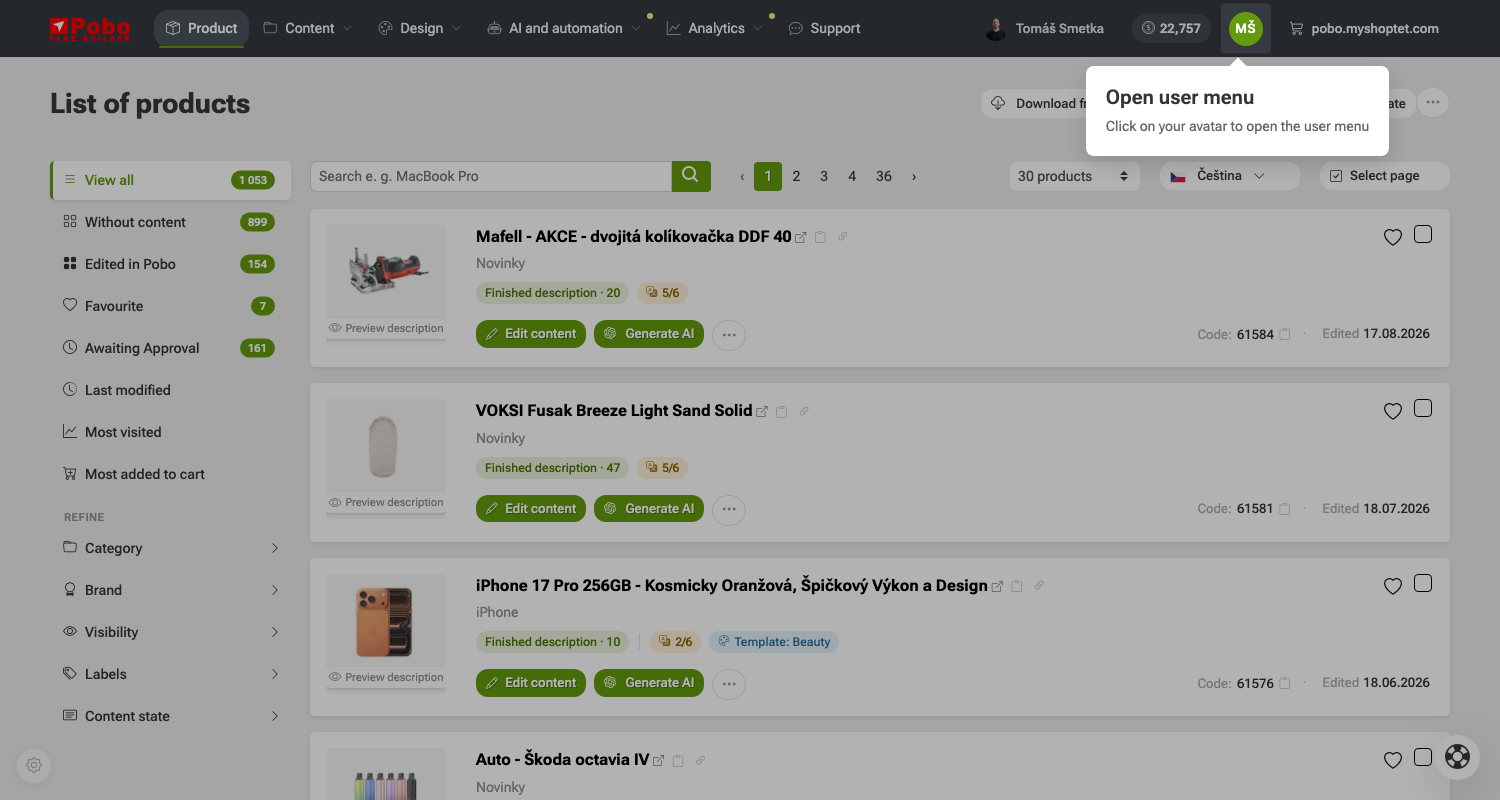
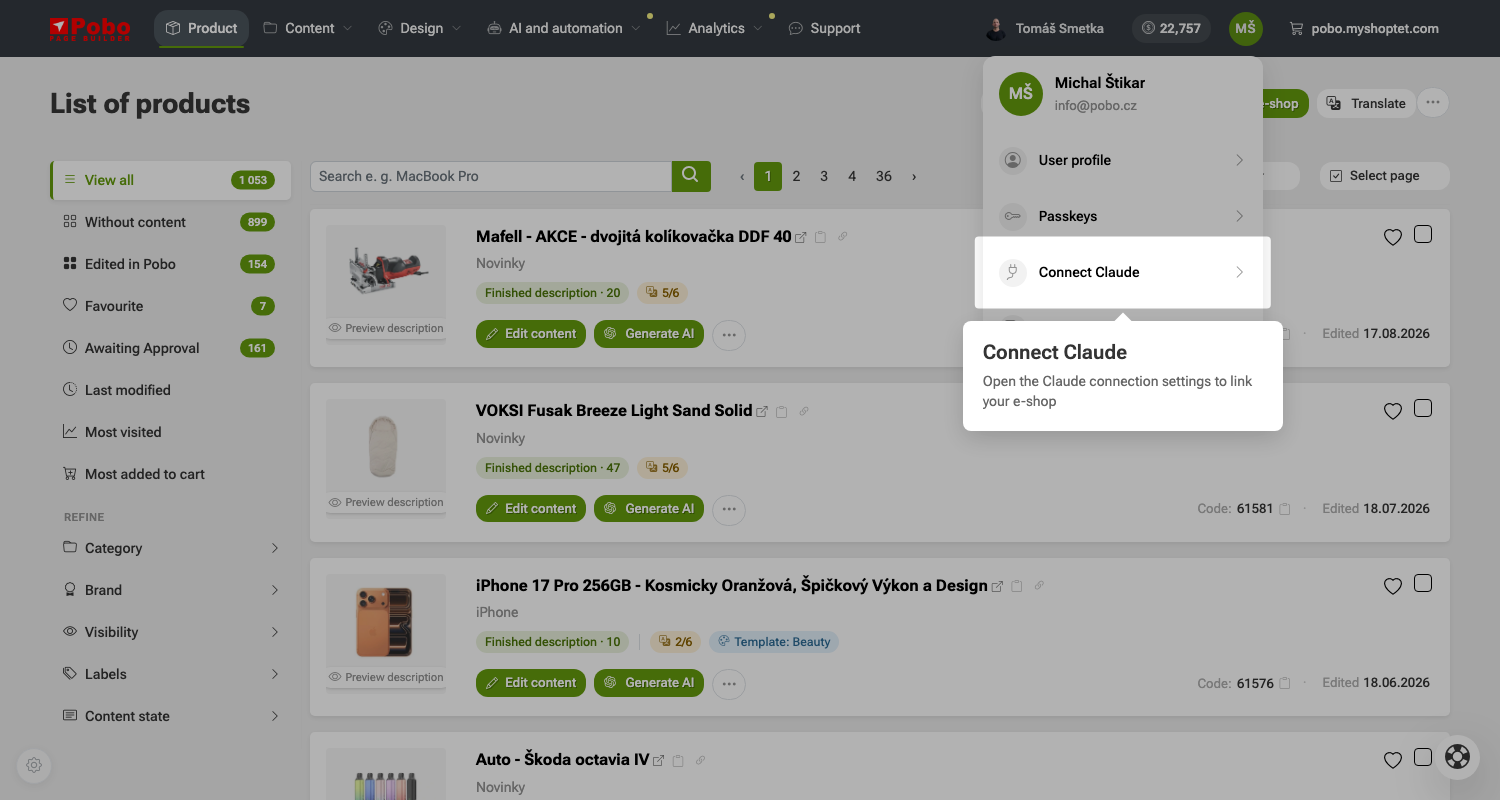
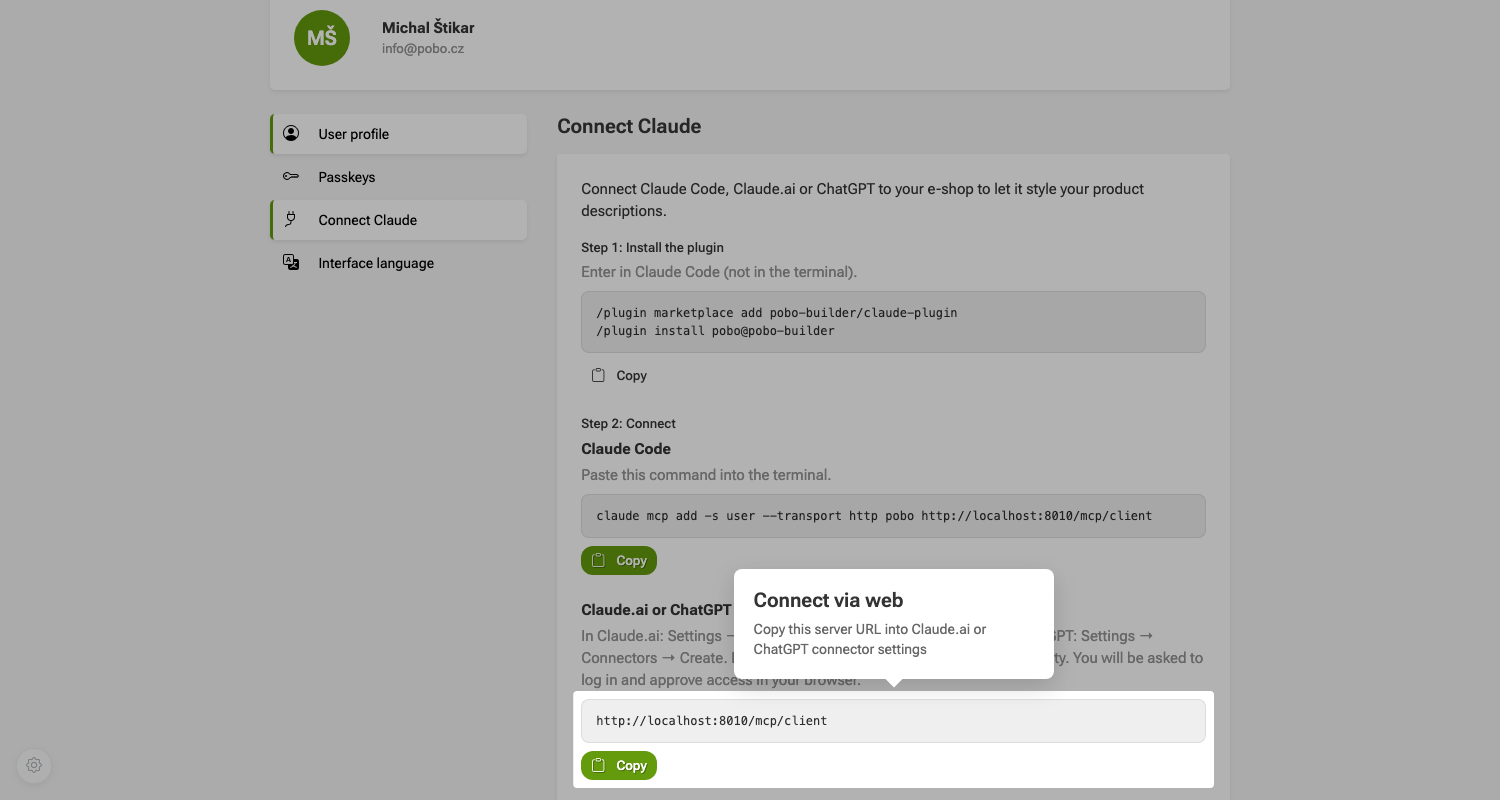
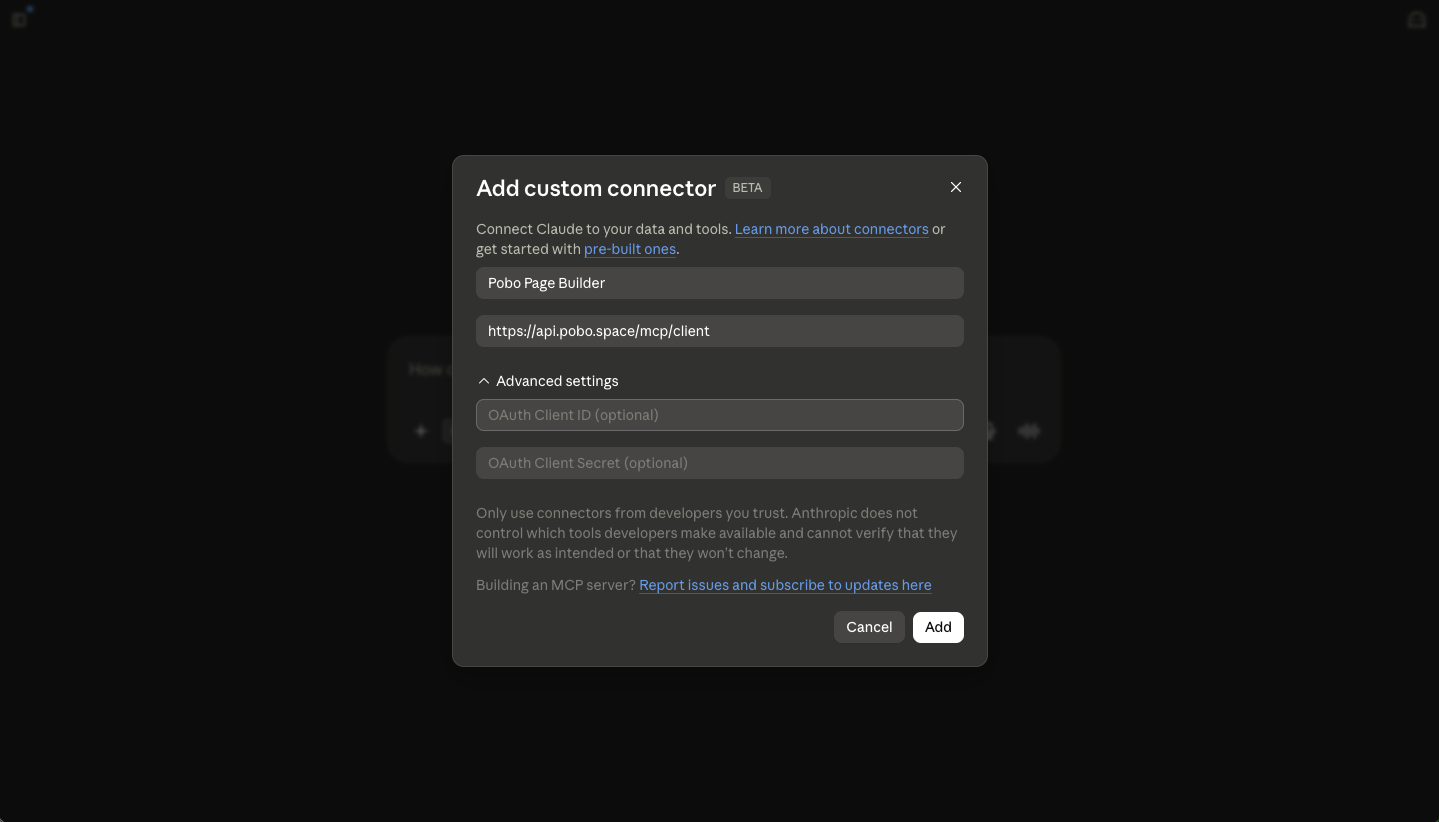
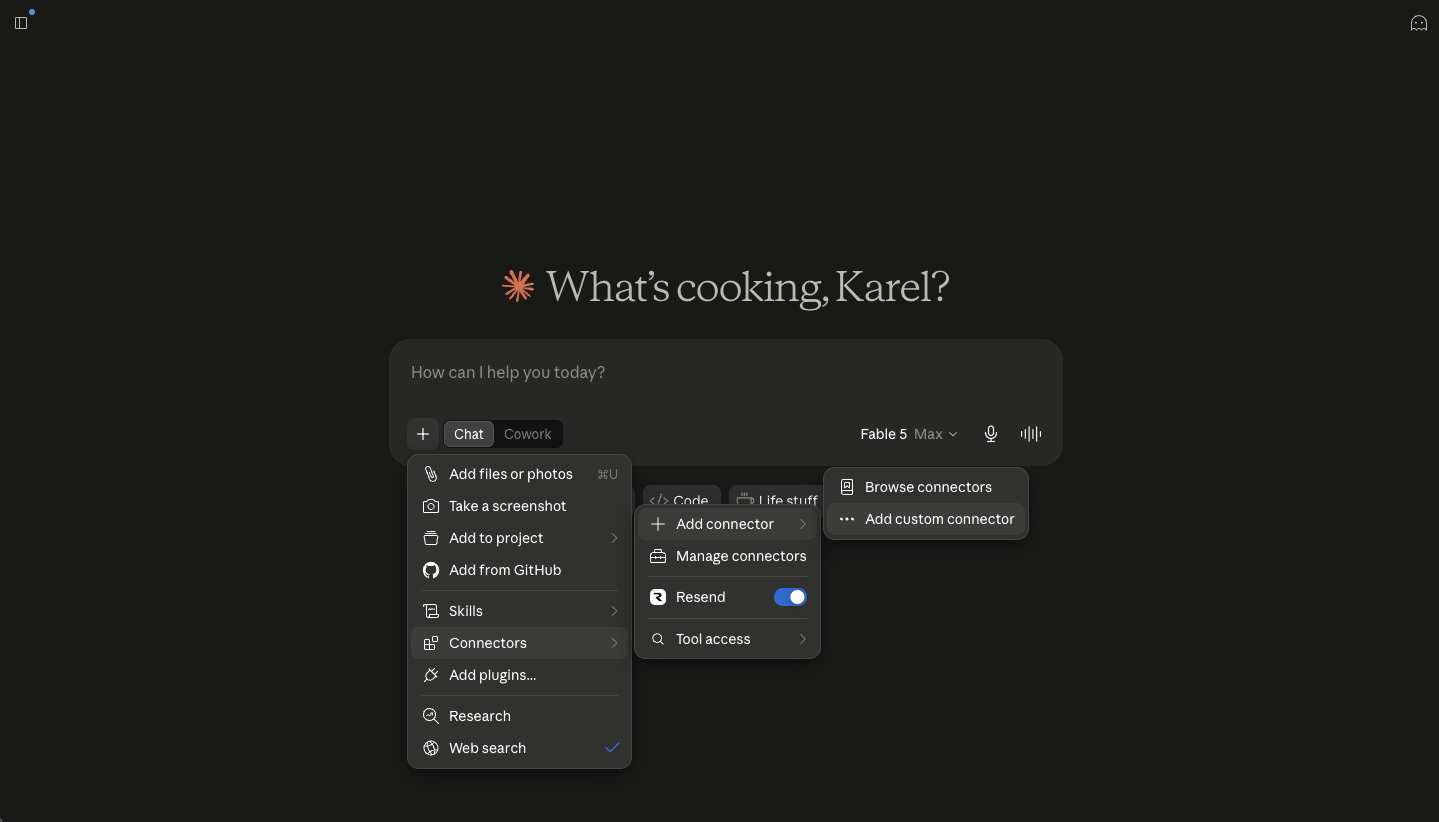
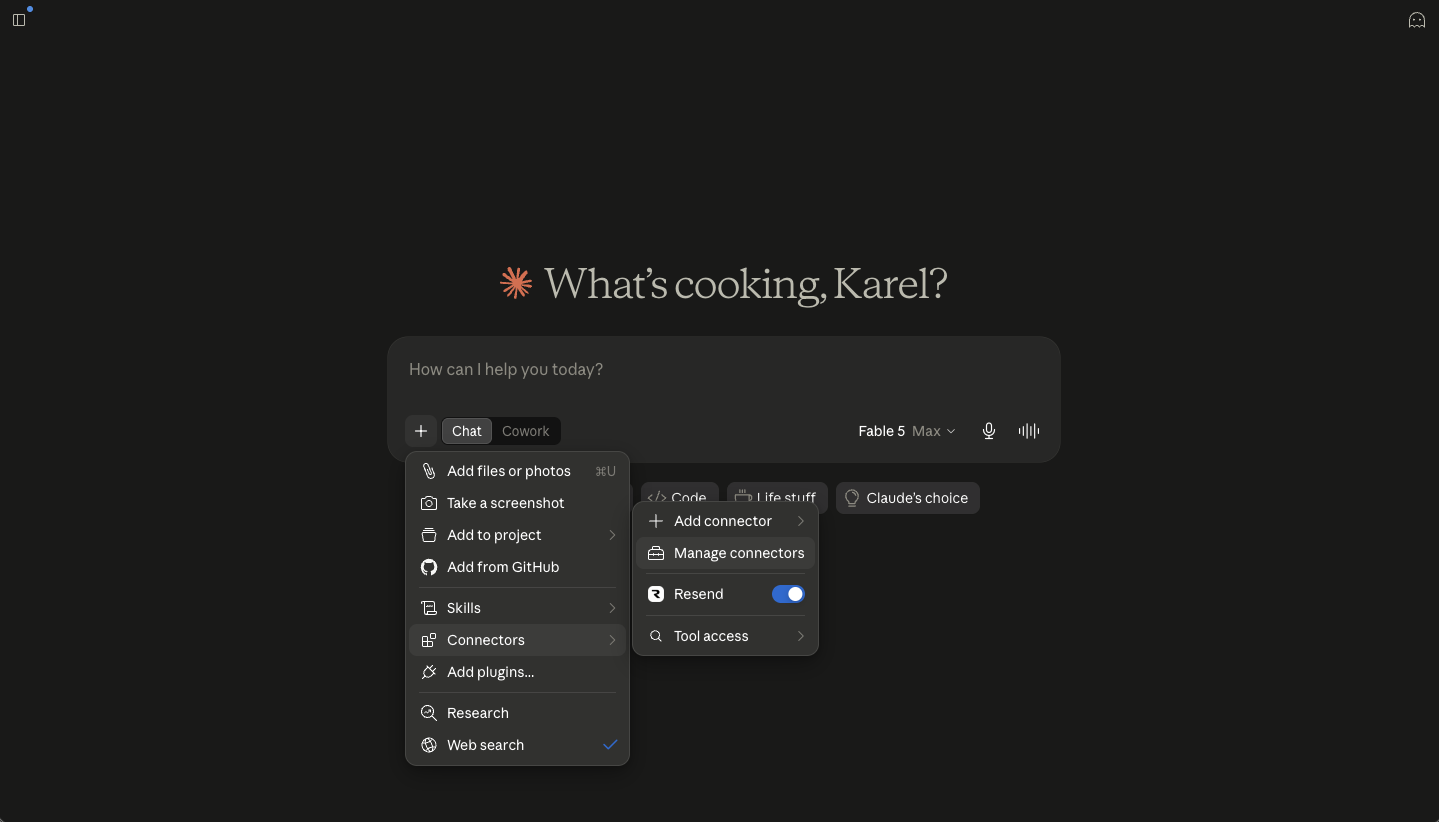
You write in plain language, just like in a normal conversation. MCP passes the request to Pobo and the AI shows you the result.

Editing descriptions
AI rewrites, completes or rearranges the descriptions of products, categories and articles, separately for each language. It also finds products where an outdated detail stayed in the text.
Find products where the description still mentions the old shipping price and fix it.

Check and publish
Before sending, AI checks the descriptions for empty blocks, missing images, unsupported claims and typos. Only what passes goes to the e-shop, and only when you ask for it.
Check the descriptions of the new phones and send them to the e-shop.
Description check across the catalogue
Checks every description of the e-shop against your rules, the ready legislative sets or the product parameters, and returns each finding with a quote and a suggested fix. You see the price before it starts.
Check all product descriptions for health claims and contradictions with the parameters.

Images, icons and video
Adds photos from the stock library, your own media or AI, draws icons for benefits and parameters and turns a product photo into a short video.
Draw icons for the benefits of this product.

Product analytics
Shows how a product sells before and after the Pobo description went live, and which parts of the description customers actually read.
Which sections of this product's description does nobody read?
A/B tests of descriptions
AI prepares a new version of a description and tests it against the current one on add-to-cart. The new version goes live only when it wins clearly.
Prepare an A/B test with a shorter description for my most visited phone.

Visibility in AI assistants
Shows whether ChatGPT and other AI assistants mention your e-shop when people ask about your products, and what the description is missing for that.
Which products did ChatGPT not mention, and what should I add to them?

Nightly automation
Every night it generates descriptions for products that still have none. Beforehand it shows how many products it will process and how many credits it will cost.
Every night, generate descriptions for products without one in the Shoes category.

Descriptions by Pobo's agent
Hand the writing over to Pobo's agent: it researches the product on the web, writes an FAQ and parameters with icons and checks the facts. It quotes the price first and leaves drafts for you to approve.
Have the agent write descriptions for the 20 most visited products that have none.

Listing products
On an e-shop with its catalogue in Pobo, AI creates up to 50 products at once with parameters, photos, categories and variants with code and EAN, and builds the category tree. On Shoptet and Upgates with the SaaS plan it creates them directly in the e-shop, always hidden.
Create these 30 products from the supplier table and put them in the Work phones category.

Prices, stock and product changes
AI changes prices, sales and stock of variants by their code and reads your price lists. It also adjusts visibility, categories, photos and parameters of existing products and adds new variants. For e-shops with their catalogue in Pobo.
Put all variants from this list on a 15% sale until Sunday.

Product labels
Create a label and assign or remove it in bulk for hundreds of products. Products can be given by EAN, code, name or URL.
Add the New label to all products from this list of EAN codes.

Your own AI prompts
Create and edit prompts for generating descriptions and test them on real products for free before saving.
Edit my prompt so the descriptions use shorter sentences.



 Book a call