Book a call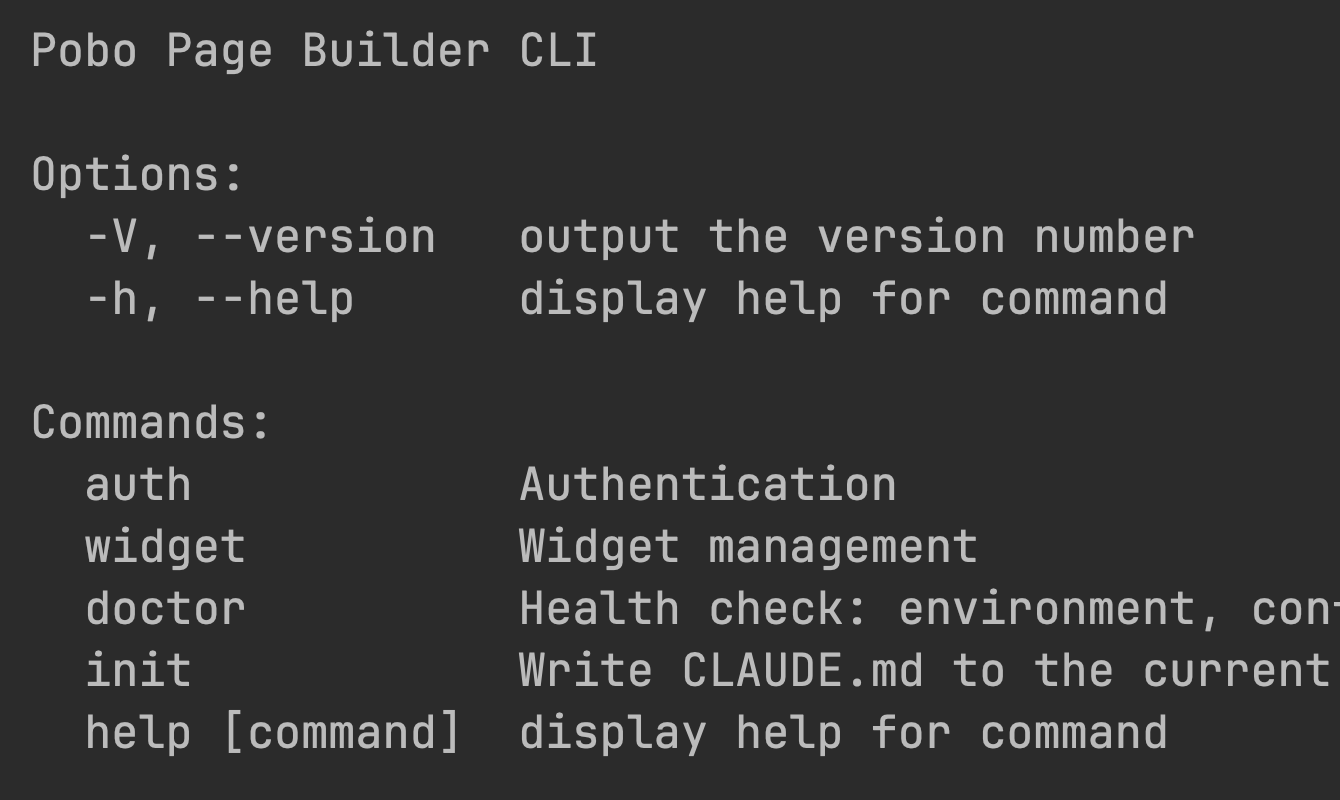
Created for developers
Uploading HTML widgets using CLI and AI
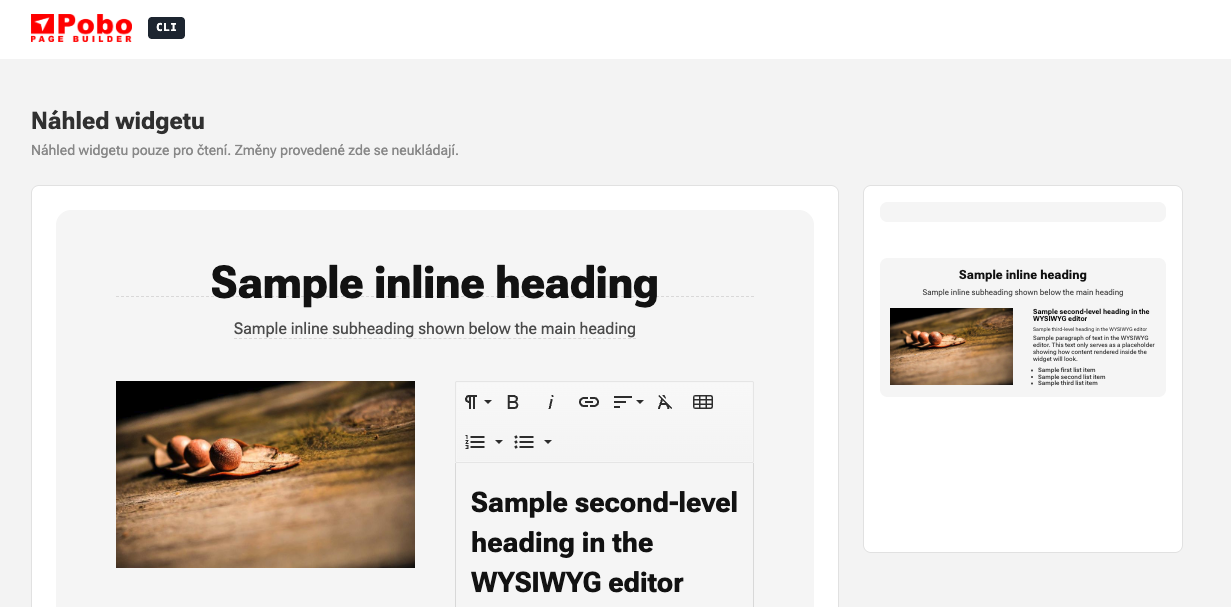
Easily upload HTML widgets to Pobo Page Builder using the terminal and CLI. Artificial intelligence converts an image to HTML and allows your clients to edit texts, images, videos, or icons in the drag and drop editor of Pobo Page Builder.
Simple environment
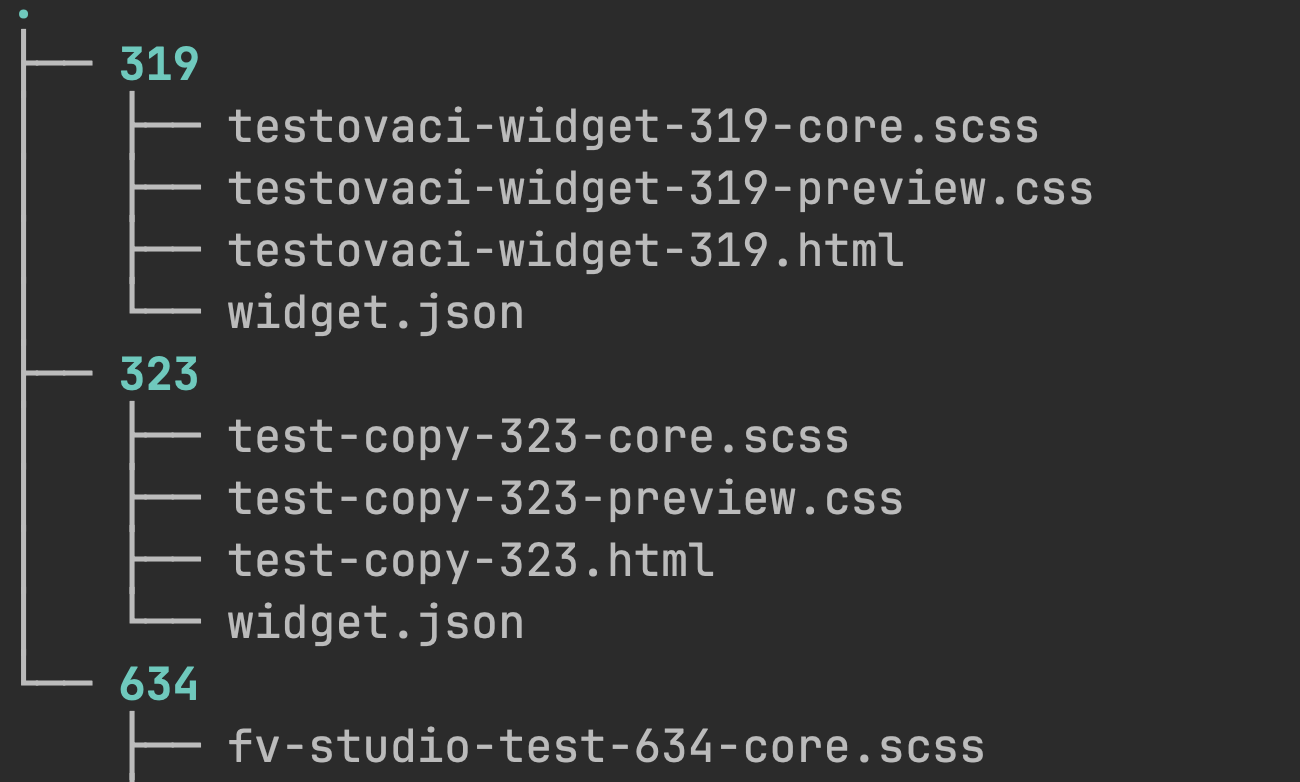
Manage widgets from one place for your e-shops
Code-made widgets can be easily added to your e-shops with one click. Thanks to this, you do not have to copy widgets or recode them, saving time and effort.
Real-time widget editing via proxy
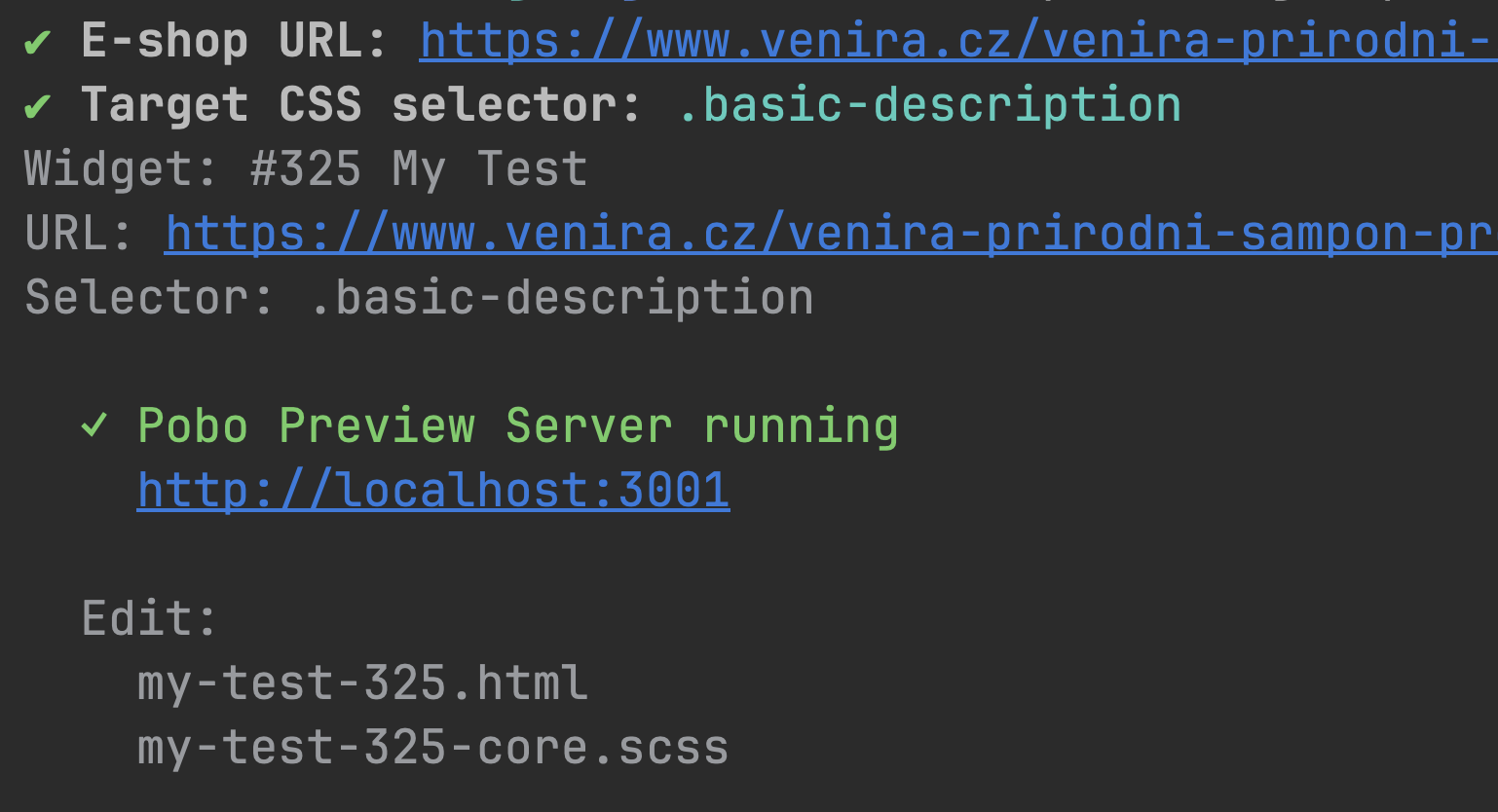
Edit the appearance and structure directly on the e-shop
CLI allows you to use a proxy tool to display the widget directly on a specific product and edit its structure or appearance live. You will see your widget immediately on the e-shop and changes will be reflected in real time.
Flat HTML and SCSS (CSS) structure
Code that is friendly and does not affect the rest of the e-shop
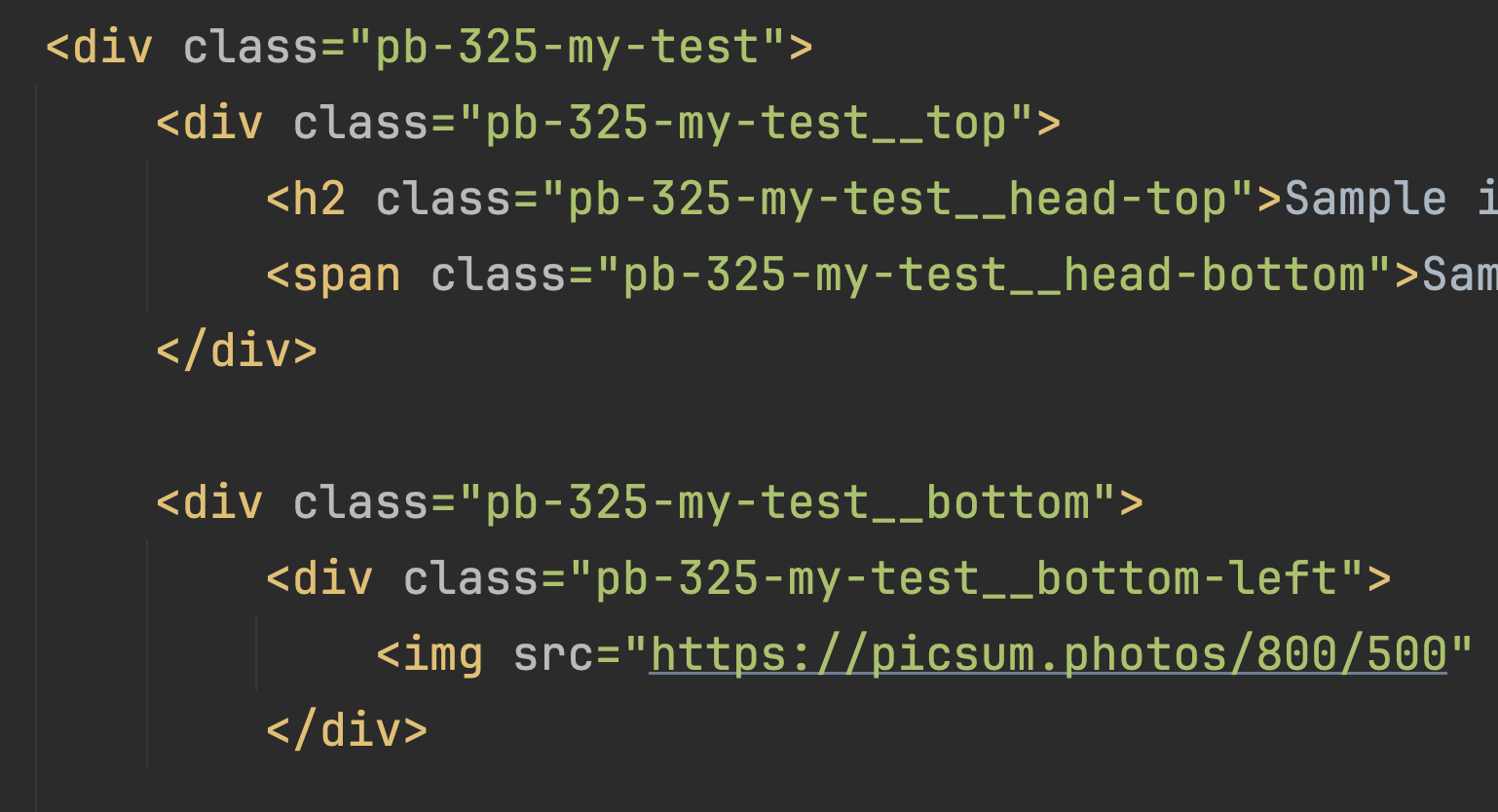
The widget structure is designed not to negatively affect the rest of the e-shop or other widgets in Pobo Page Builder. The so-called BEM methodology ensures a low level of styling and thus prevents conflicts.
Graphic to HTML conversion using AI
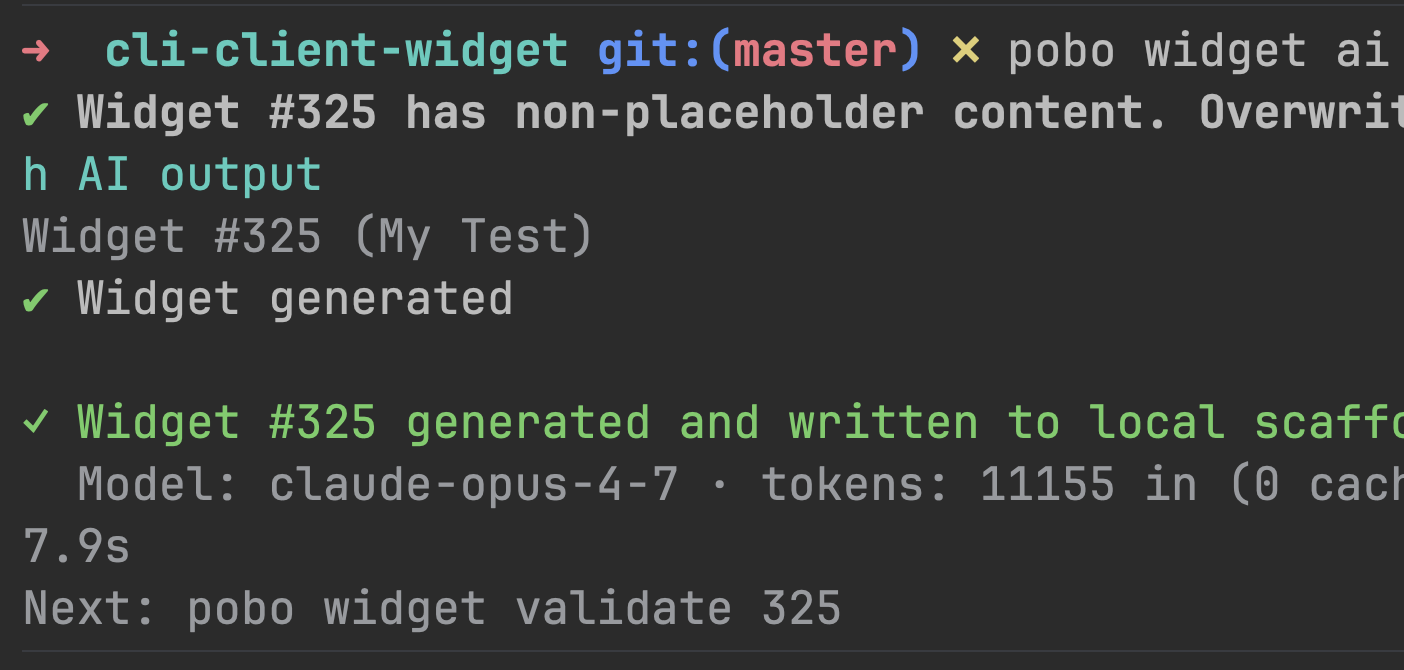
Convert an image to HTML using the command Claude AI
Most of the tedious work is handled by Claude AI, and you just have to fine-tune the details. Thanks to automatic conversion, you save your time, which you can dedicate to more important things.