How to Choose or Disable a Template
Quick navigation

Thinking about Pobo? Let us show it to you.
Book a short 30-minute call where we'll show you how Pobo works, what it's good for, and how it can save you a lot of time and money.
Book a call
We build every feature so that it saves you time.
Vojta Vaněk, AI engineer
We believe that every e-shop deserves a premium look. Our tools will help you create it effortlessly.
Sára Pietak, UX designérka
Connect Pobo to your favorite e-shop platform and start creating right away.
Tomáš Smetka, Co-Founder
We don't just build a tool, we build relationships. Write to us and see for yourself.
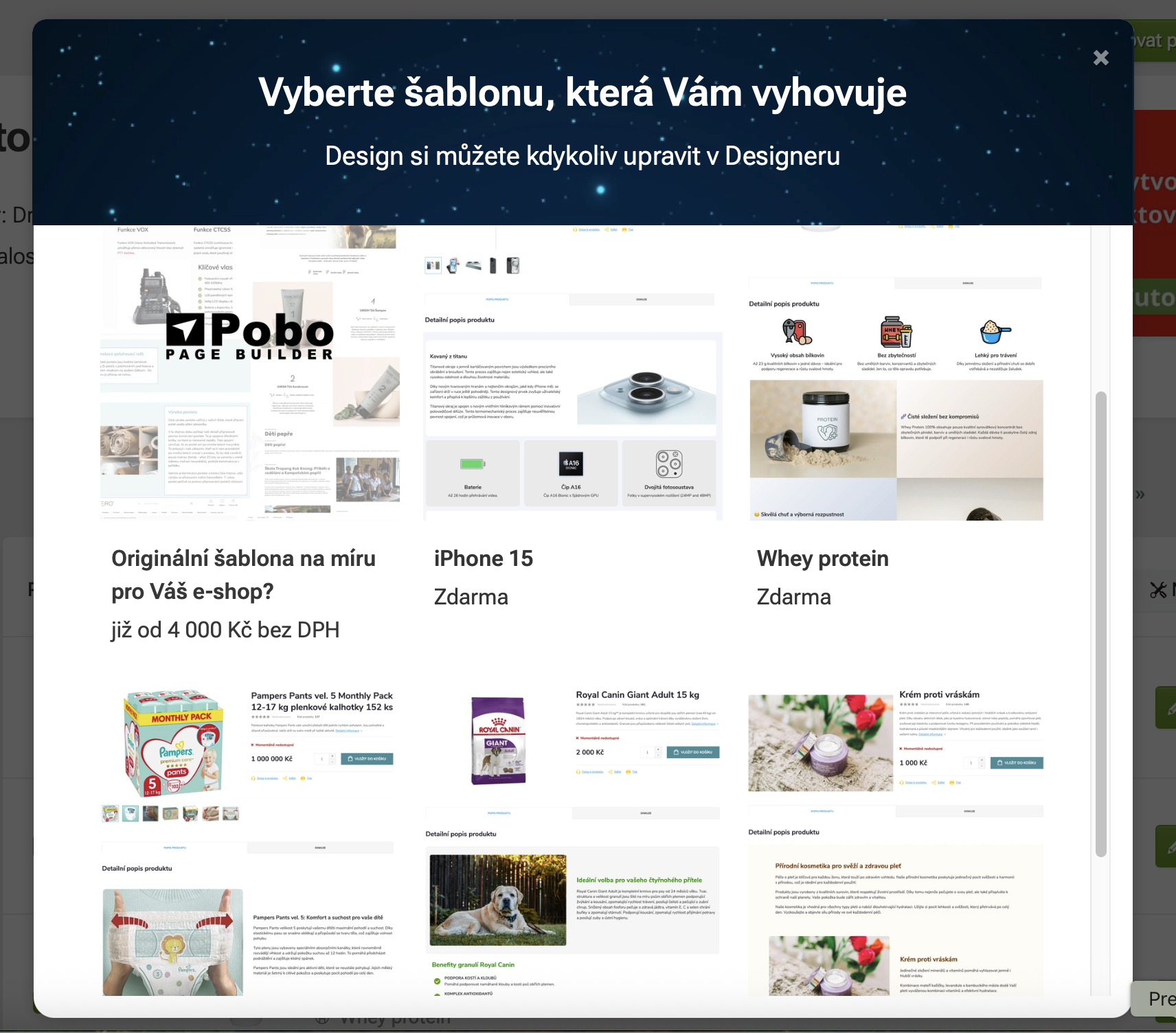
Michal Štikar, Co-FounderStart simply with creating product descriptions. The new generation of Pobo templates will put together your entire label and set up a ready-made design in one click. You don't have to fold widgets into the label and invent graphic modifications. You save time and simply get captions that sell better.
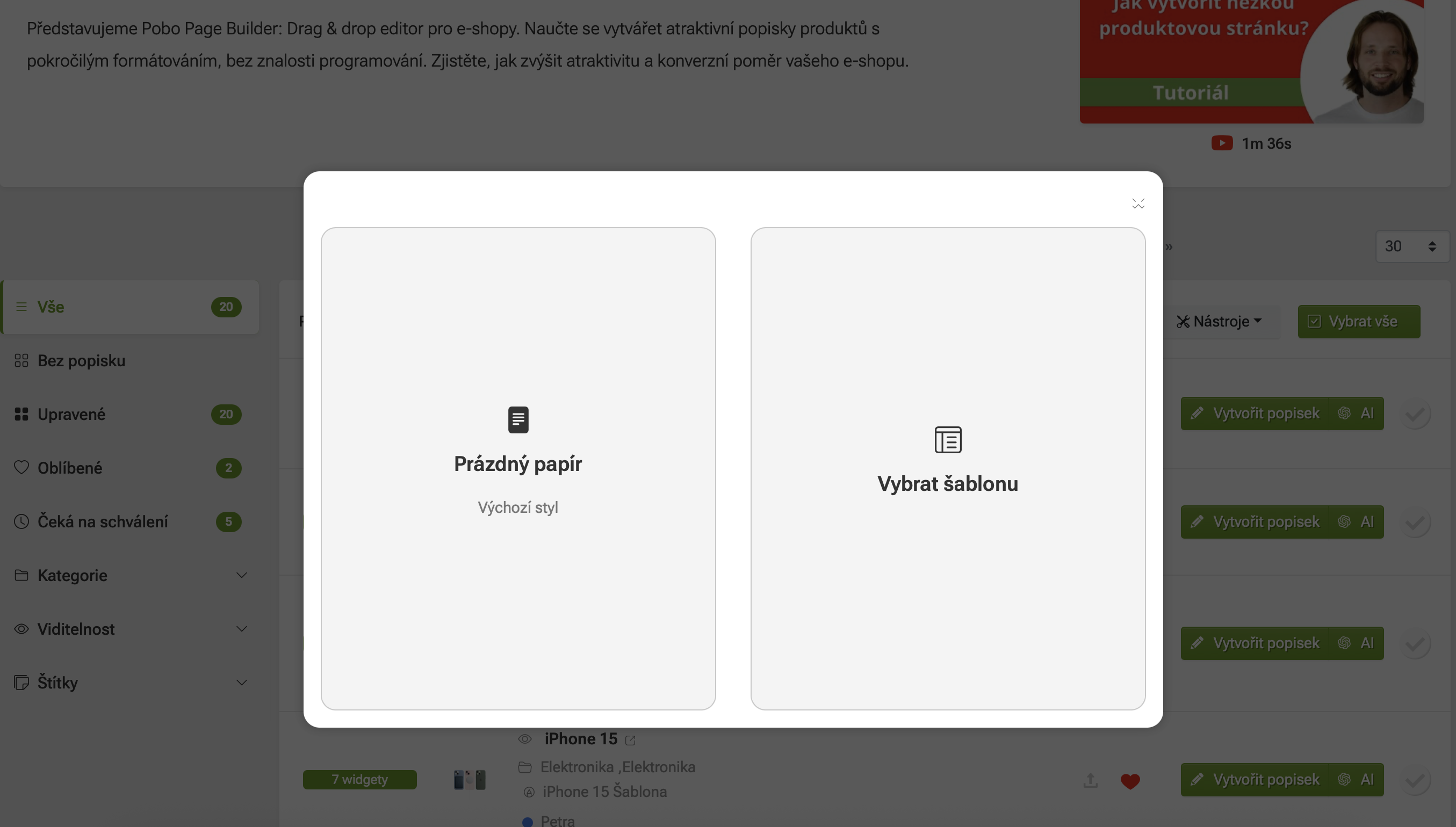
The option to select a template will be shown when you select Create labeland you currently have no widget in the Pobo Page Builder label. This is because the template already contains the selected widgets and will assemble them into the caption.
After selecting a specific template, the label is put together and you only change the text and photos. The sample segments are indicative and the templates can be used for any products.
When you select a template, its CSS style is linked to the product. So it is not enough to delete and reinsert the widgets afterwards (the settings remain in the background).
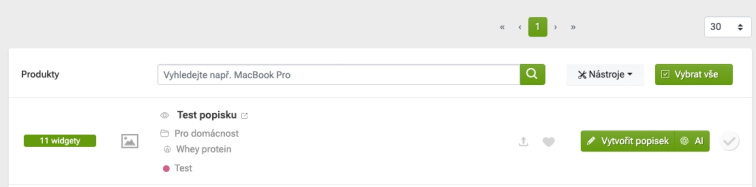
If you have a template activated, the name of the template is displayed for the specific product directly in the product list.
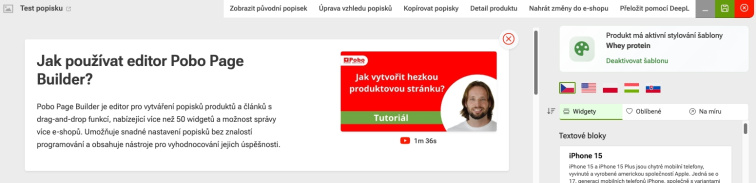
If the selected template does not suit you, you need to deactivate it directly on the label detail.
For products with an activated template, you have the option Deactivate template on the right above the widget selection section.
This removes the entire assigned CSS style and you start with a "clean" Pob.

I am very satisfied with Pobo Page Builder. We use it mainly for editing product pages and our blog.

Book a short 30-minute call where we'll show you how Pobo works, what it's good for, and how it can save you a lot of time and money.
Book a call