


 Book a call
How to Create and Edit Images with AI
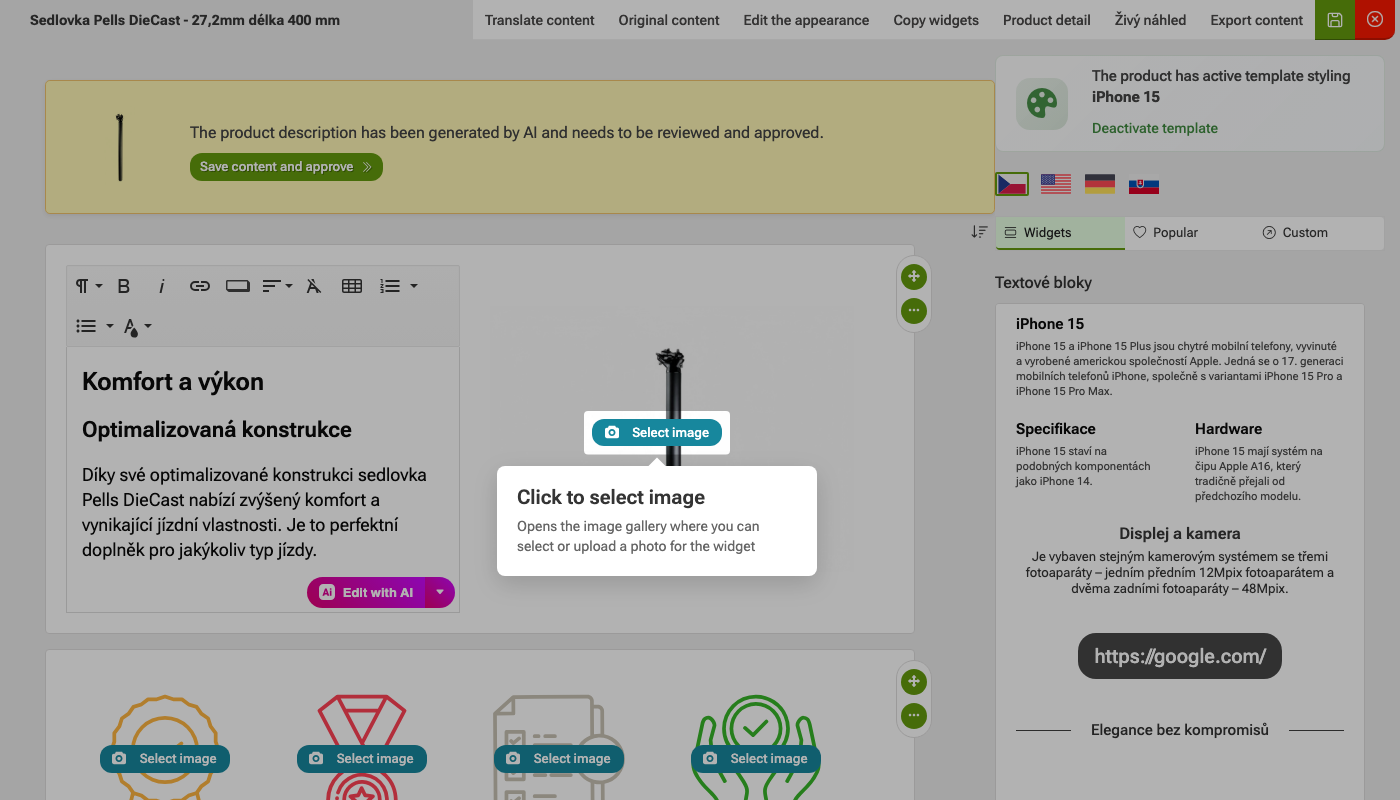
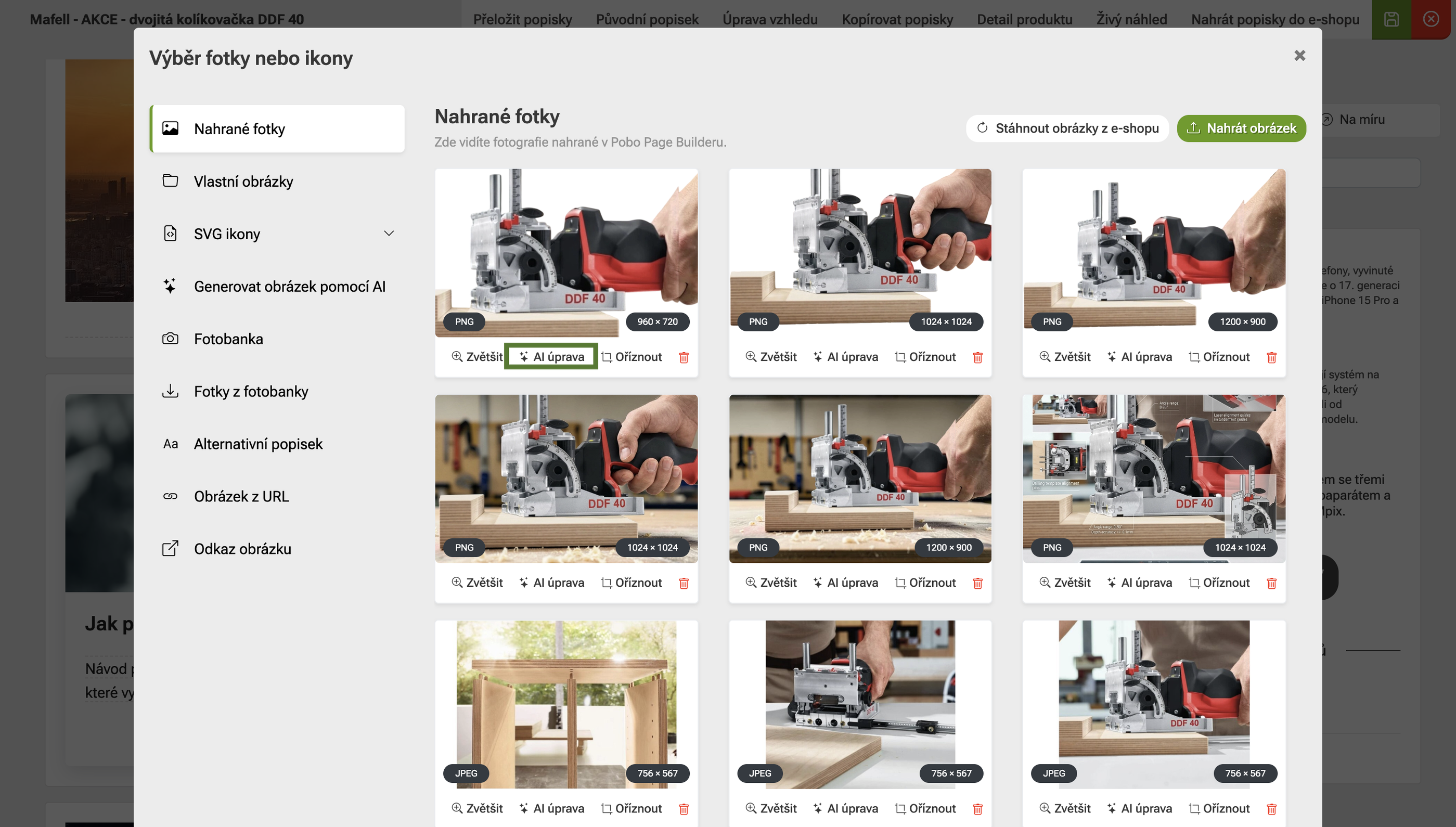 Click the AI edit button
 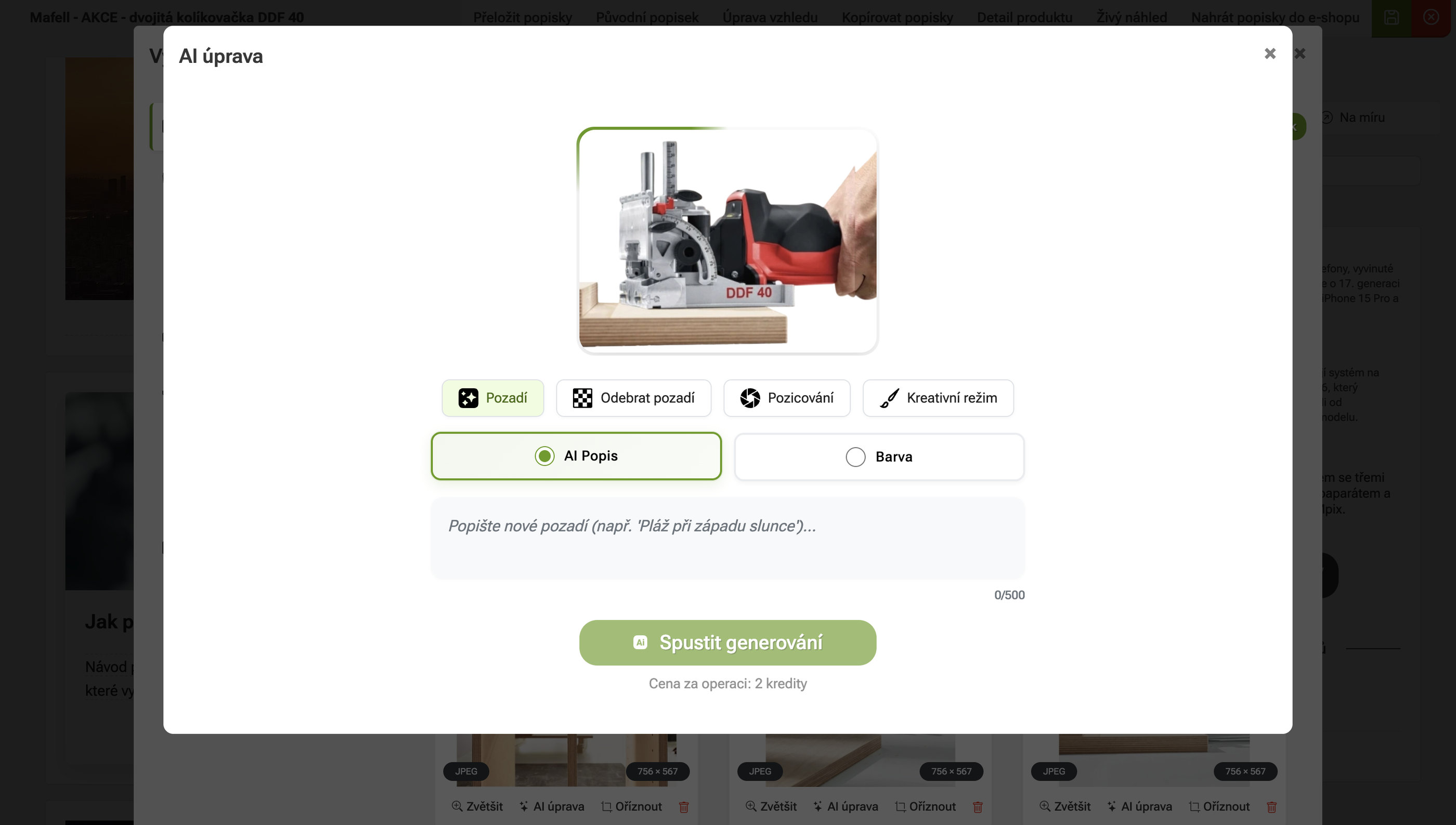 Select the type of adjustment
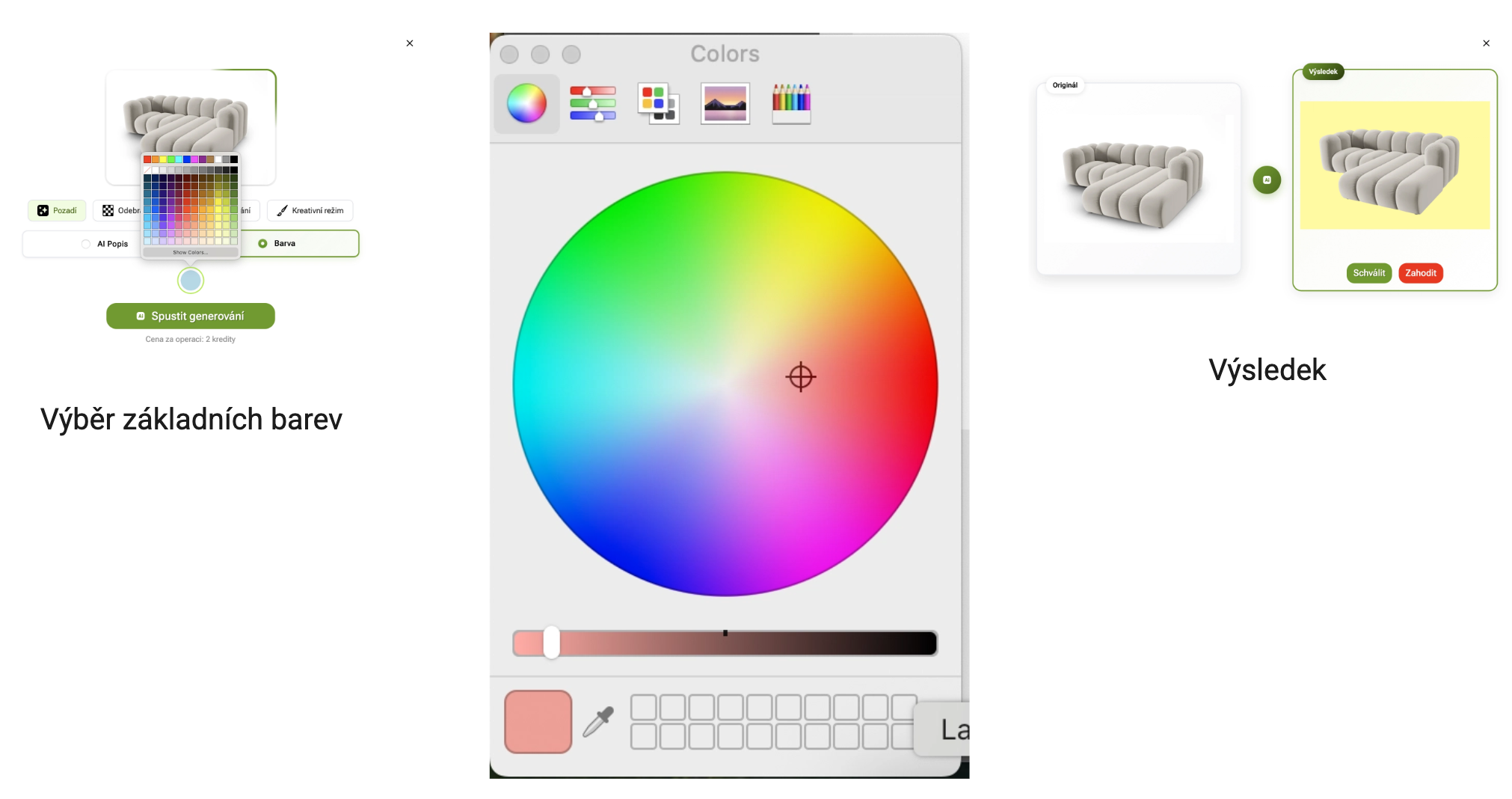
 Colored backgrounds are useful when you want to unify the look of your product photos or create a clean visual without distracting elements.
Procedure:
- Select a product photo.
- Open AI edits.
- Under Background, select Color.
- Select a shade from the palette.
- Under the Show Colors button, you can adjust the color even more precisely.
- Start the generation.
- Review and save the result.
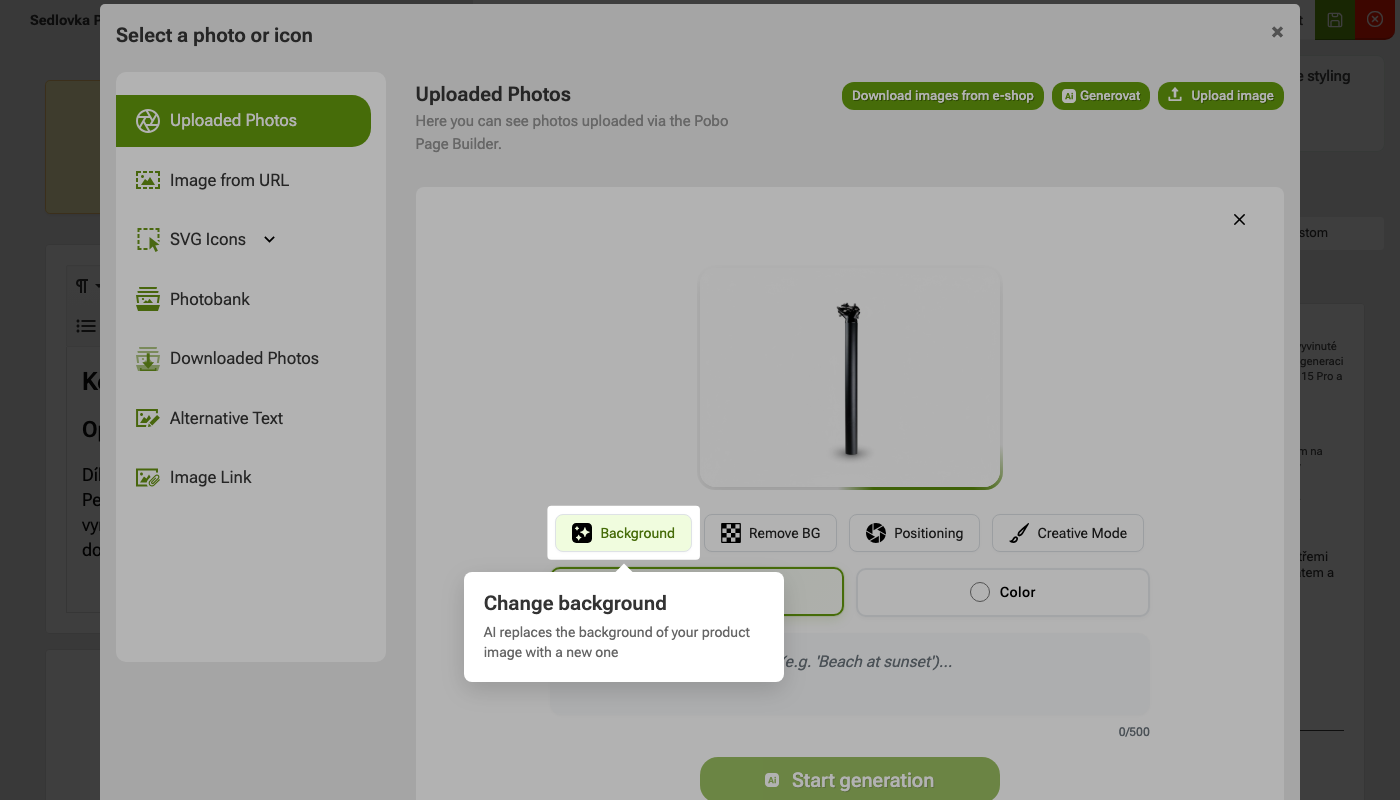 Step 1: Change the background
 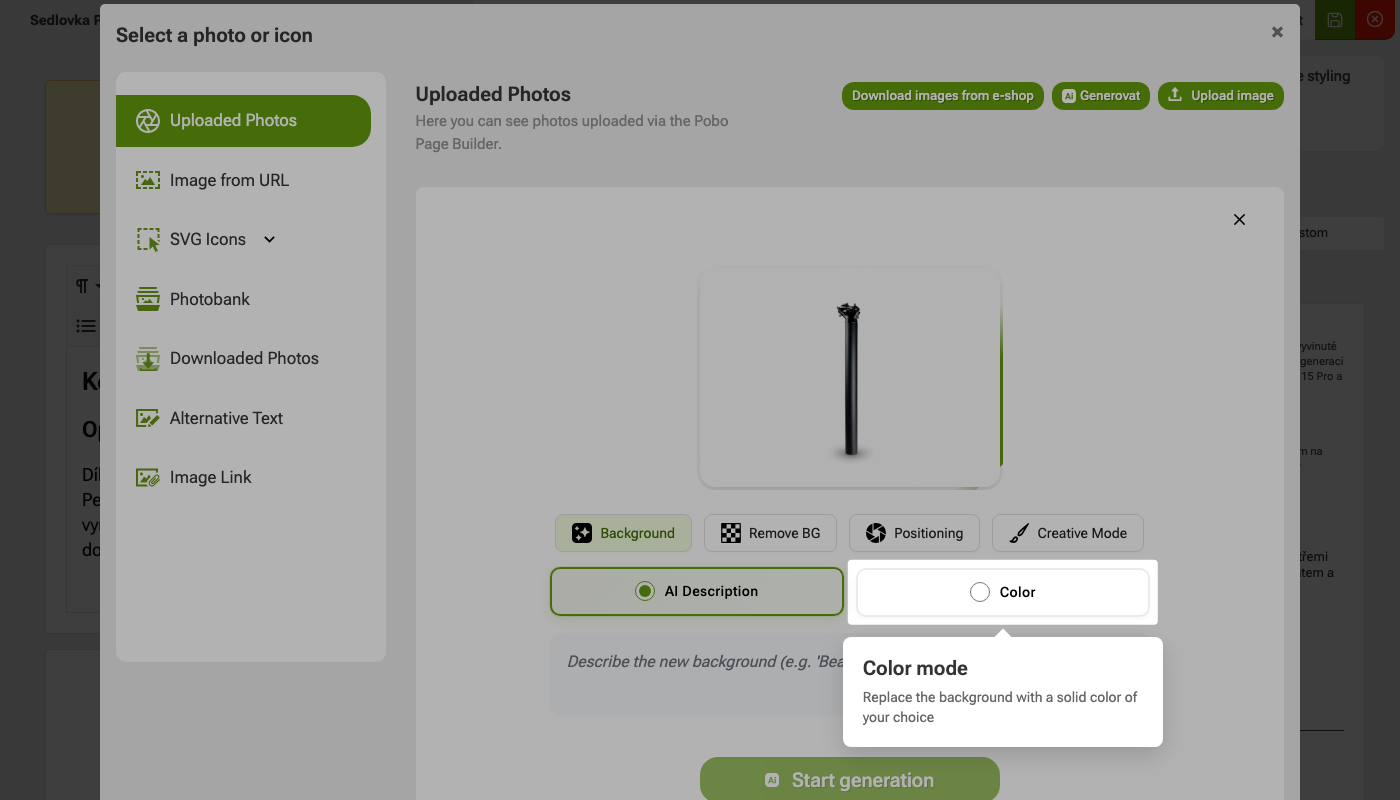 Step 2: Color Mode
 If you don't just want a colorful background, you can describe a specific environment to the AI. For example, you can place the product in a kitchen, bathroom, work desk, interior, nature, or seasonal scene.
Write as specifically as possible in the assignment:
- where the product should be placed,
- what atmosphere the photo should have,
- what colors or materials the background should contain,
- whether the result should be realistic, clean, minimalist, or premium.
Example: Place the product in a living room that is decorated in beige-brown colors.
 Step 1: Change the background
 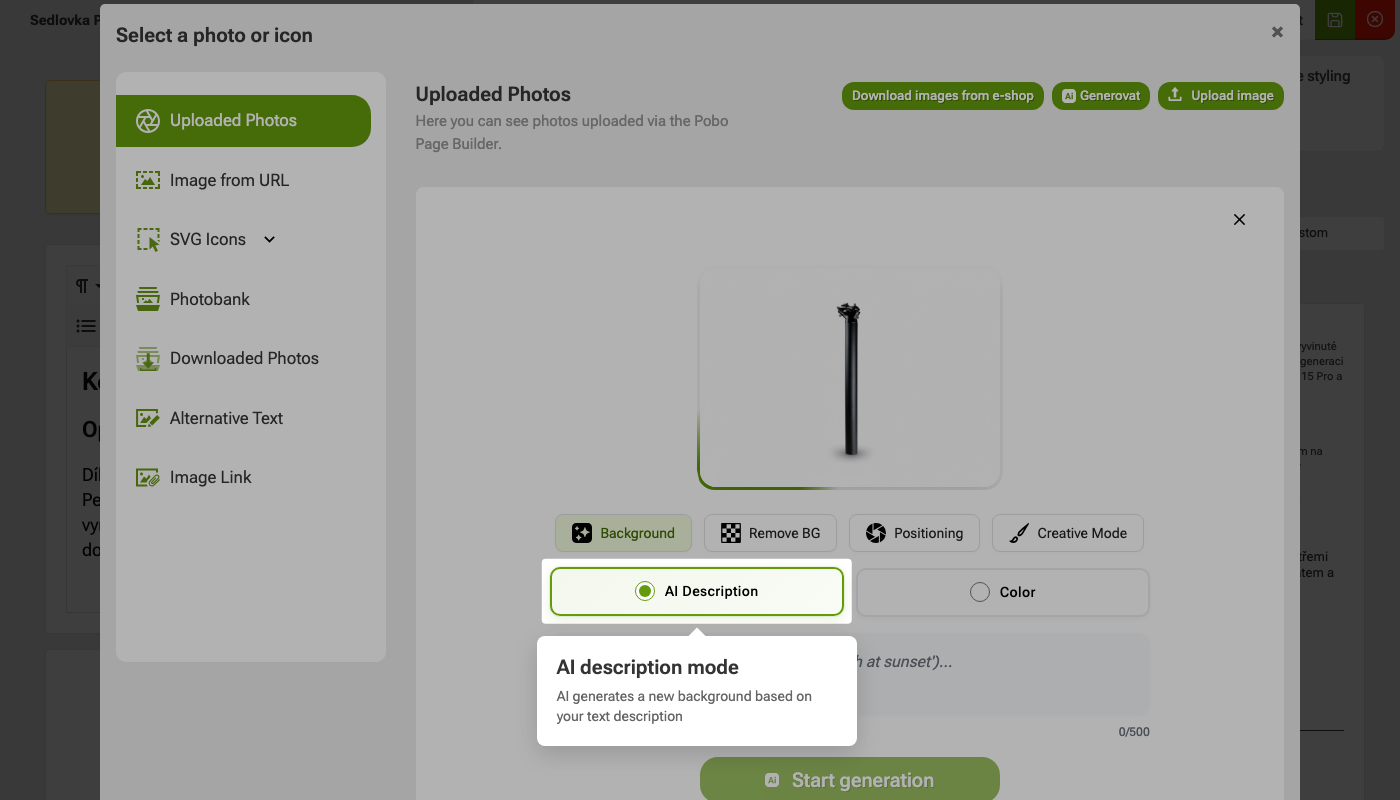 Step 2: AI Description Mode Step 3: Color Mode
 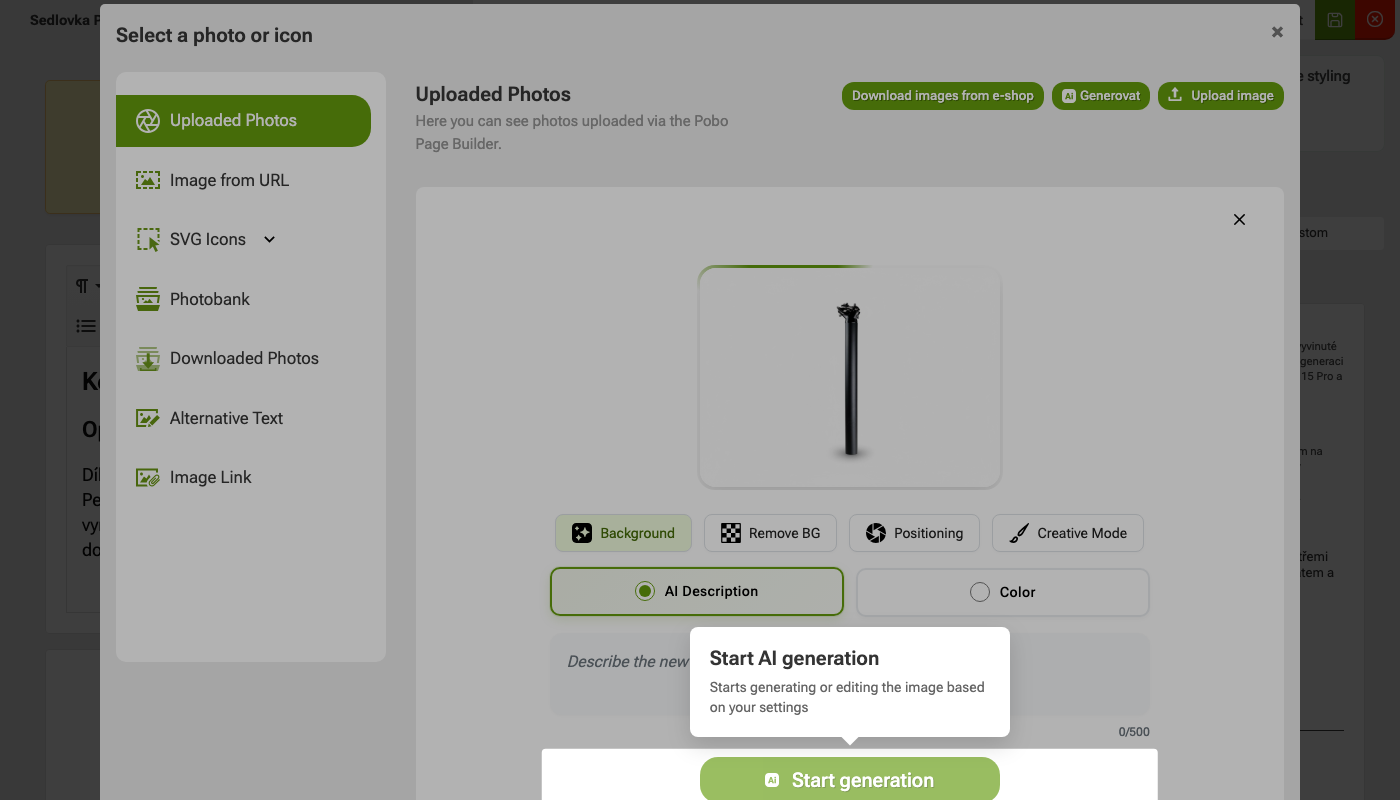 Step 4: Start AI generation
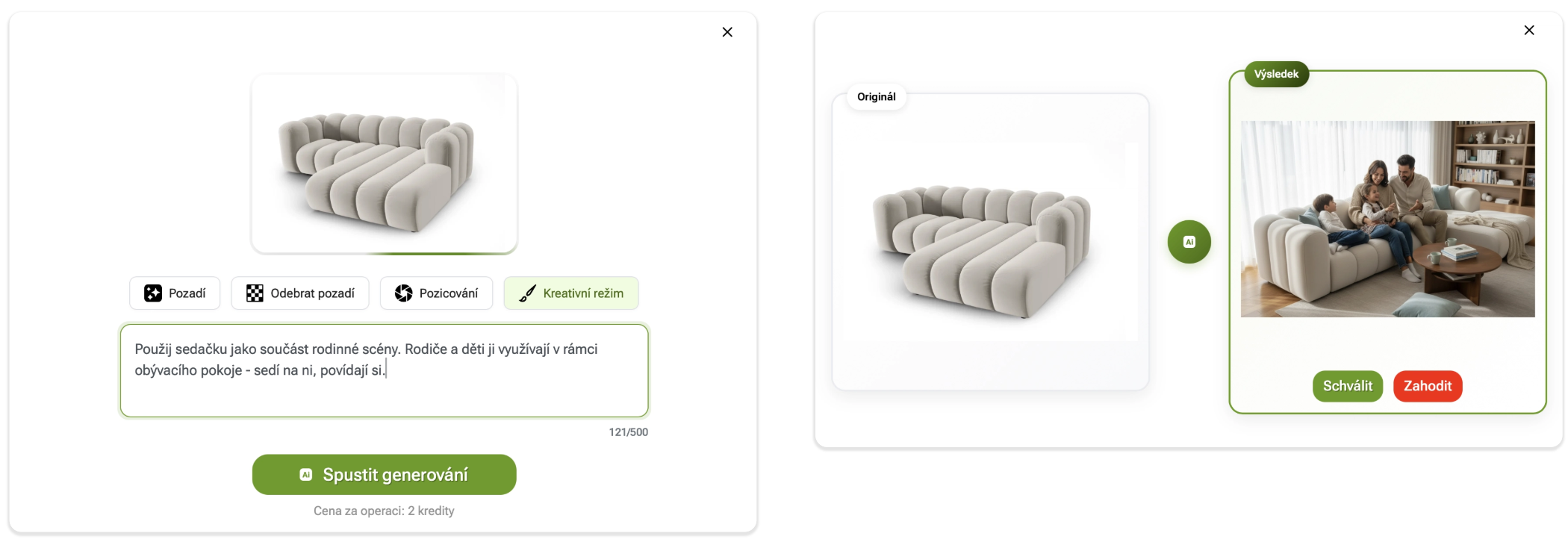
 Creative mode is used to create scenes where the product is placed in a specific environment or situation. You can use it, for example, to interact with people and the environment.
In the assignment, describe what the resulting scene should look like. The more specific you are, the better the result you will get.
Example: Use a sofa as part of a family scene. Parents and children use it in the living room - they sit on it and talk.
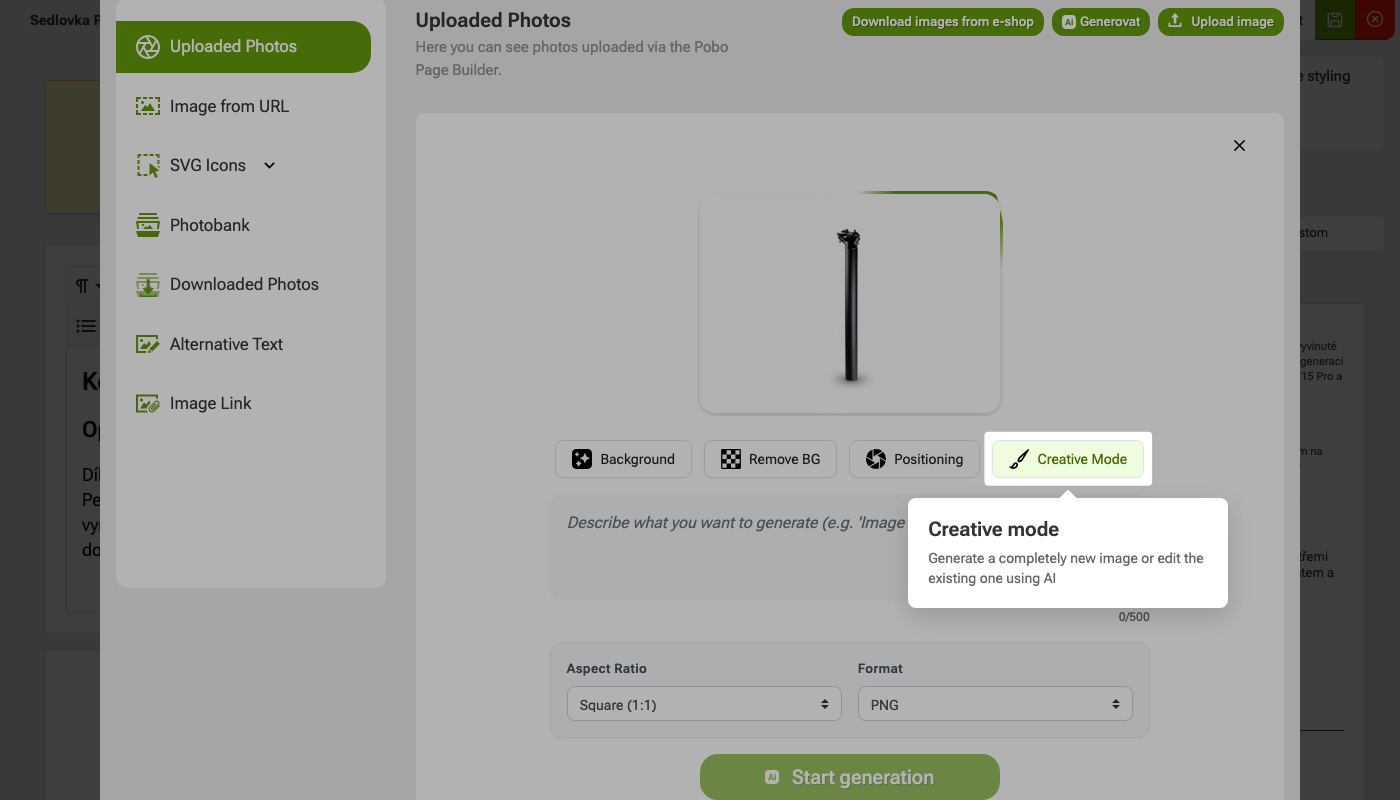 Step 1: Choose Creative Mode
 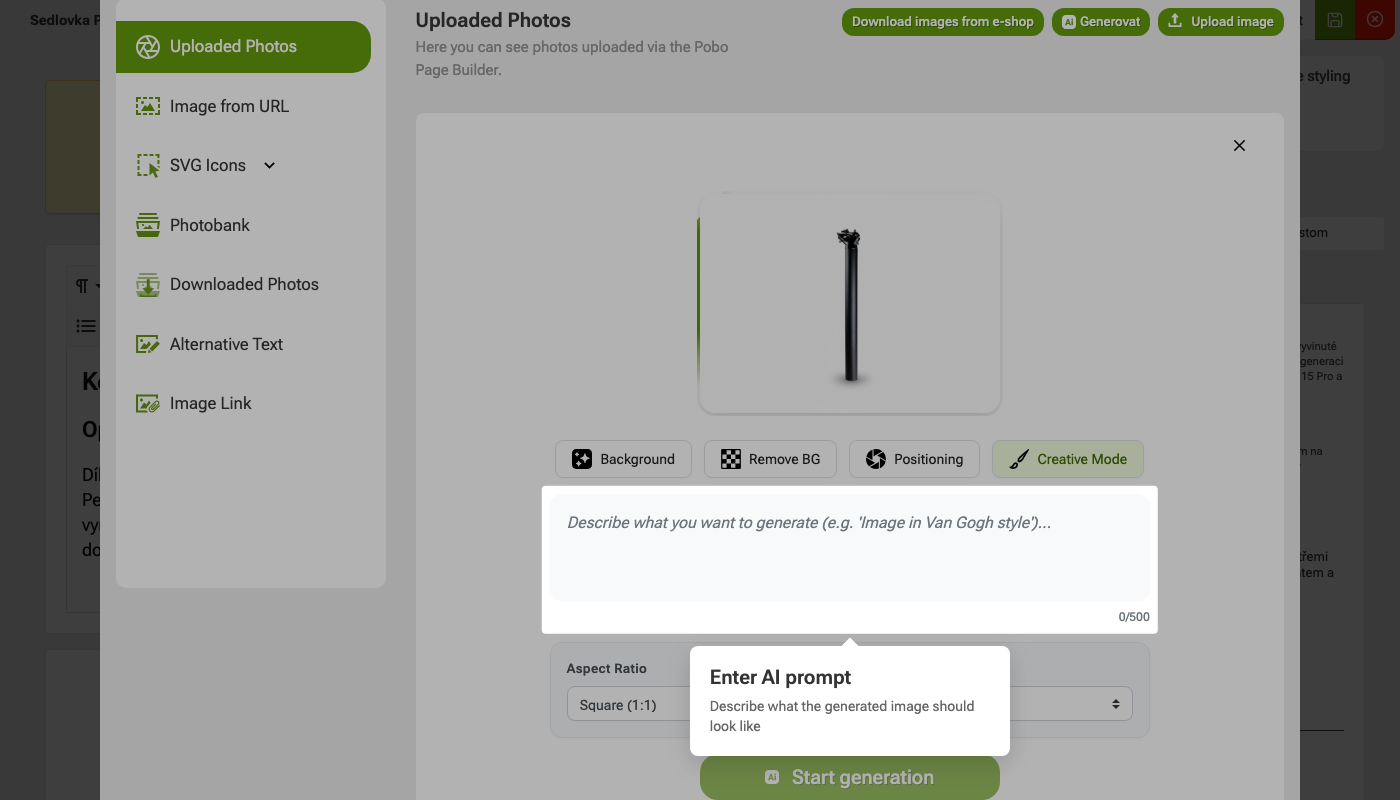 Step 2: Enter the AI prompt
 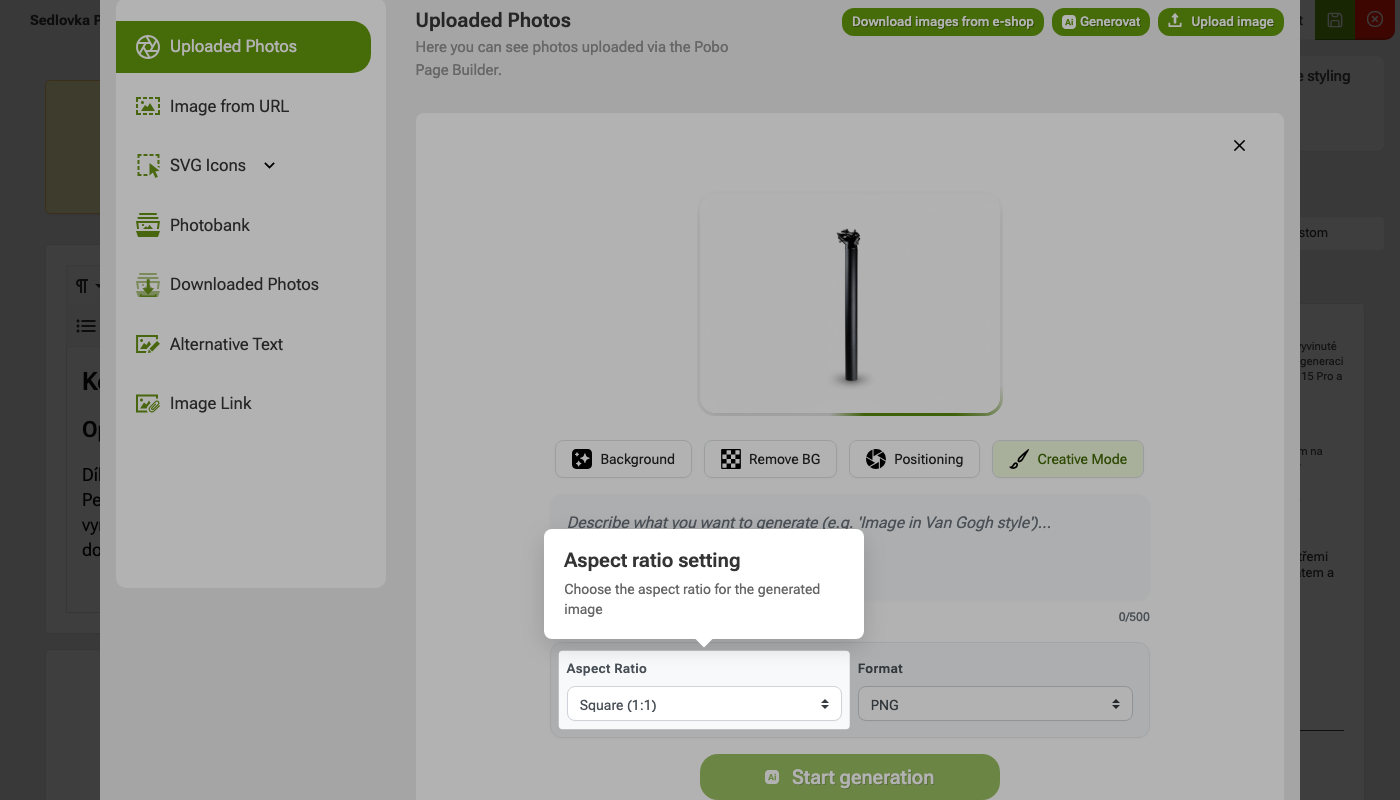 Step 3: Set the aspect ratio
 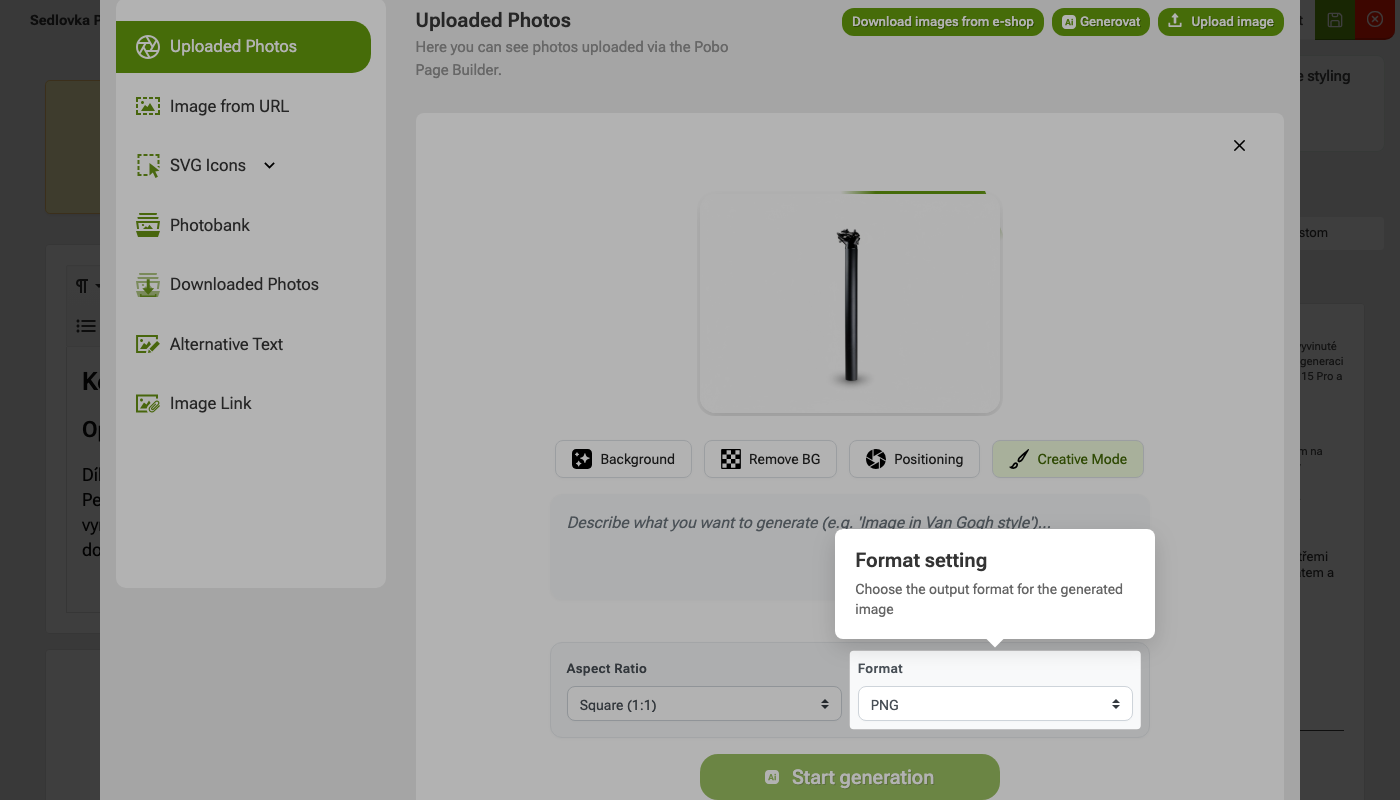 Step 4: Format settings
 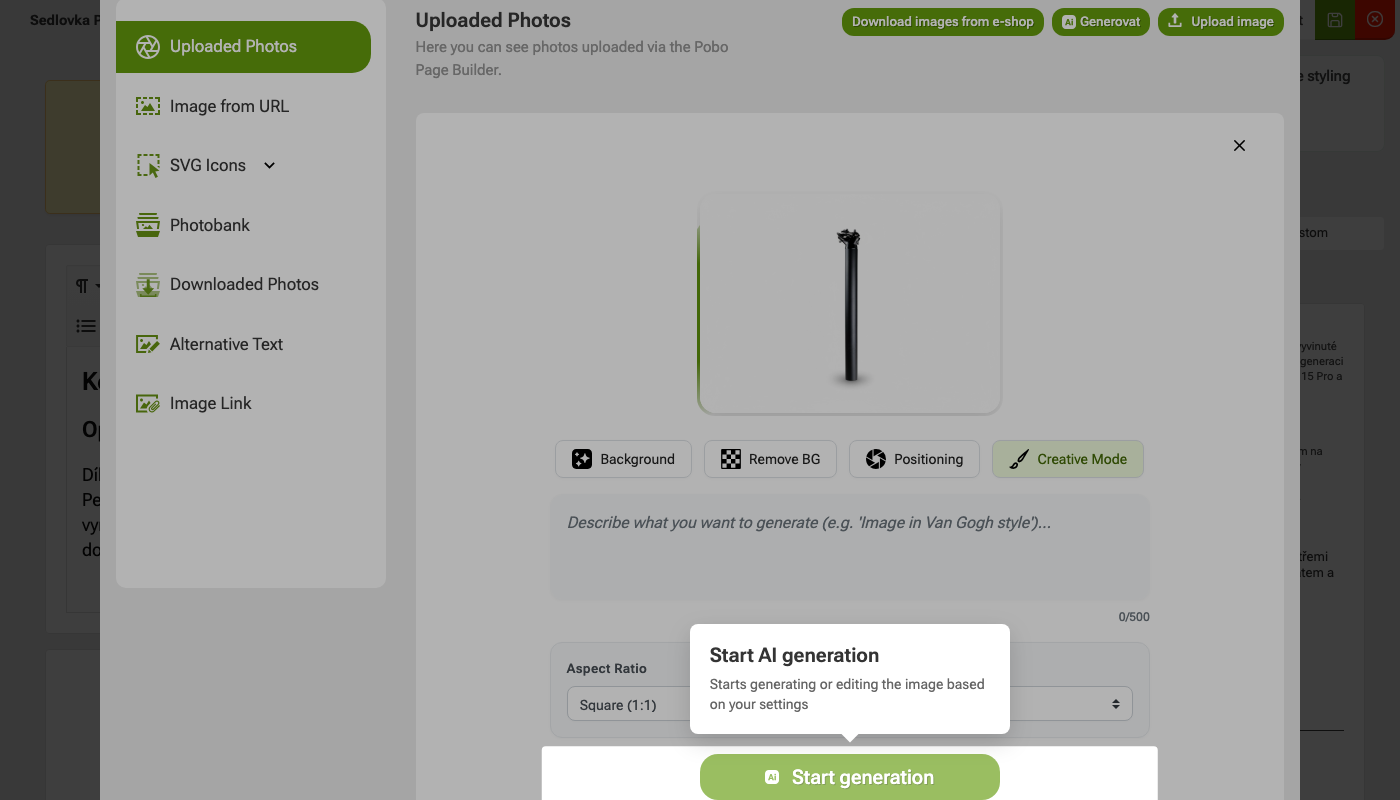 Step 5: Start AI generation
 The Positioning feature helps you adjust how your product photo will be positioned within the image space.
It is especially useful for photos that are non-standard in size, too narrow, too wide, or the product is not aligned correctly.
Pobo Page Builder works with photos in 4:3 format.
Using Positioning, you can set whether the photo should fit into this space or maintain its original aspect ratio.
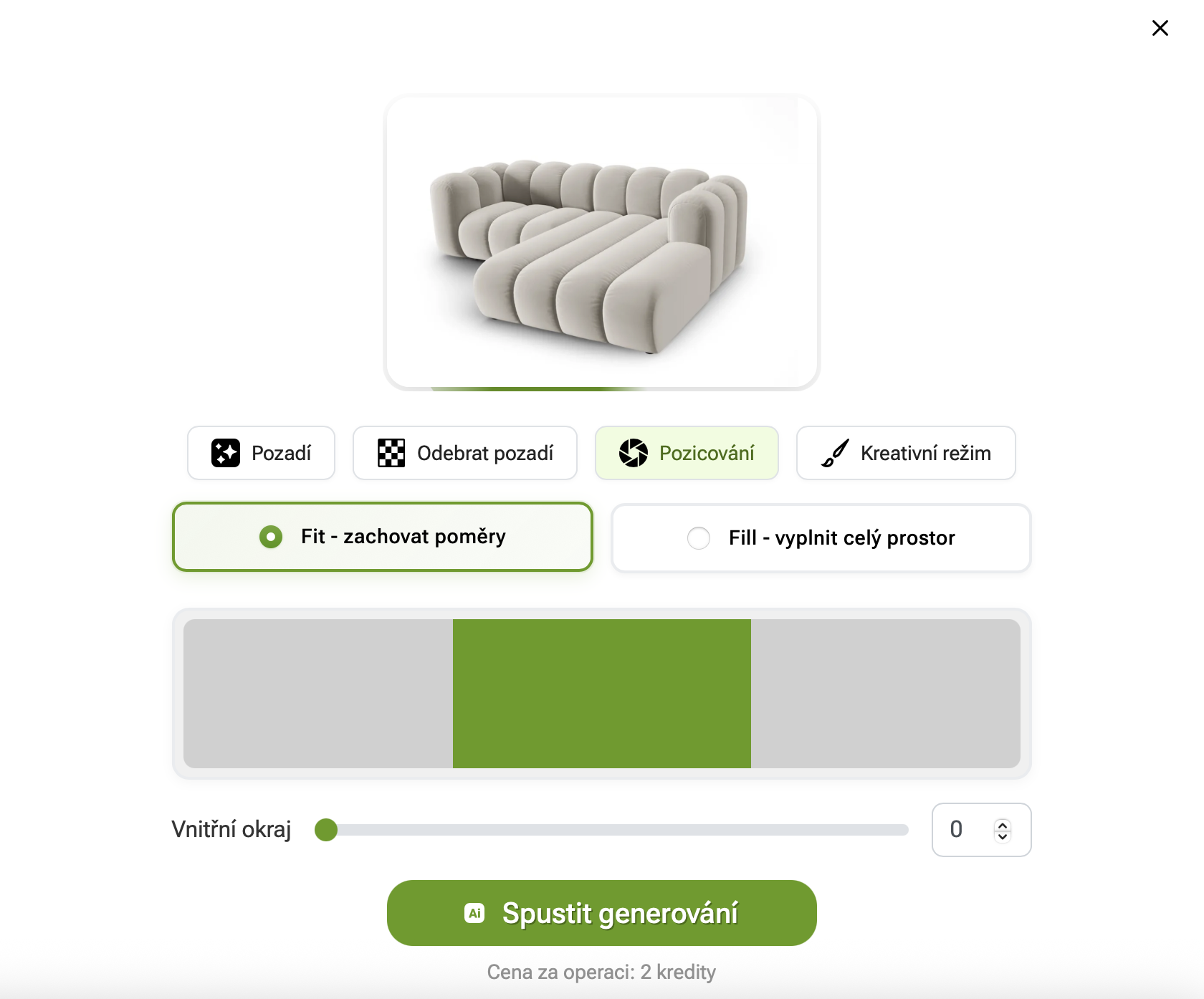
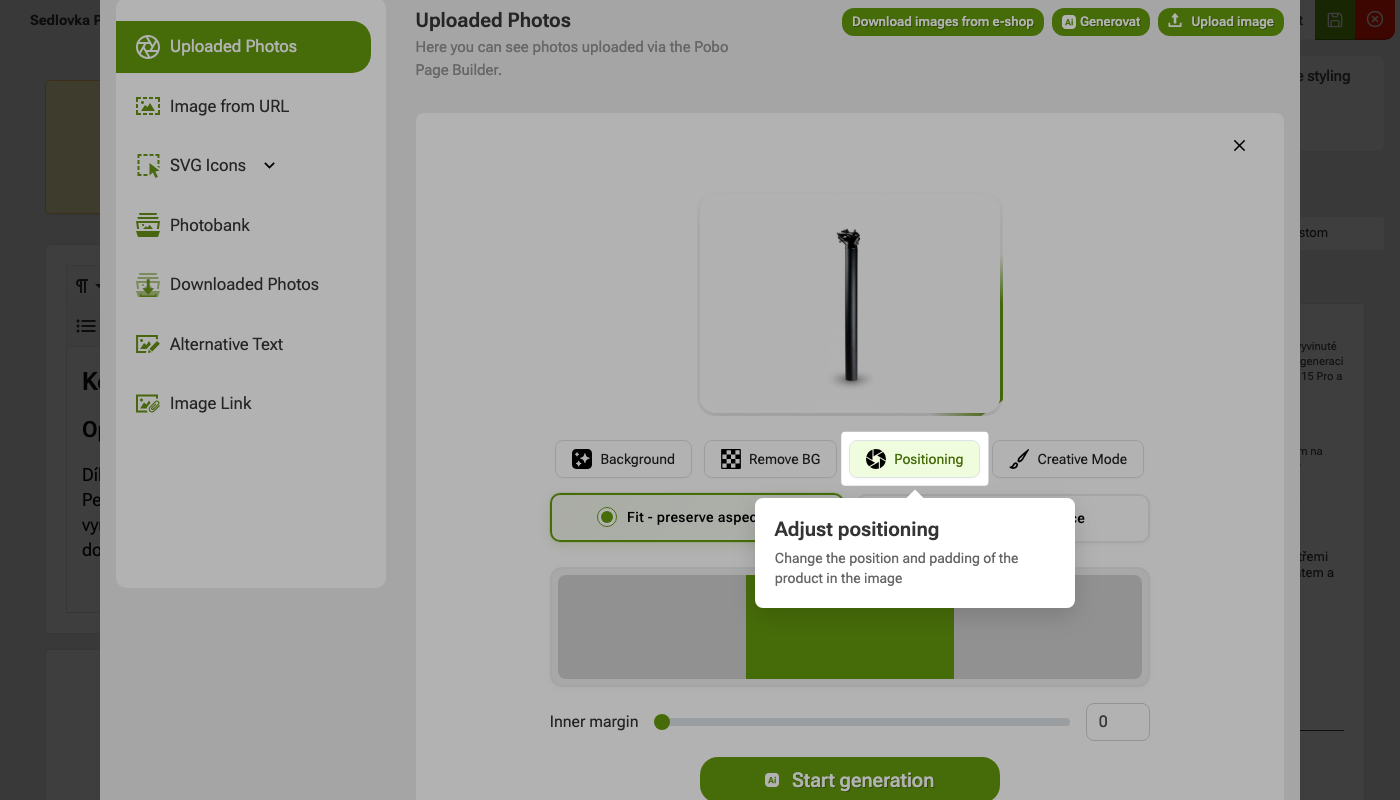 Step 1: Adjust positioning
 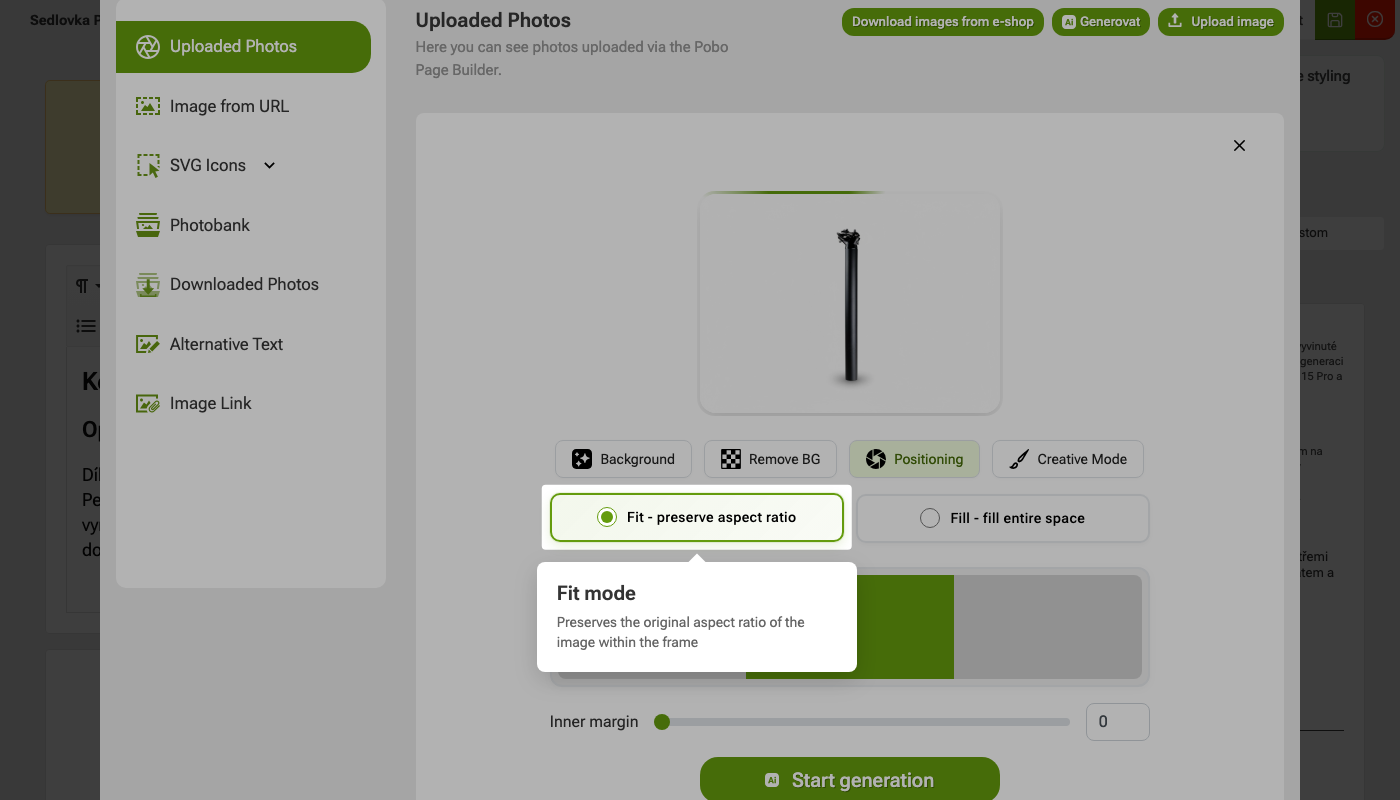 Step 2: Fit Mode
 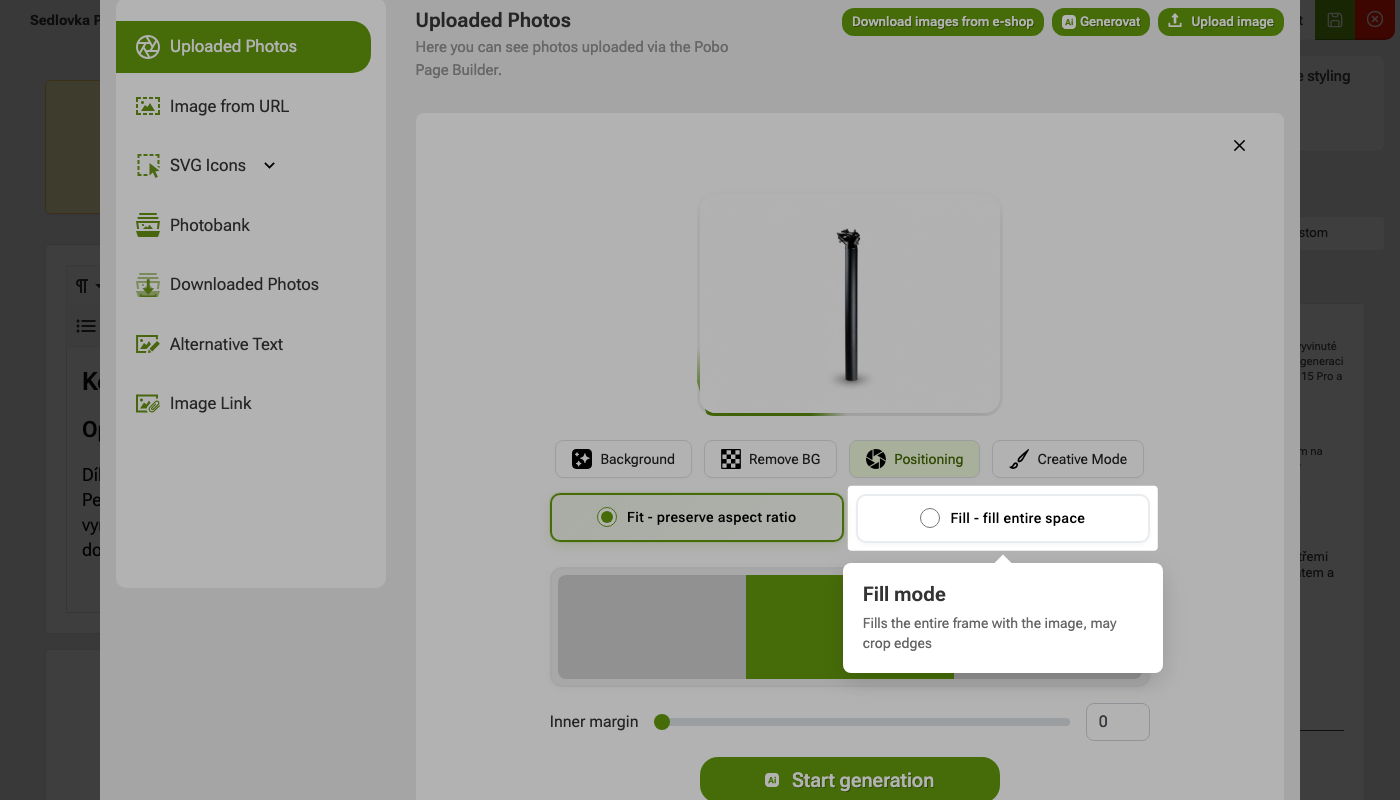 Step 3: Fill Mode
 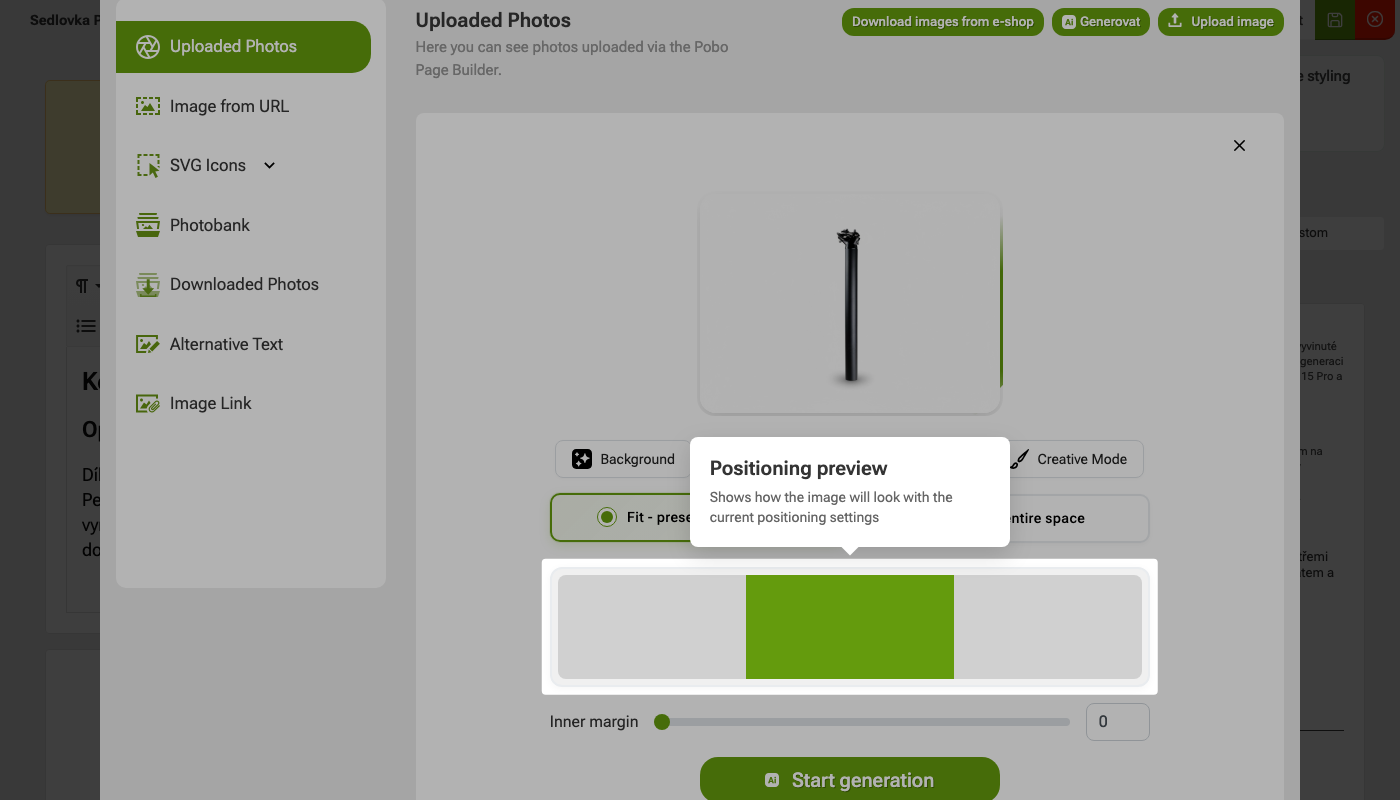 Step 4: Preview positioning
 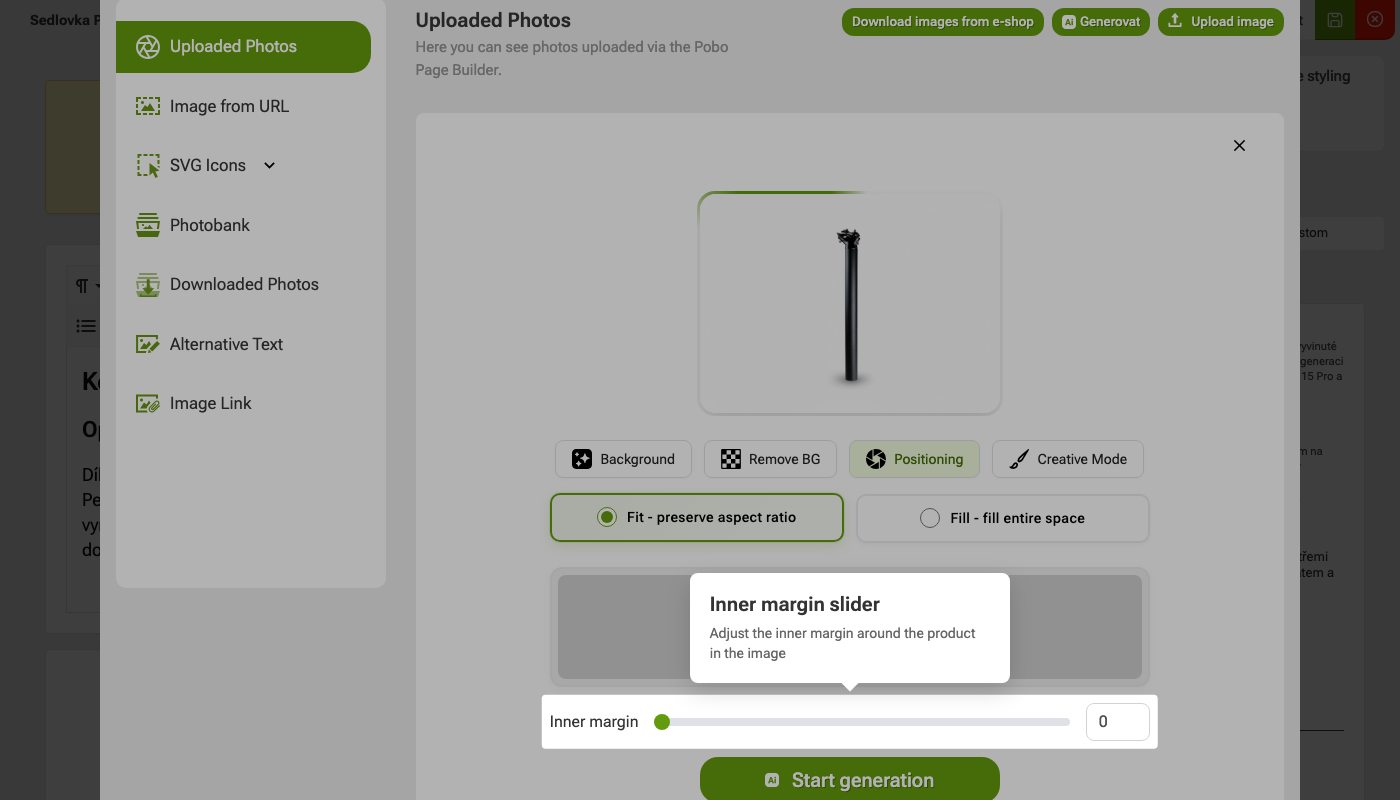 Step 5: Inner Edge Slider
 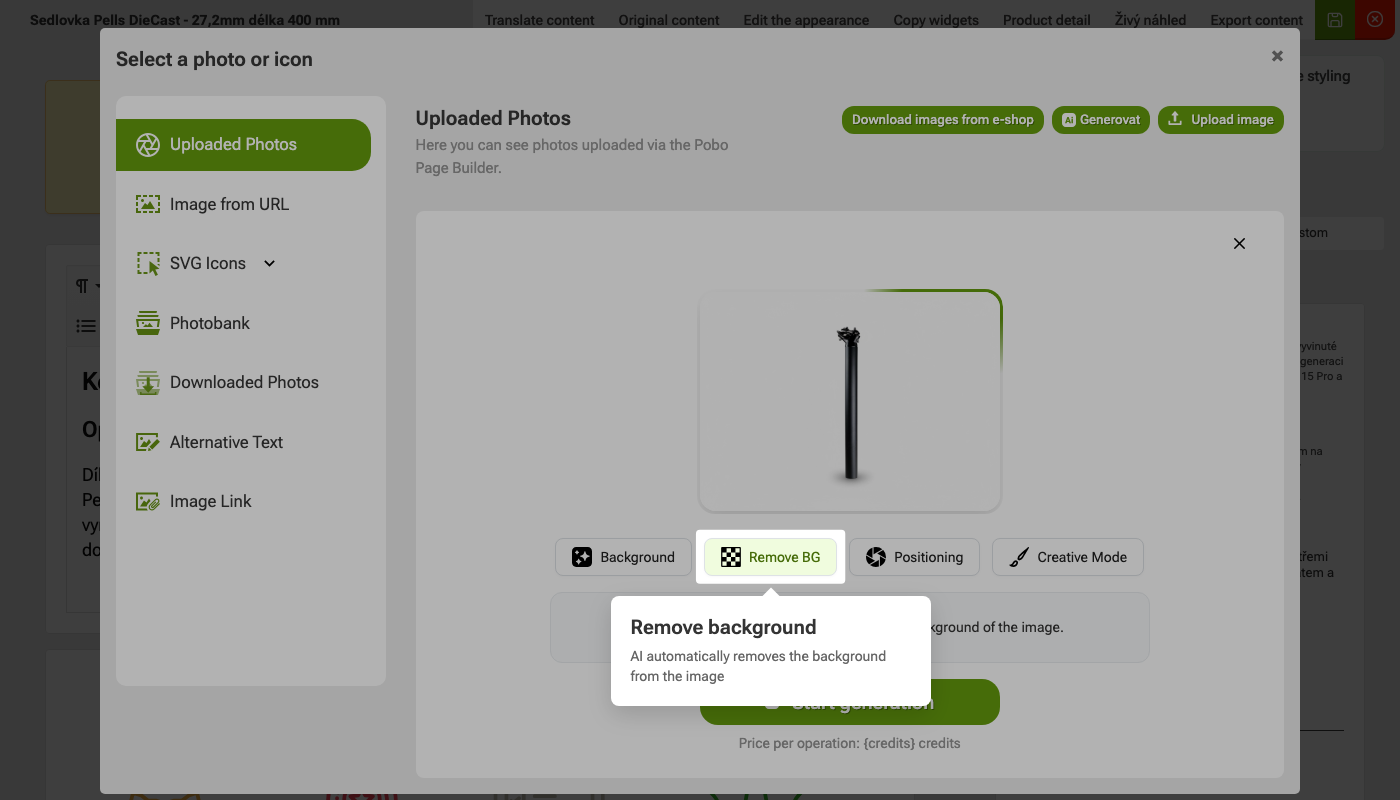 Remove Background feature
Need some advice?
My name is Petra and I would be happy to help you with our add-on.
Feel free to email me at:podpora@pobo.cz
Quick navigation

Thinking about Pobo? Let us show it to you.
Book a short 30-minute call where we'll show you how Pobo works, what it's good for, and how it can save you a lot of time and money.
Book a call