

 Book a call
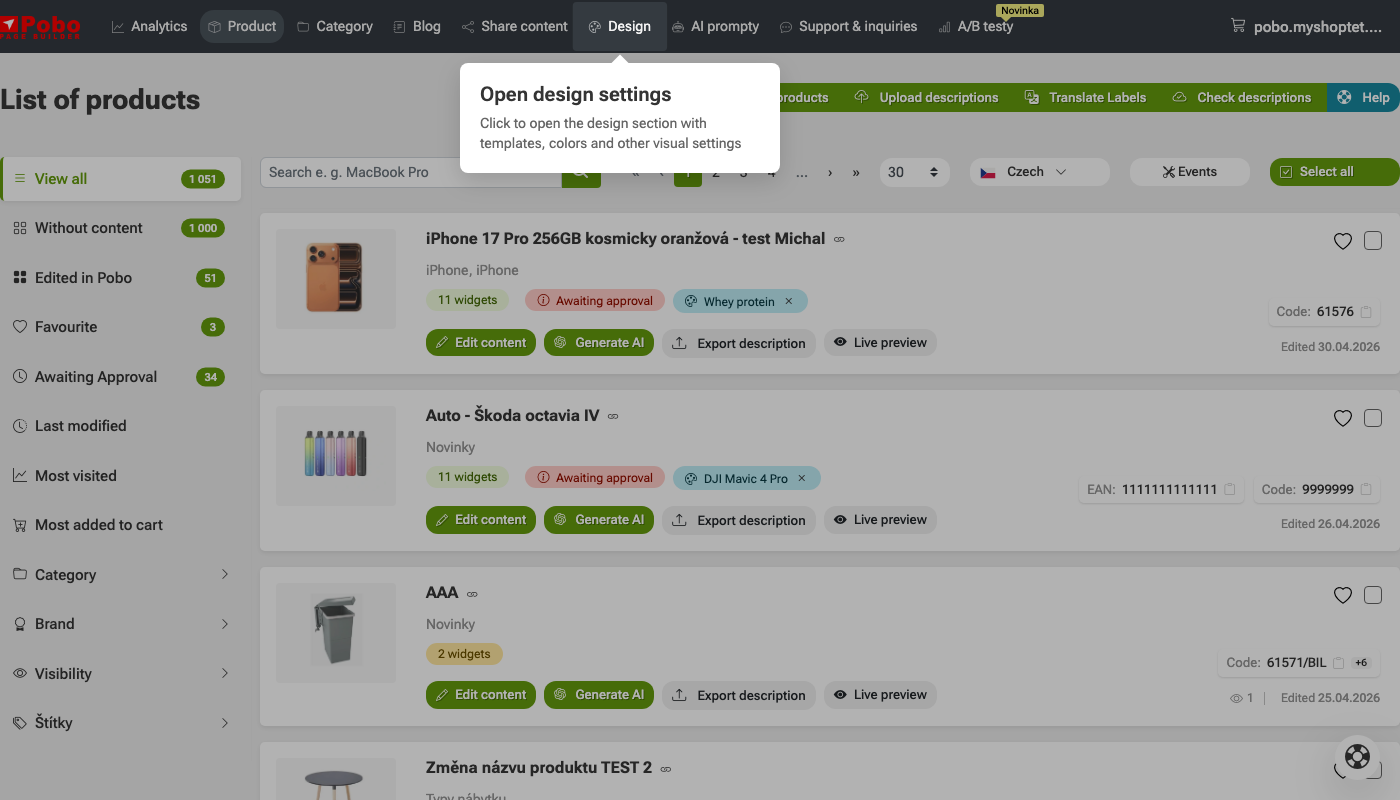
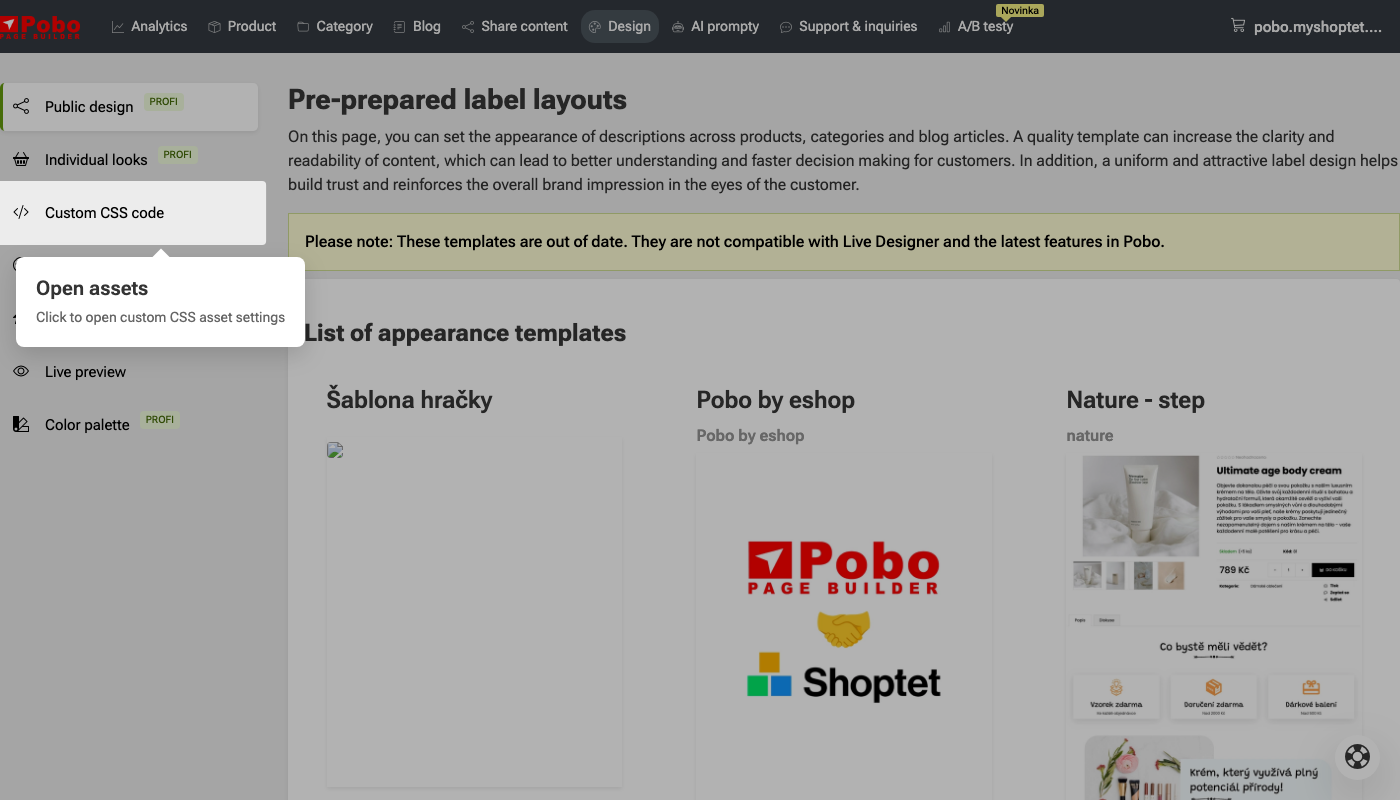
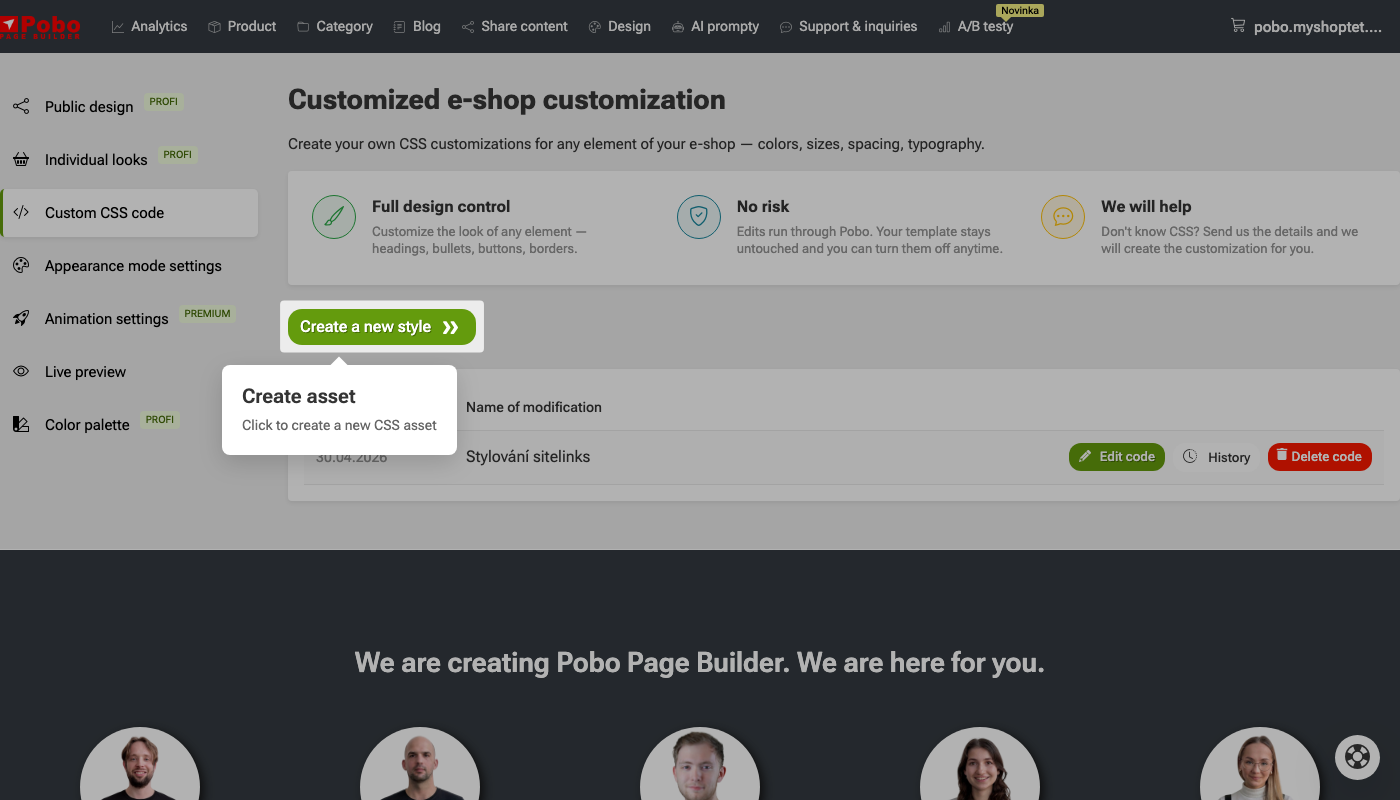
How to customize the appearance of your e-shop?
 Popis obrázku (volitelné)
  Popis obrázku (volitelné)
  Popis obrázku (volitelné)
 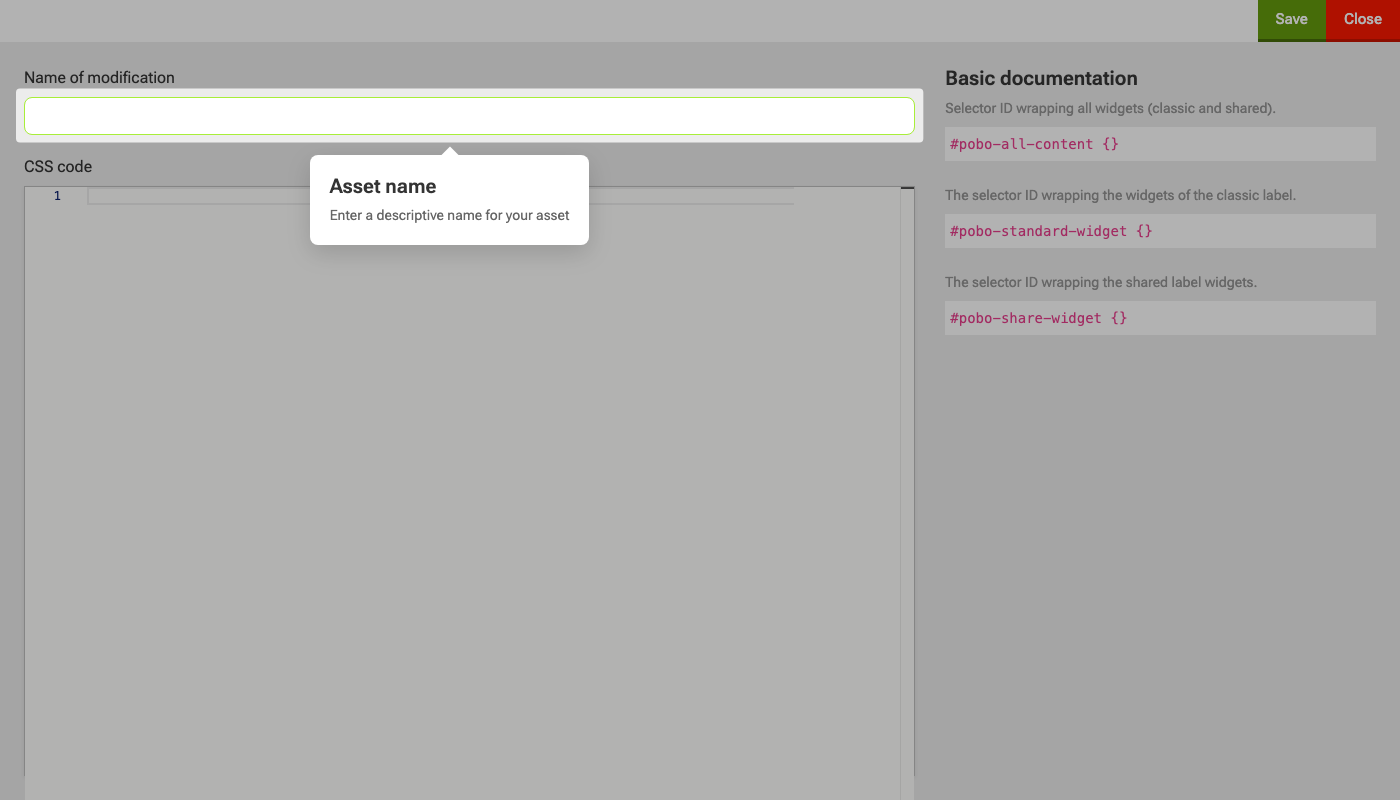 Popis obrázku (volitelné)
 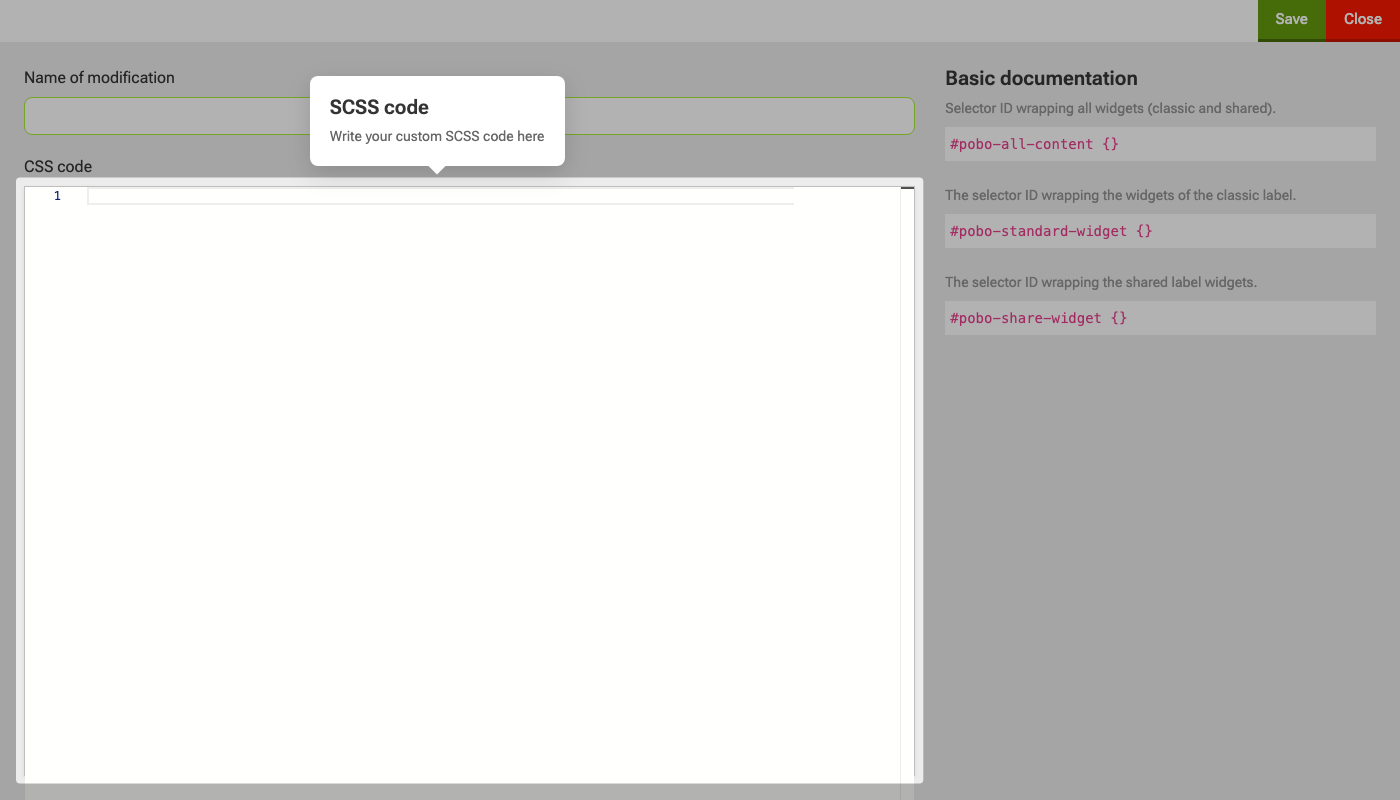 Popis obrázku (volitelné)
 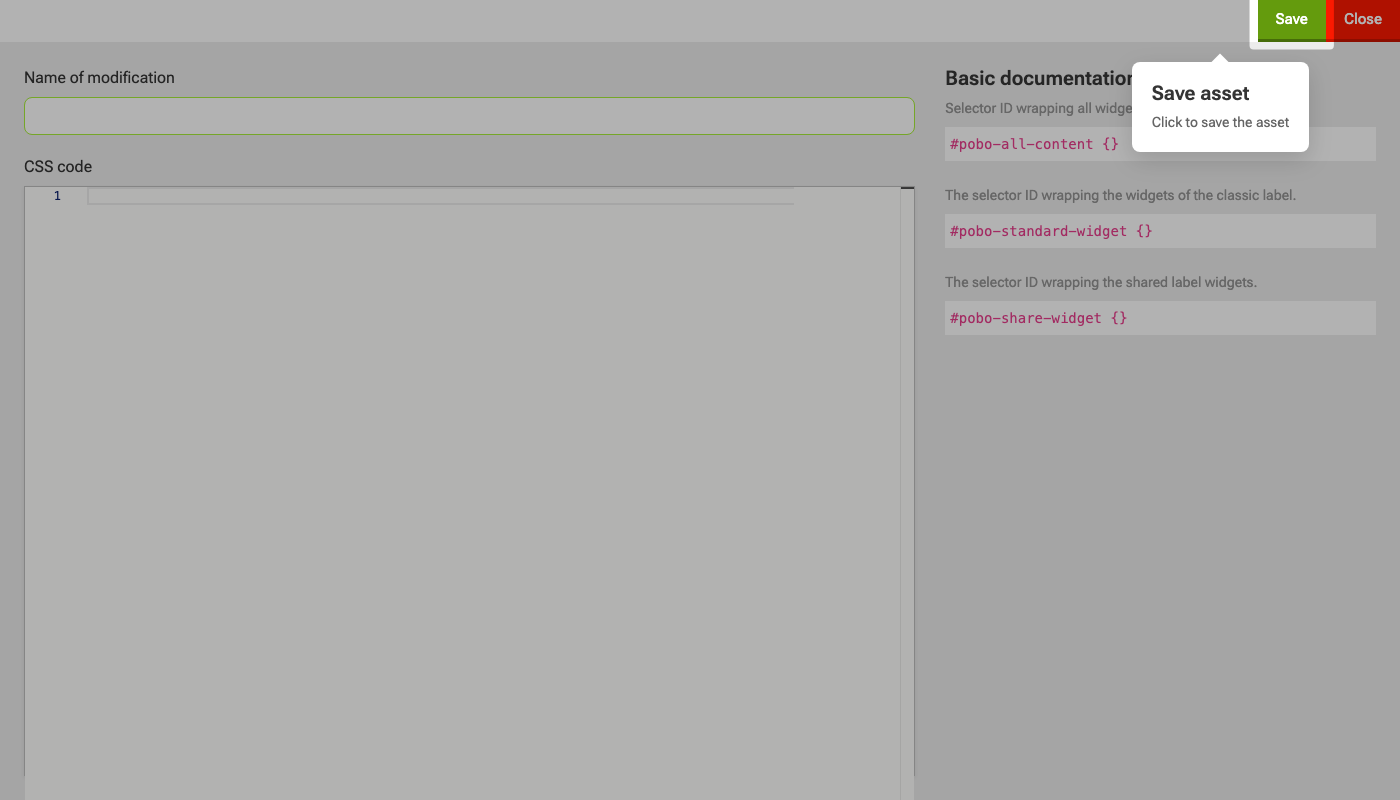 Popis obrázku (volitelné)
 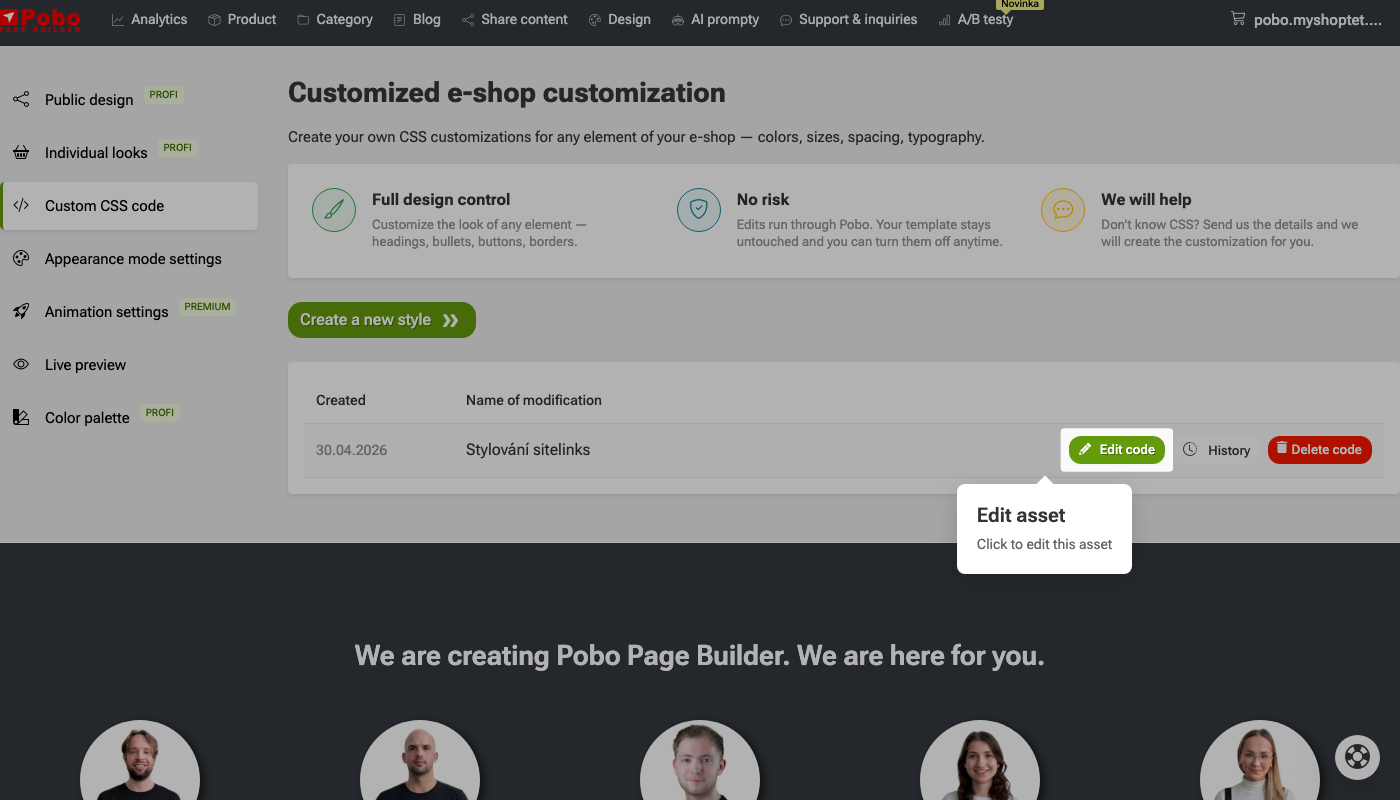 Popis obrázku (volitelné)
 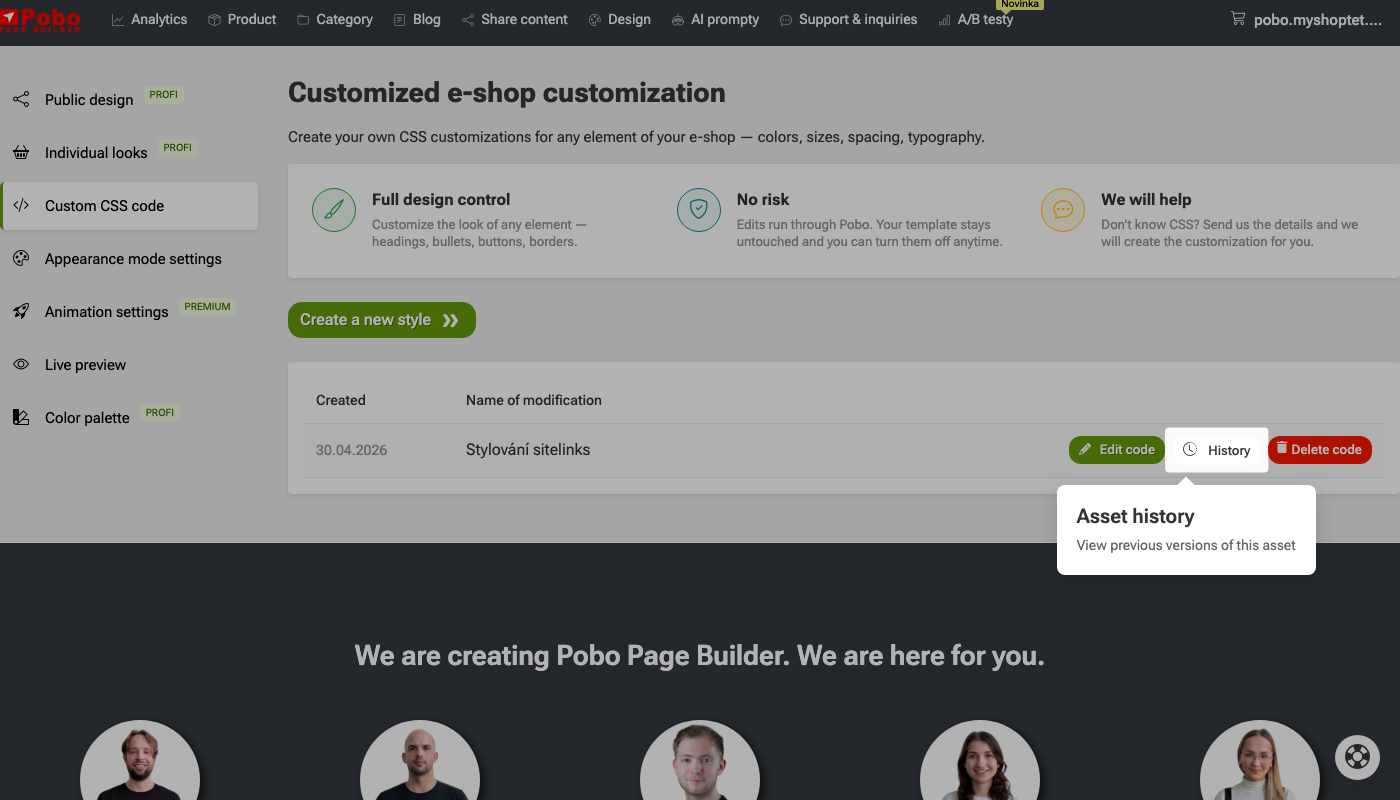 Popis obrázku (volitelné)
 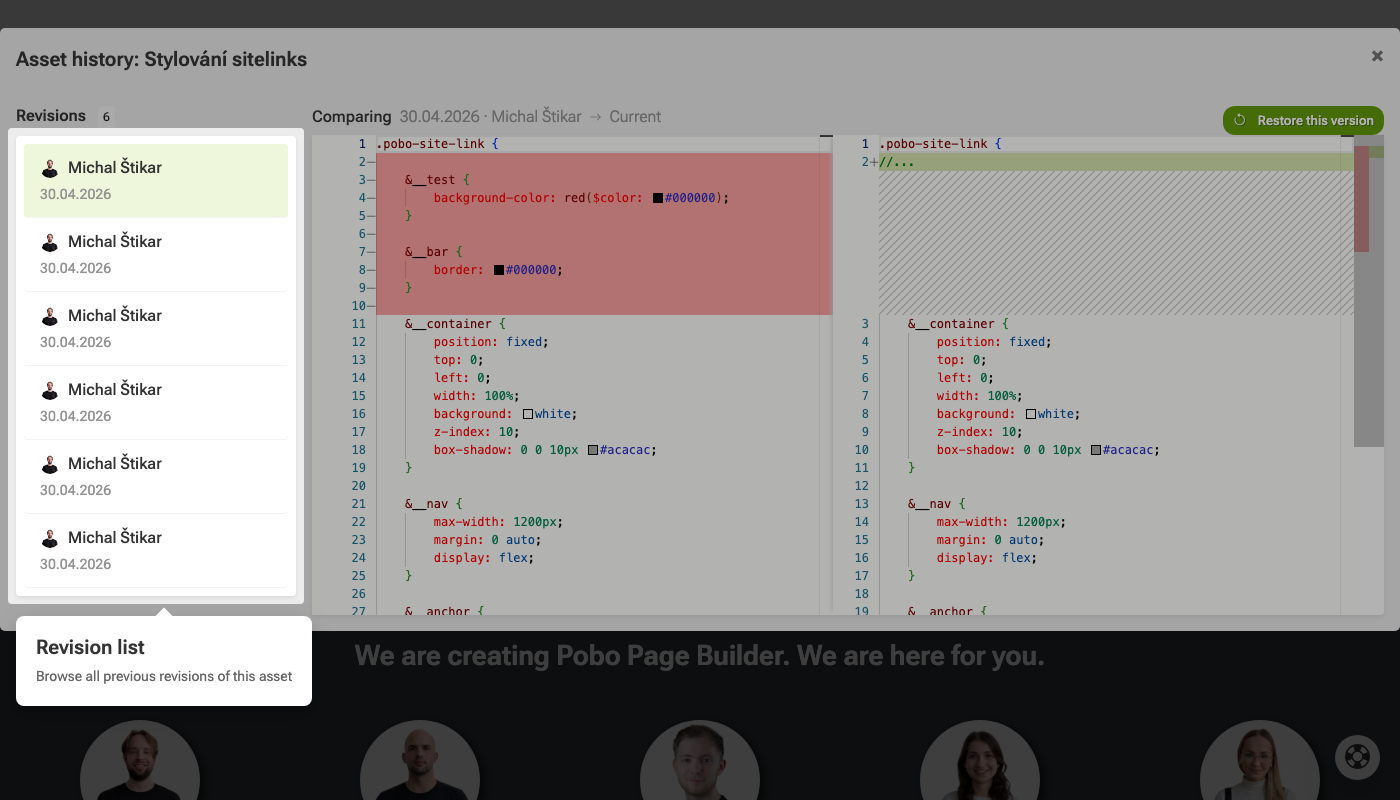 Popis obrázku (volitelné)
 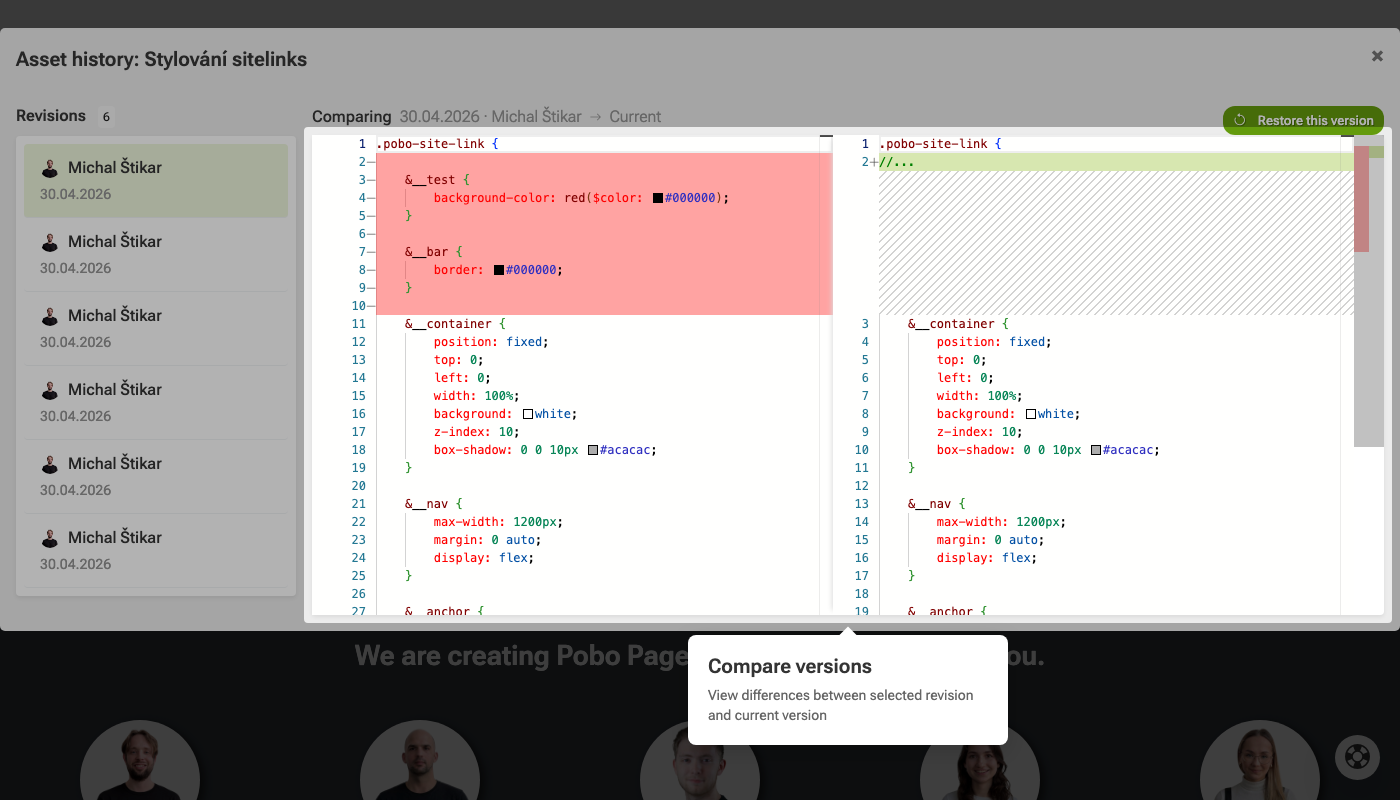 Popis obrázku (volitelné)
 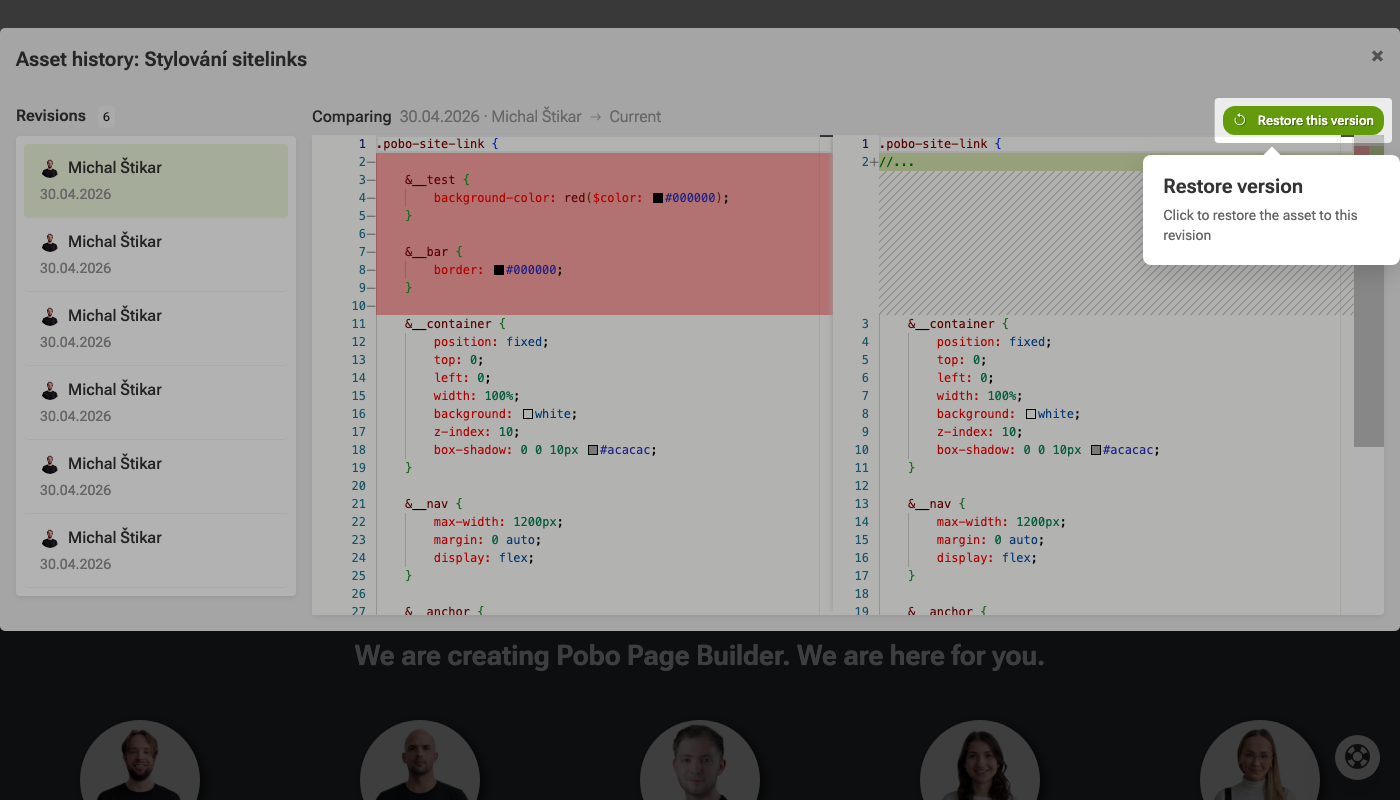 Popis obrázku (volitelné)
 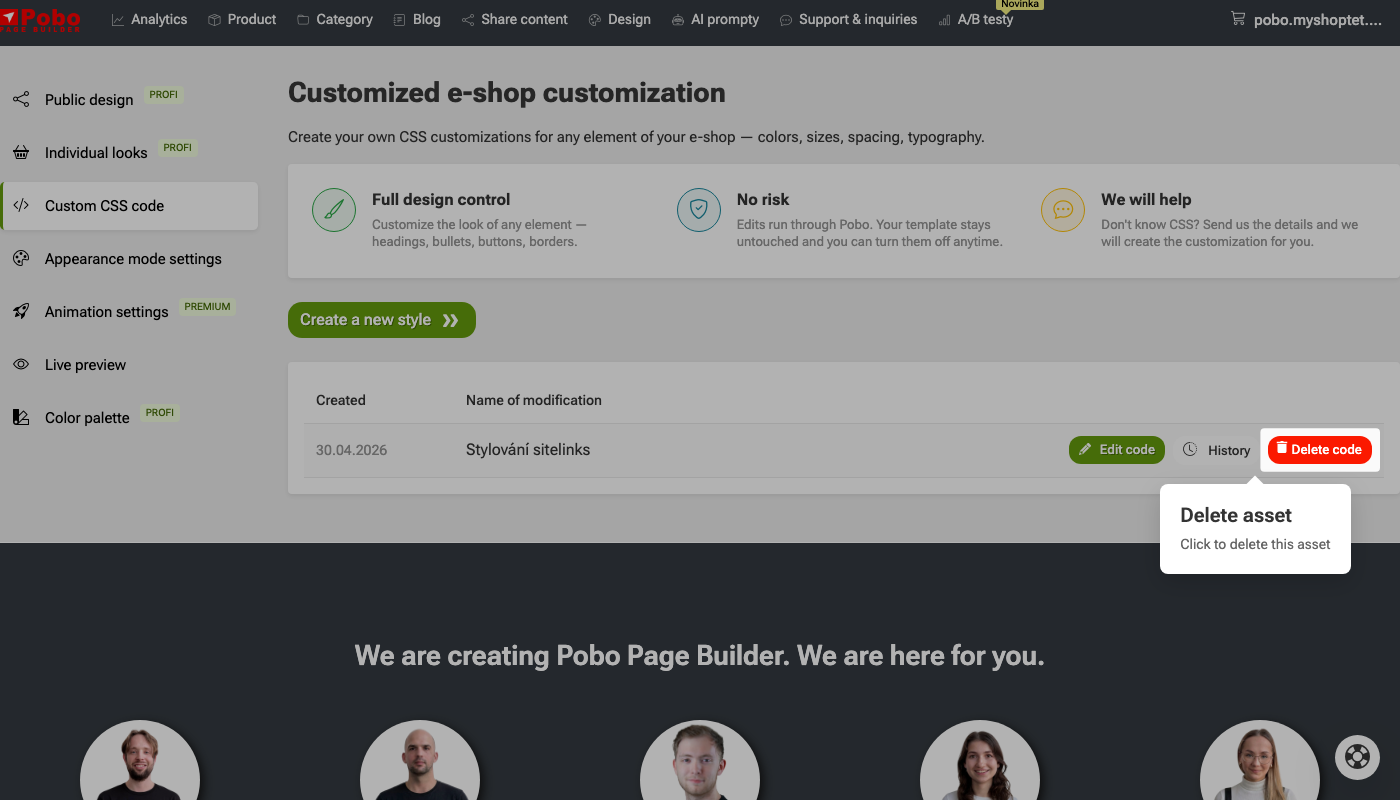 Popis obrázku (volitelné)
I am very satisfied with Pobo Page Builder. We use it mainly for editing product pages and our blog.
Quick navigation

Thinking about Pobo? Let us show it to you.
Book a short 30-minute call where we'll show you how Pobo works, what it's good for, and how it can save you a lot of time and money.
Book a call