


 Book a call
How to Create a Custom Color Palette?
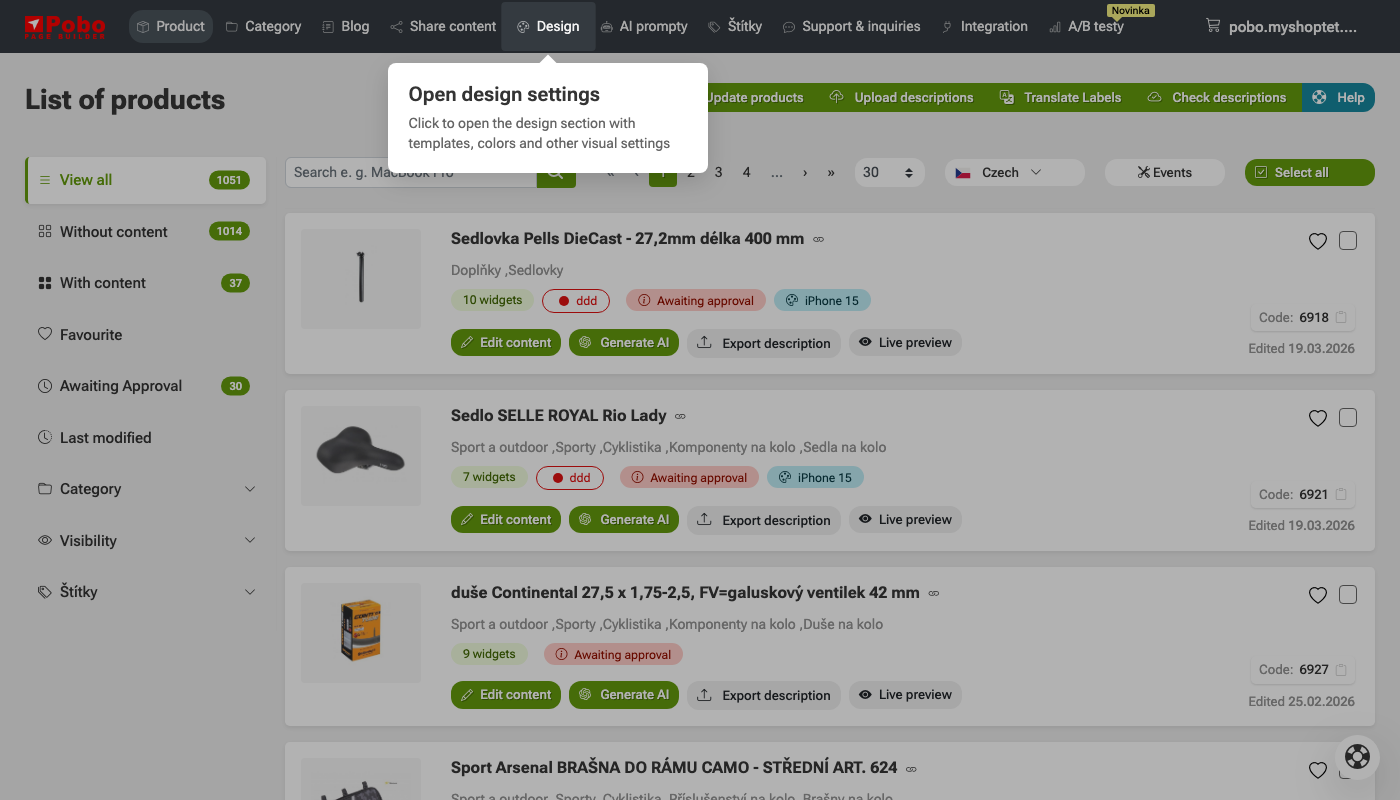 Click on "Appearance" in the menu
 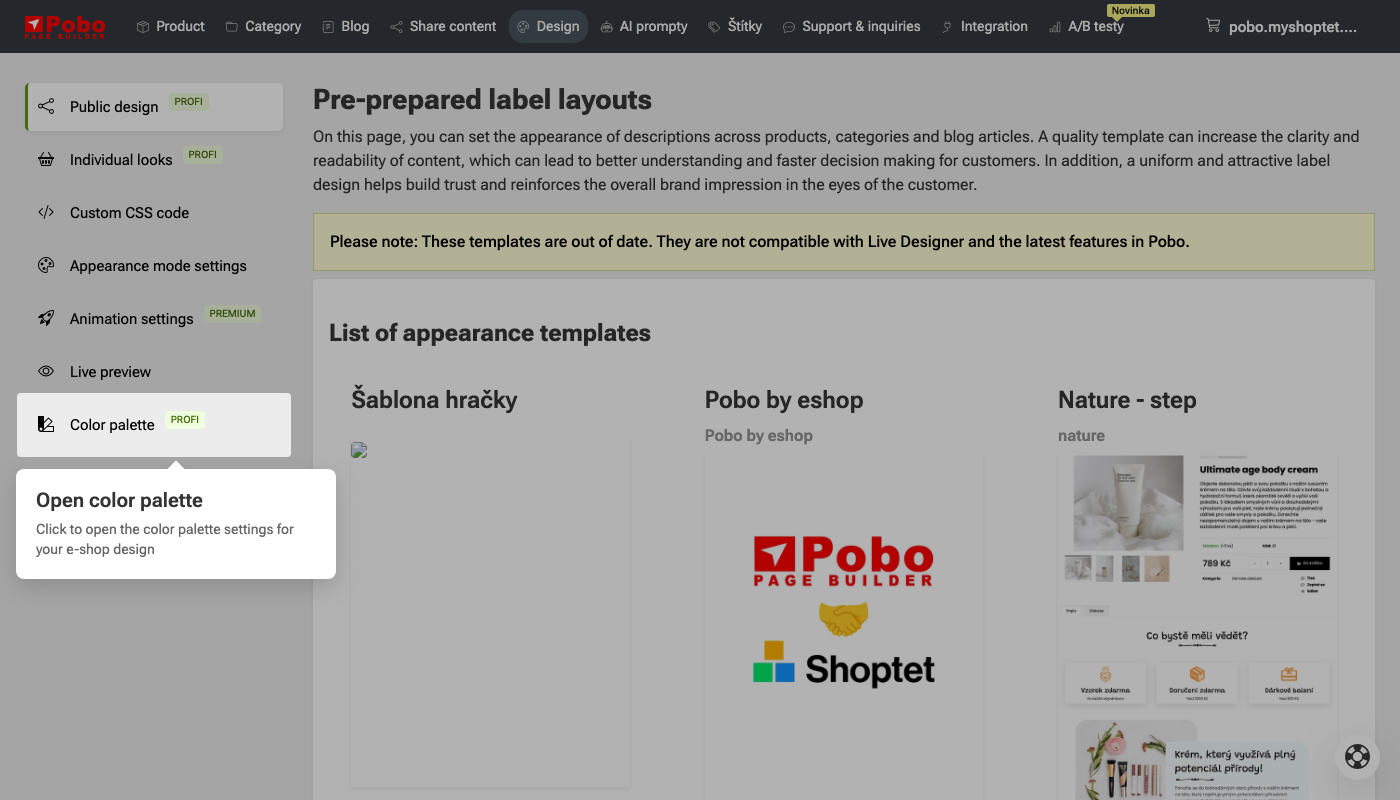 In the left menu, click on "Color Palette"
 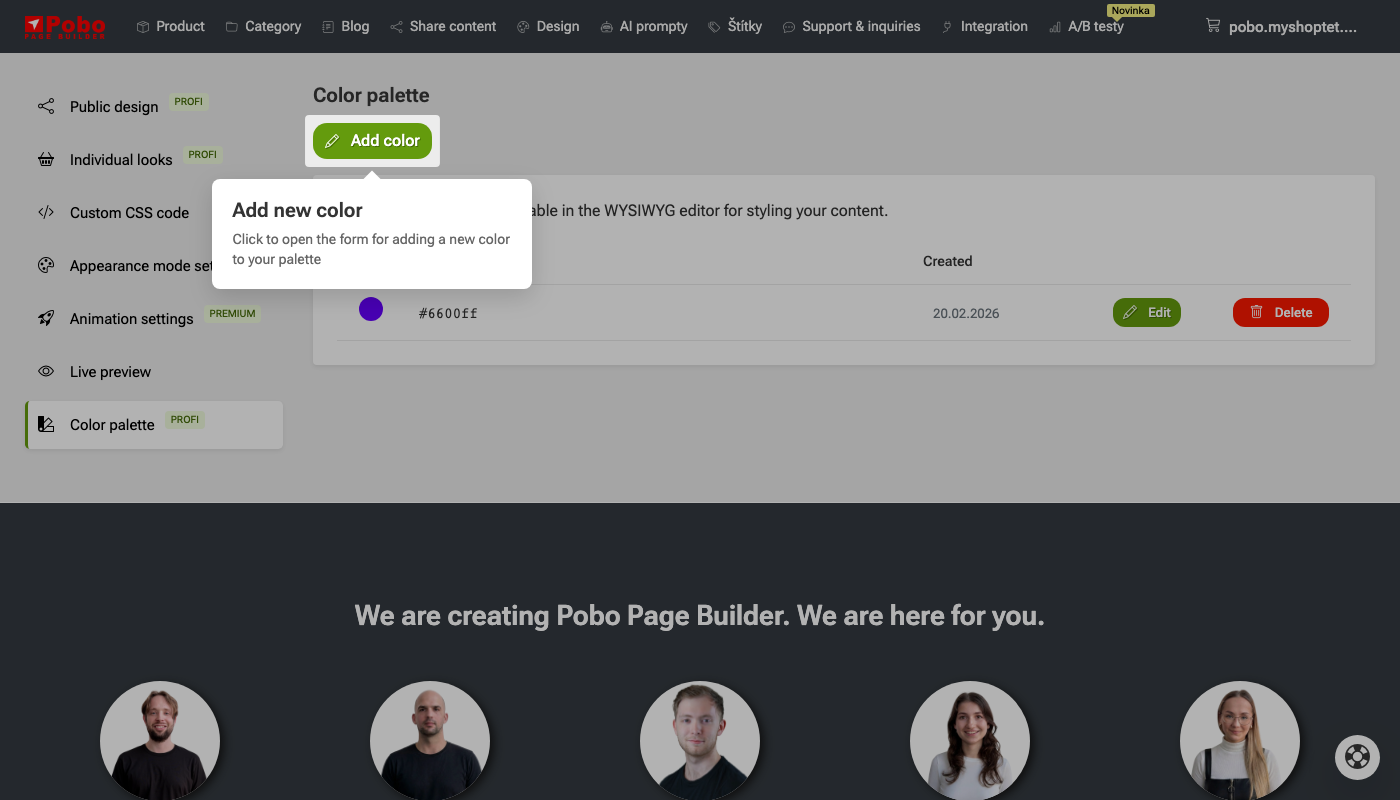 To create a color, click "Add Color"
 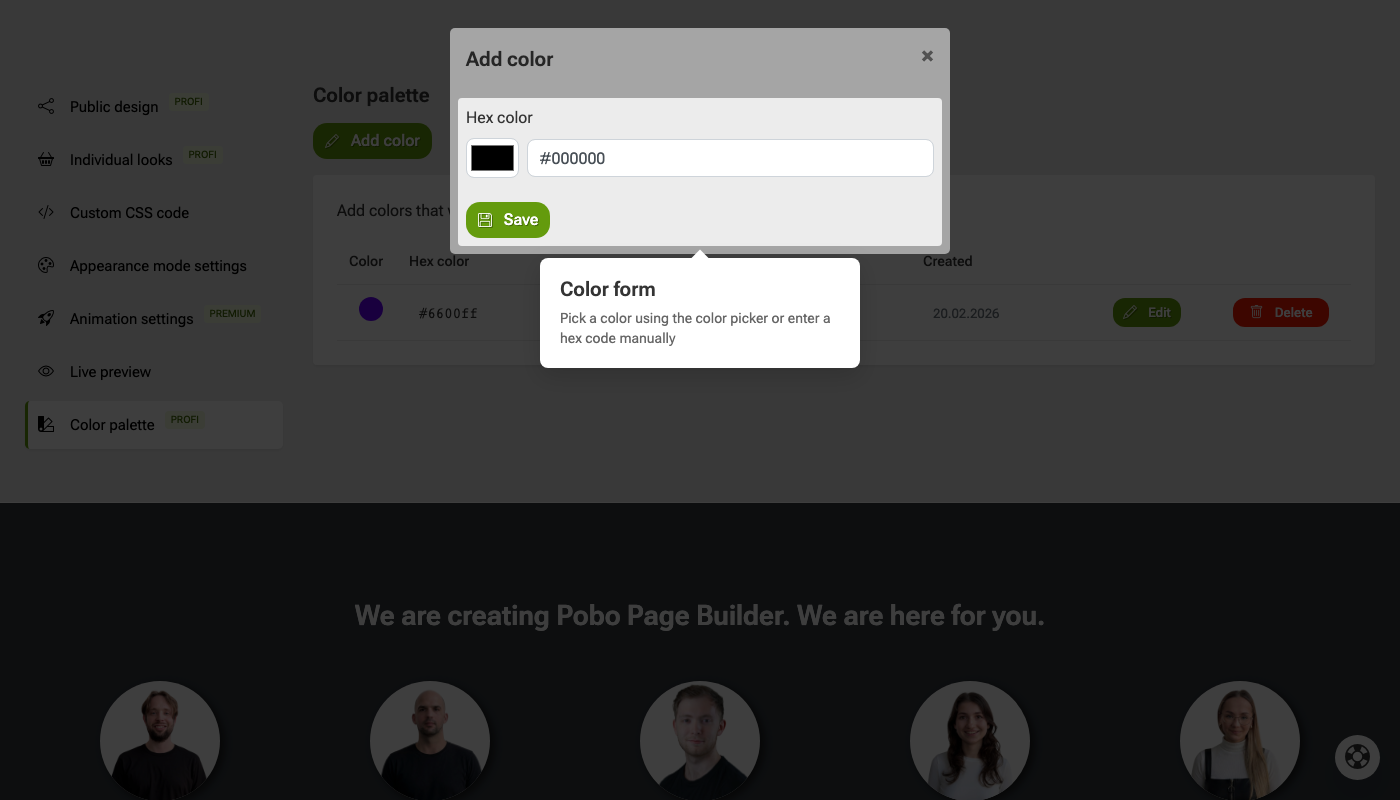 Choose a color
 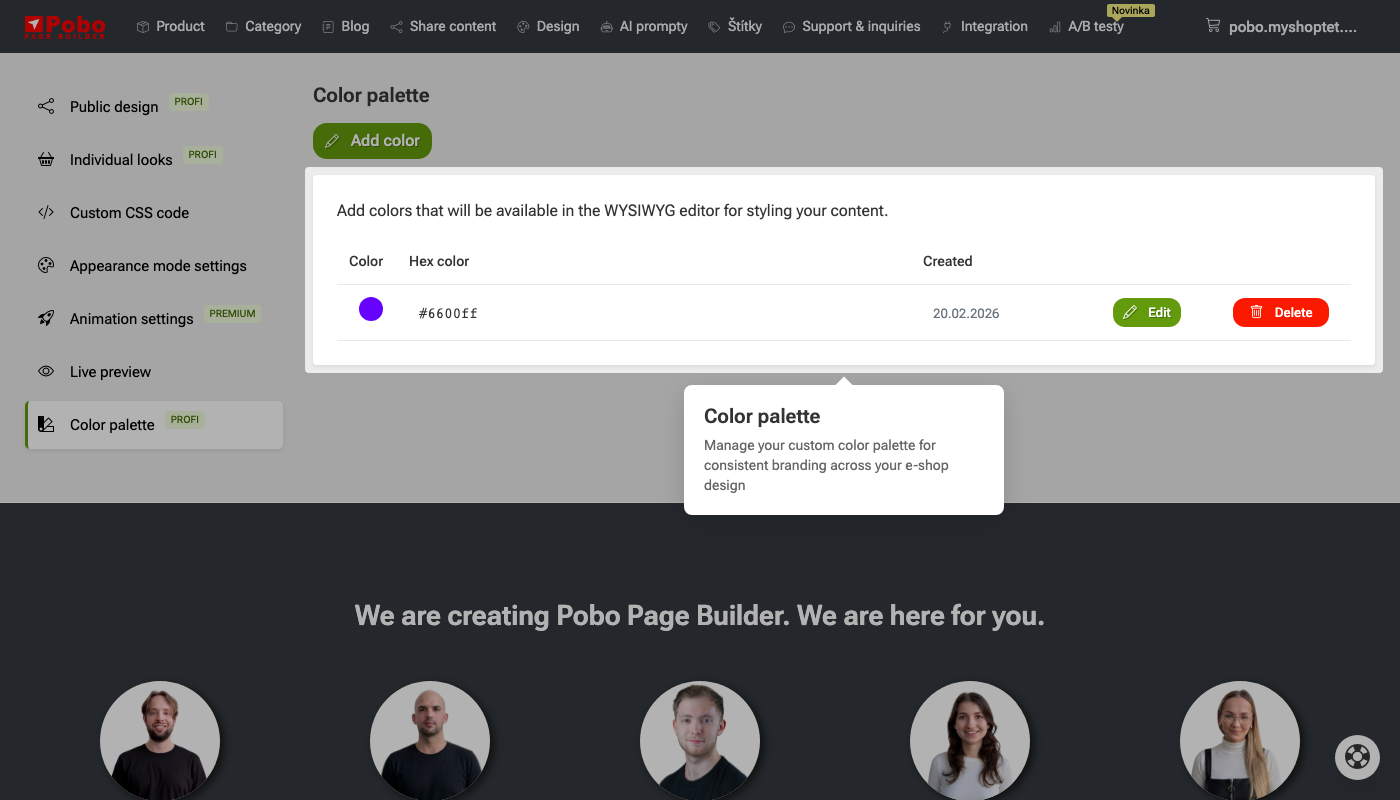 Color list
 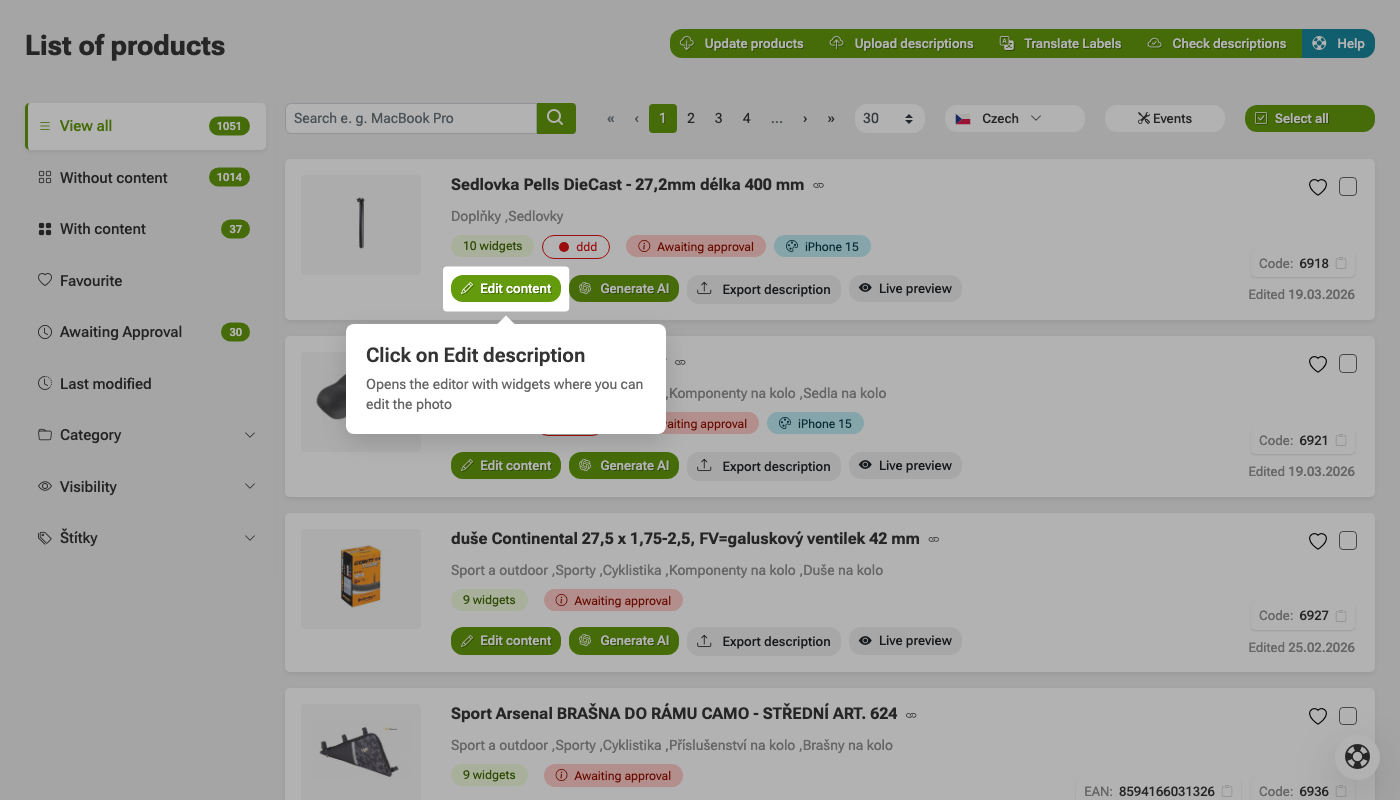 Click Edit Description
 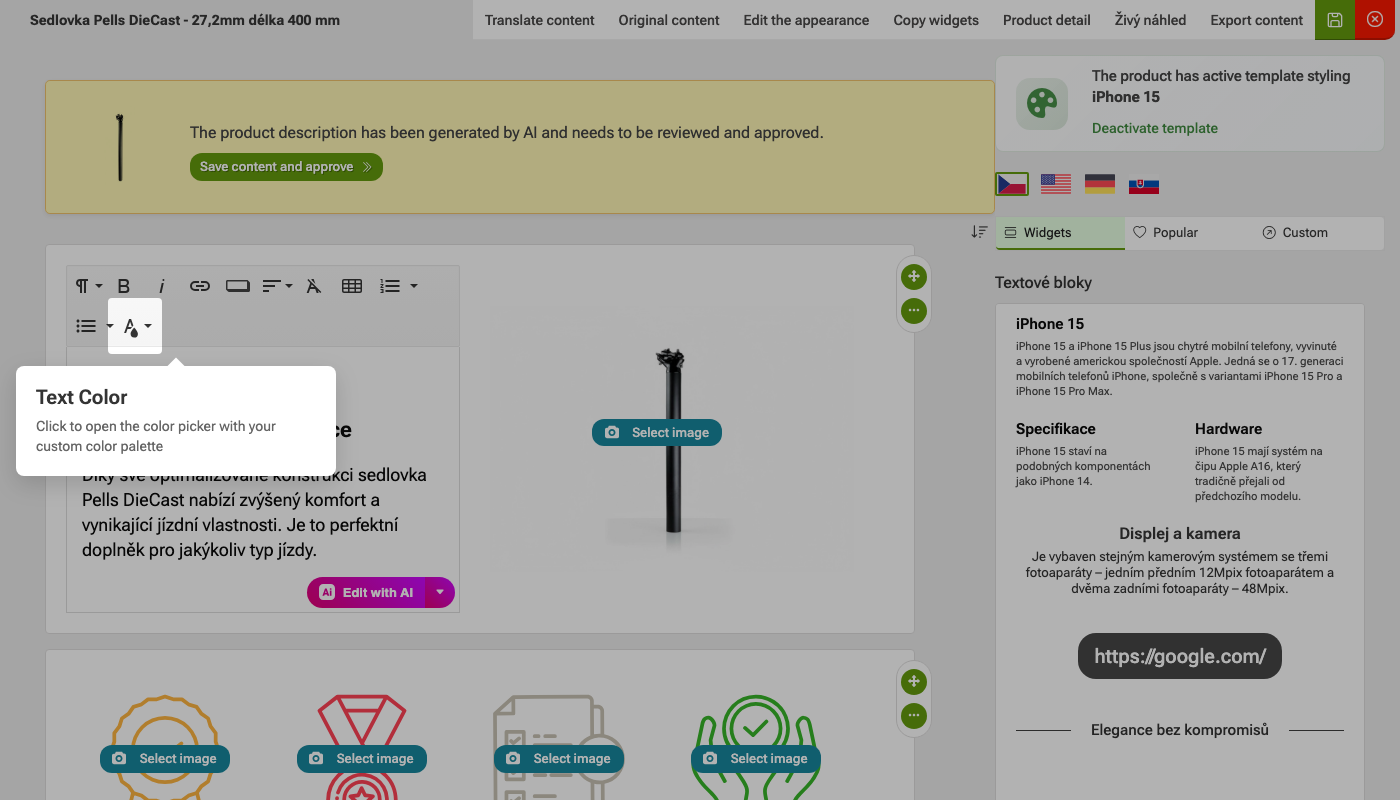 Removing text color in the editor
 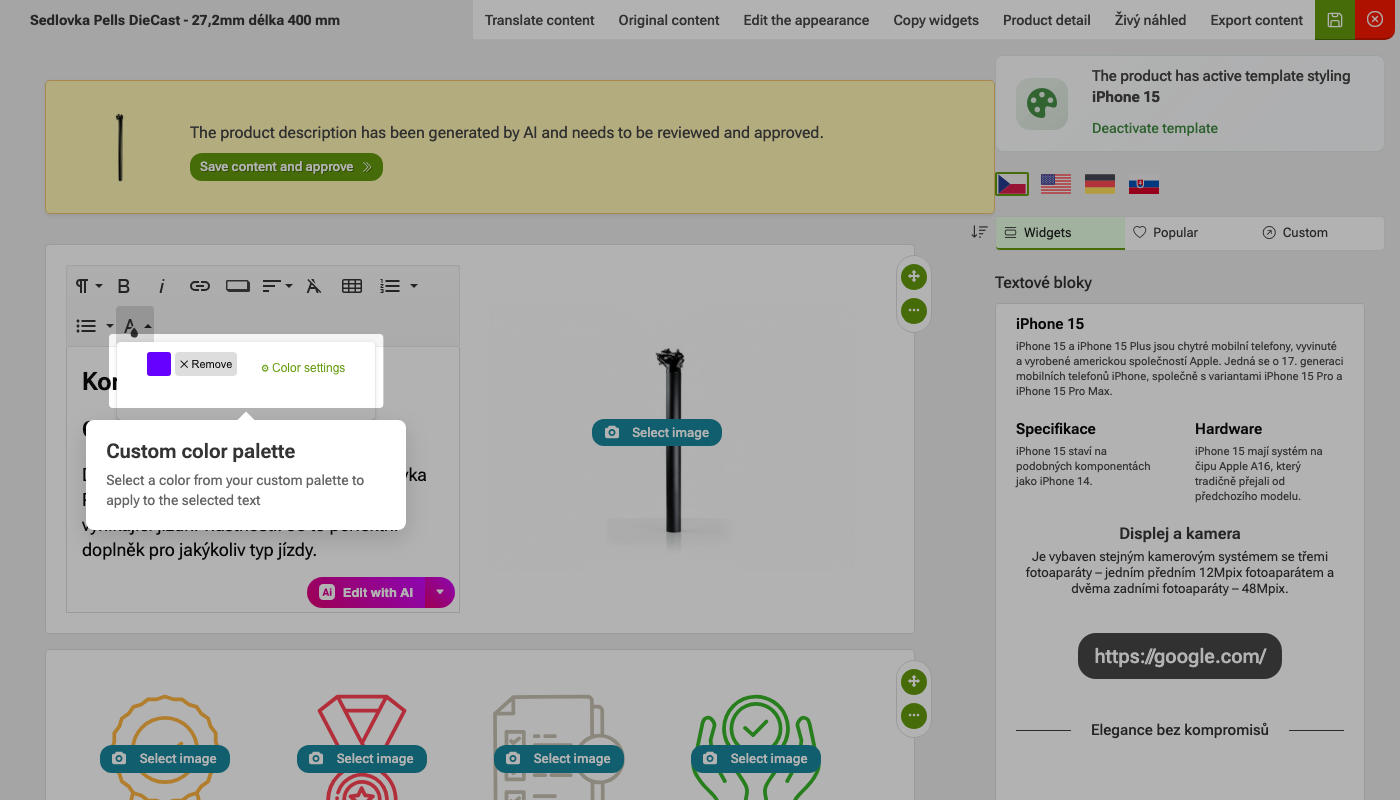 Color selection
I am very satisfied with Pobo Page Builder. We use it mainly for editing product pages and our blog.
Quick navigation

Thinking about Pobo? Let us show it to you.
Book a short 30-minute call where we'll show you how Pobo works, what it's good for, and how it can save you a lot of time and money.
Book a call