
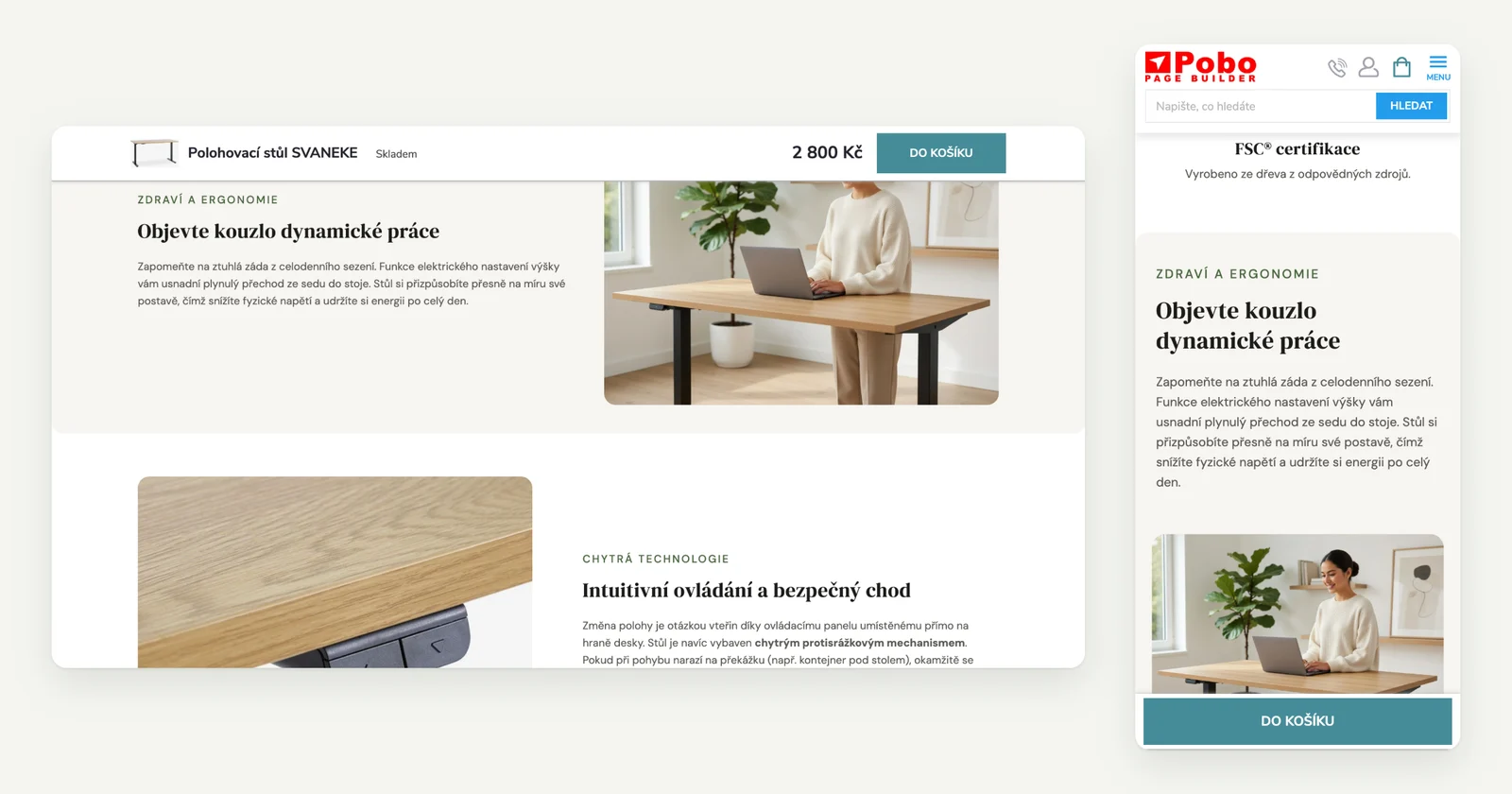
Shopping bar with the Add to cart button

The bar keeps the Add to cart button on screen while customers read the description. A Shoptet add-on that works right after installation.

  • No setupThe bar works right after installation.
  • 5 kB, no librariesIt will not slow down your e-shop.
  • 14 days freeThen 390 CZK one-off.
Shopping bar on a product page on a computer and on a phone

Customers do not have to scroll back up

With long product descriptions, customers end up far from the Add to cart button. The bar holds it on screen, so they add the product to the cart from any part of the page.

In A/B tests, a floating button increases the number of add-to-cart clicks. The agency U-Digital measured 21% more of them on mobile than without it. Source

What the bar looks like

It behaves differently on a computer and on a phone, so it never gets in the way.

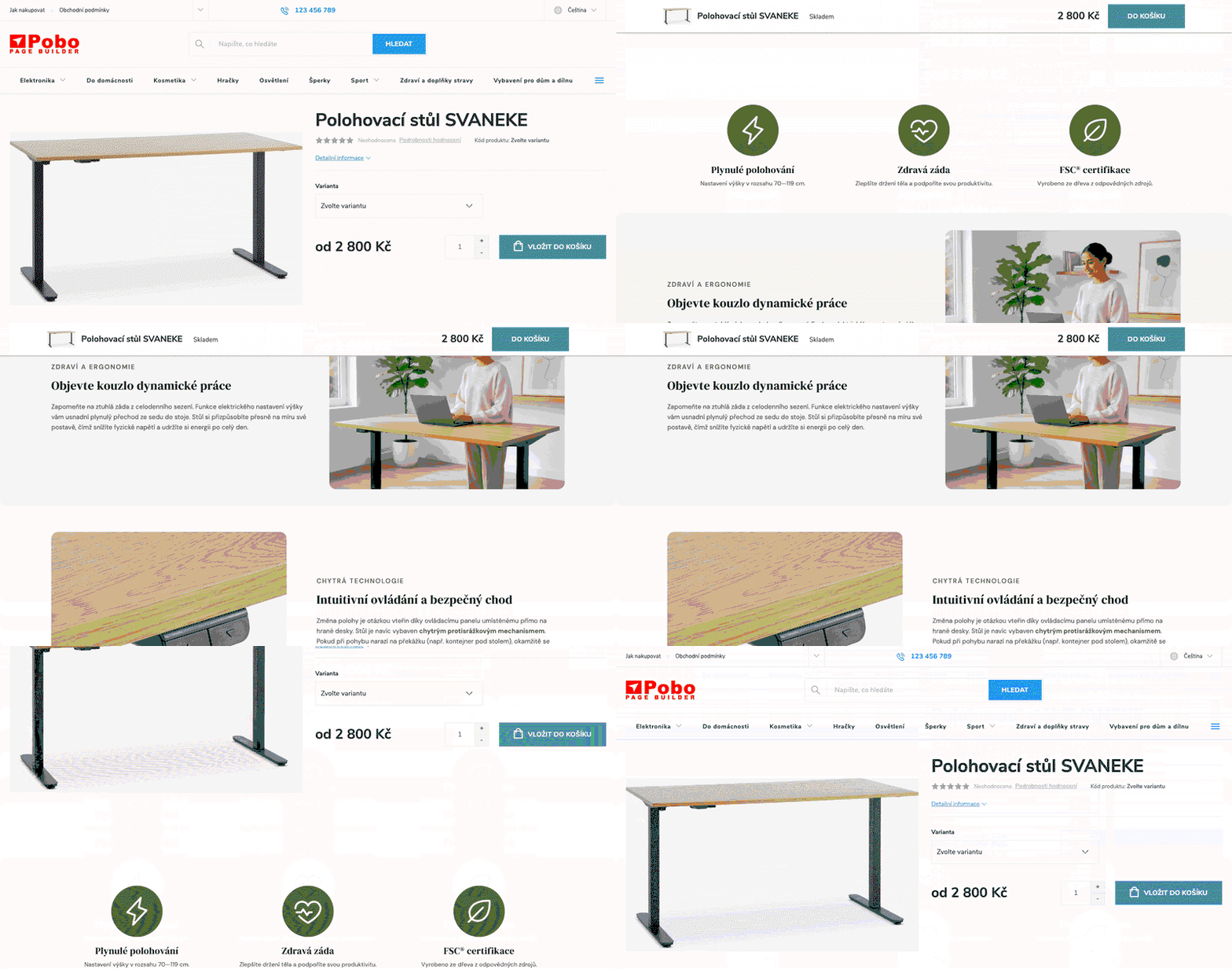
Shopping bar at the top of a product page on a computer

Computer and tablet

The bar slides in from the top as soon as the original button disappears above the edge of the screen. It shows the image, name, availability, price and the Add to cart button. When the customer scrolls back to the original button, the bar hides.
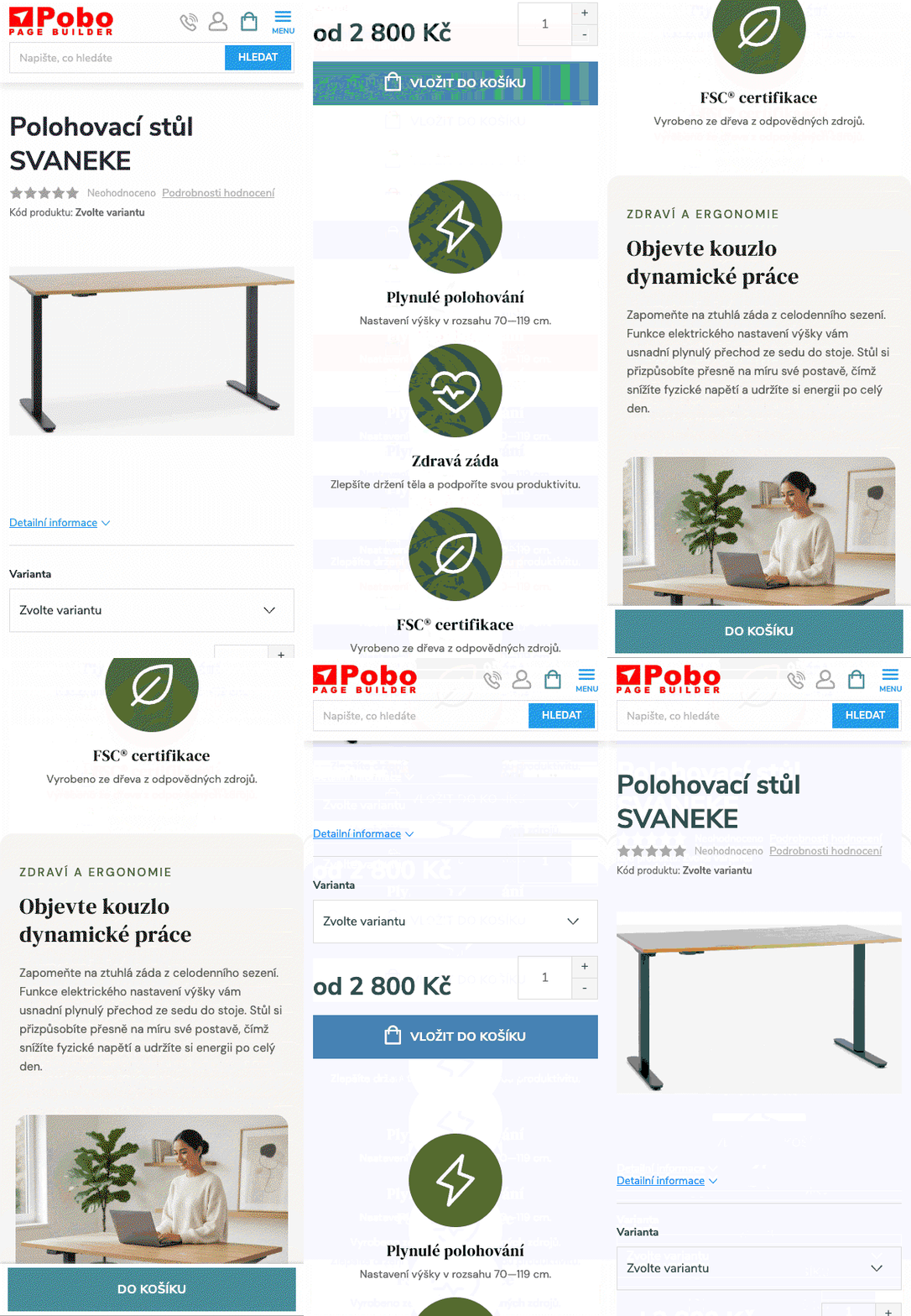
Add to cart button at the bottom of a product page on a phone

Phone

The bar slides in from the bottom, where the customer reaches it with a thumb, and takes up only the space for the button.

Products with variants

The button in the bar works the same way as the original one.

  1. No variant selected

    The bar takes the customer back to the variant selection and the e-shop highlights it.

  2. Variant selected

    It adds exactly the variant the customer chose to the cart.

  3. Price in the bar

    The bar shows the price of the default variant. The cart always shows the price of the selected one.

Frequently asked questions

Where do I set up the bar?

Nowhere, the add-on has no settings. The bar starts working right after installation. That is why the Settings link in the Shoptet admin leads here, to the support contact.

Does the bar work in my template?

The bar works in all Shoptet templates except Echo.

The bar does not show up. What can I do?

Most often the cause is a custom change to the e-shop. If a developer modified your e-shop or another add-on changes the product detail, write to us at podpora@pobo.cz and we will adjust the bar. We charge for the adjustment according to its scope.

How do I install the add-on?

Click Order the add-on. The first 14 days are free, then the add-on costs 390 CZK one-off. If you uninstall it during the trial, you pay nothing.

Is the bar missing or do you want it tailored to your e-shop?

Write or call us. We price adjustments individually according to their scope.