How to install Pobo Page Builder on WooCommerce (WordPress)
« Back to integrationsHow to install Pobo Page Builder on WooCommerce (WordPress)
Simple instructions on how to install Pobo Page Builder editor for WooCommerce add-on on WordPress.
Create an account
To install Pobo Page Builder on WooCommerce in WordPress, the first path will lead you to create an account. Open the client.pobo.space page and click on the "Create Account" tab.
Fill in the registration form
Fill in the form with:
- Your e-mail
- Password
- Confirm password
- URL of your e-shop (e.g.: https://www.mujeshop.cz/)
- Select the platform "WooCommerce"
Then submit the form and the system will automatically log you in.
Setting up permalinks in WordPress
Before we connect Pobo Page Builder with WooCommerce, we need to verify that the permalinks are set up correctly in WordPress. Go to the Settings " Permalinks page(https://www.mujeshop.cz/wp-admin/options-permalink.php) and check if "Post Title" is active
Creating API Keys in WooCommerce
Now you need to create the so-called API keys, which are used to connect Pobo Page Builder with your WooCommerce e-shop. Go to WooCommerce " Settings " Advanced " REST API(https://www.mujeshop.cz/wp-admin/admin.php?page=wc-settings&tab=advanced§ion=keys).
In this section, click on the "Add Key" button and fill in:
- Name e.g. "Pobo Page Builder"
- Select the user
- Permissions select "Read/Write"
Submit the form. WooCommerce will then create two API keys for you:
- User key: "ck_f472c6371******"
- User secret key: "cs_d5594e39******"
Keep the page with the created API keys open in a tab and log in to Pobo Page Builder. Go to the "Integration " WooCommerce" page and paste the API keys created by WooCommerce into the form.
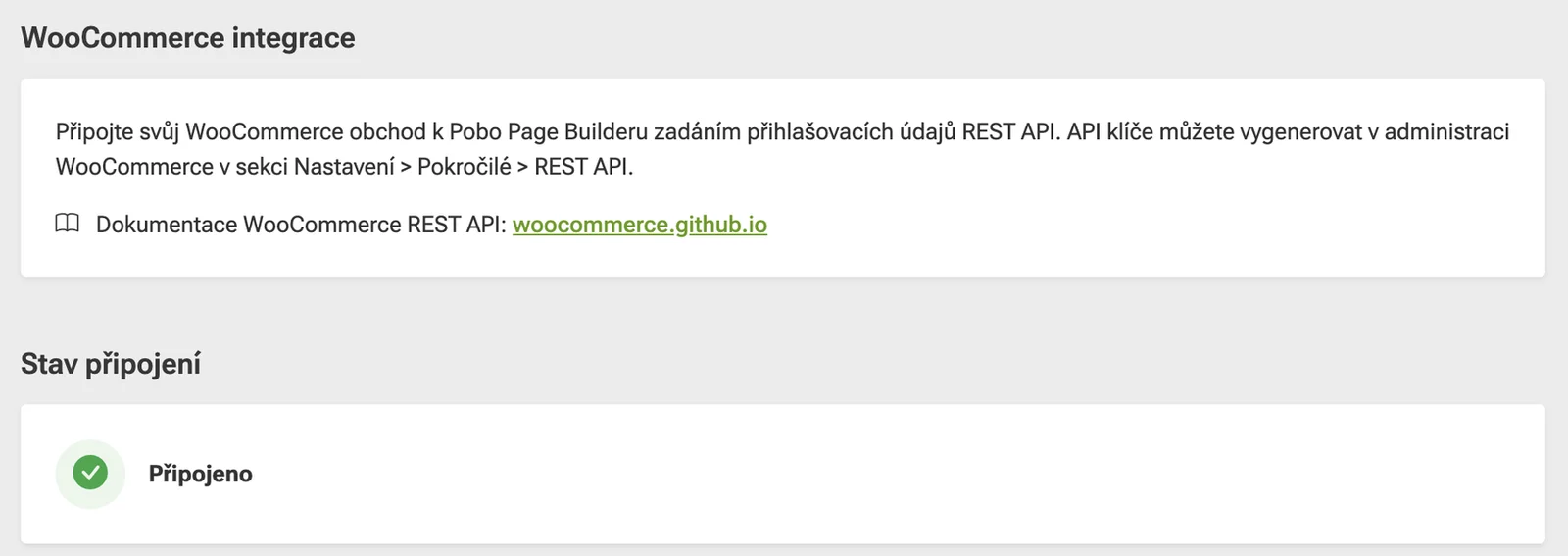
Save the form and Pobo Page Builder will connect to your e-shop. The status under the heading "Connection status" indicates whether the connection was made correctly.
That's all. Now you can go to the products and download them following this guide and work with Pobo Page Builder.

Thinking about Pobo? Let us show it to you.
Book a short 30-minute call where we'll show you how Pobo works, what it's good for, and how it can save you a lot of time and money.
Book a call


Book a call