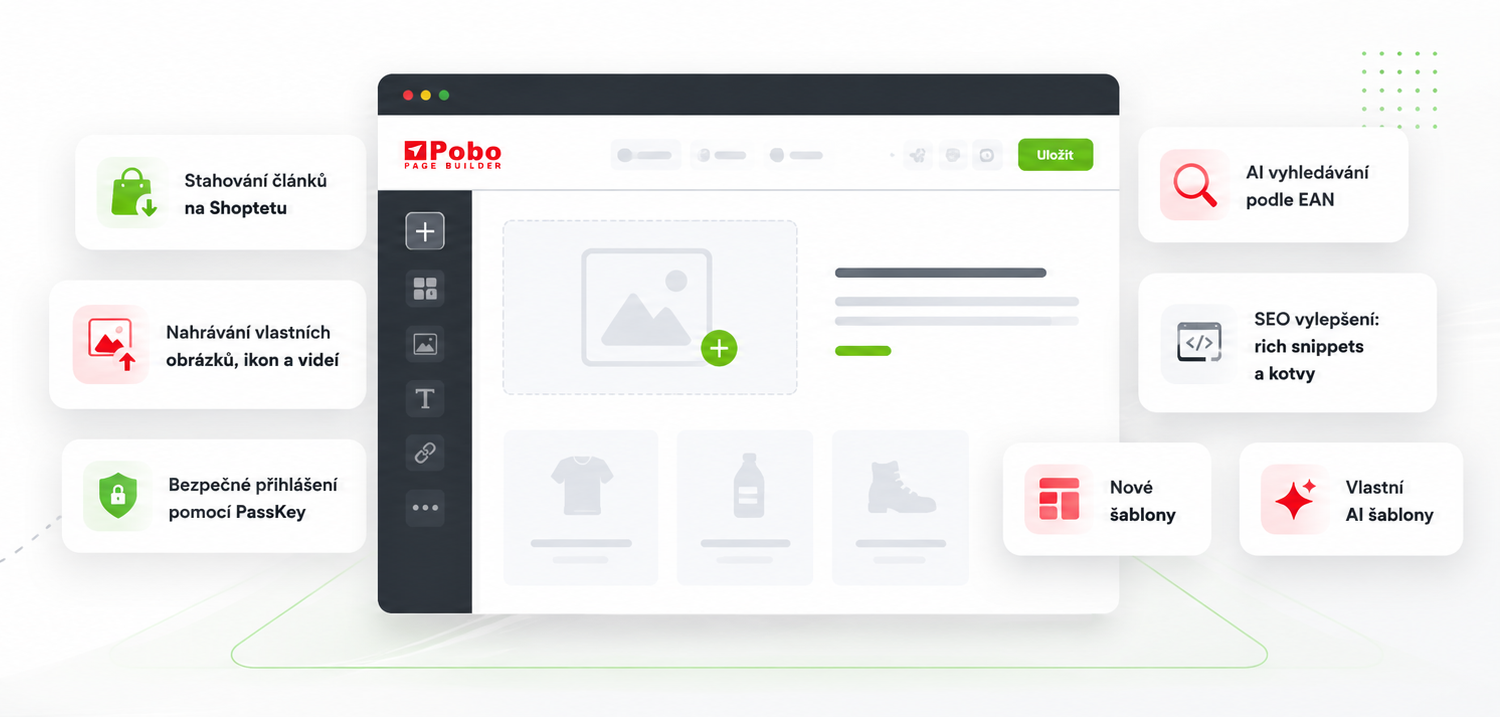
Květnové novinky v Pobo Page Builder

25.05.2026
« Back to articles

May News in Pobo Page Builder 

Read about what's new that we added in May to the Pobo Page Builder.

Květnové novinky v Pobo Page Builder

1. Downloading Articles on Shoptet

The first new feature will be appreciated by online store owners on Shoptet. Until now, it was necessary to create an article and then upload the HTML to the editor in the administration to transfer an article to Shoptet. This step can now be skipped - Pobo Page Builder already downloads articles from the API and also allows you to upload them with one click.

2. Uploading Videos and Custom Images or Icons

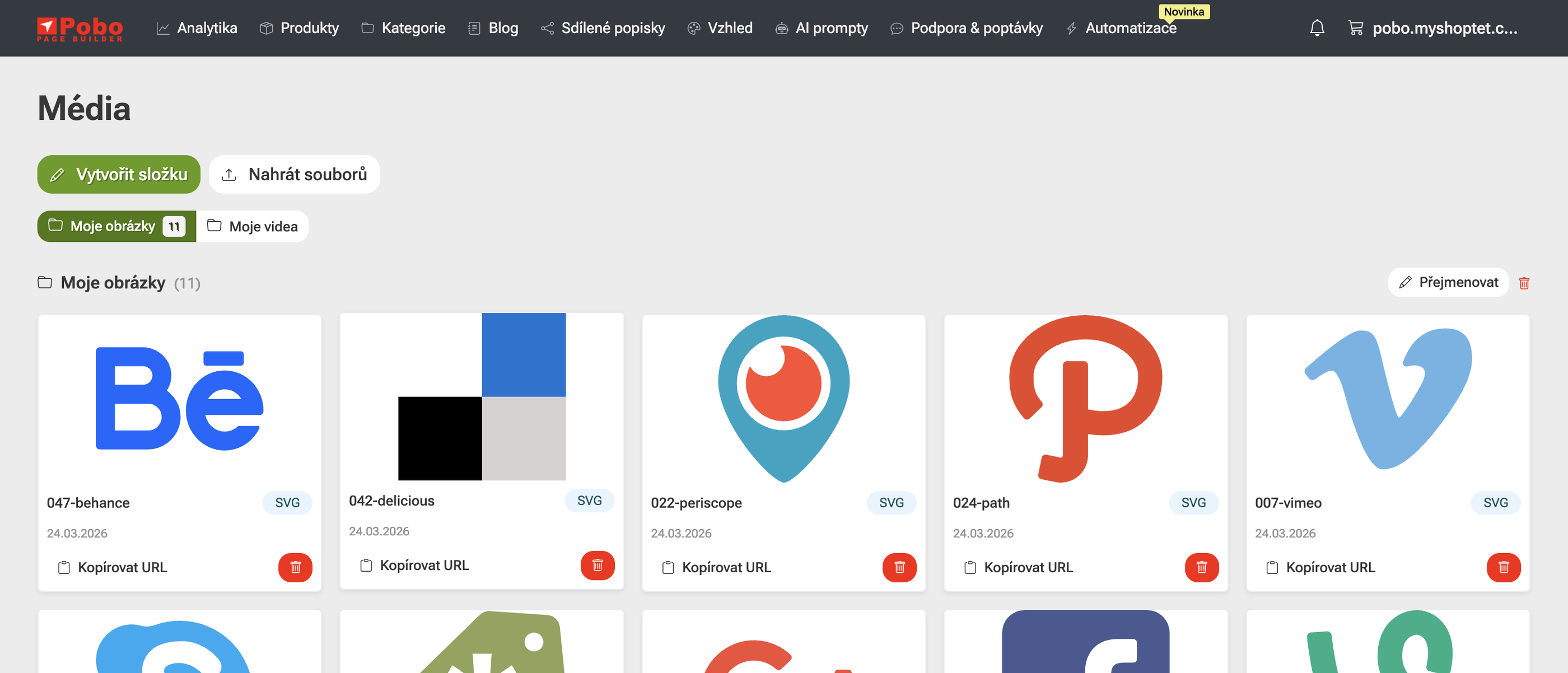
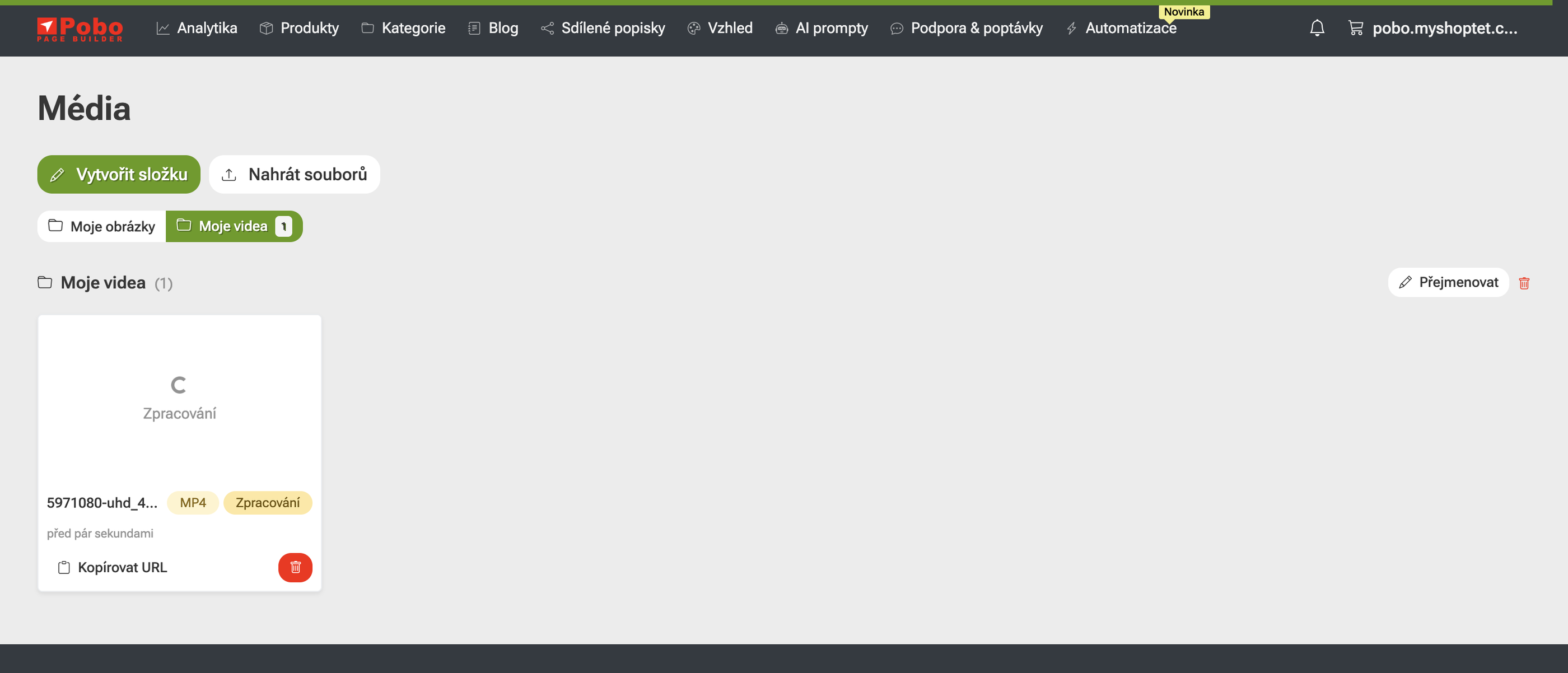
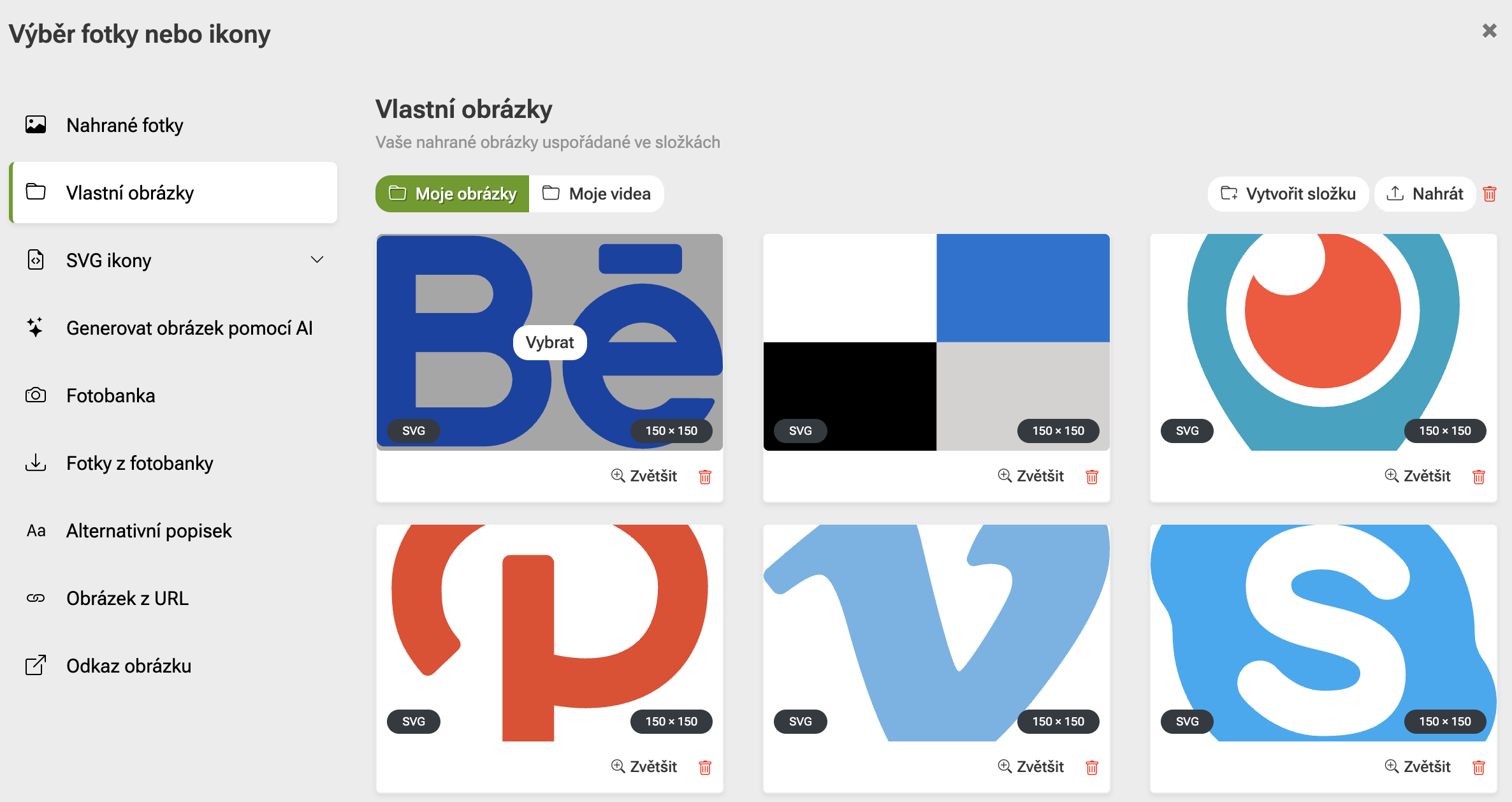
In the new version, we have added the ability to create folders and upload your photos, icons, and video clips. Images can be uploaded in standard formats (PNG, SVG, GIF, JPG, WebP), as well as video clips. Uploaded videos are automatically converted into a format that allows playback on the e-shop in a matter of minutes without slowing down the loading.

Sample video with overlay

Sample text under heading with overlay

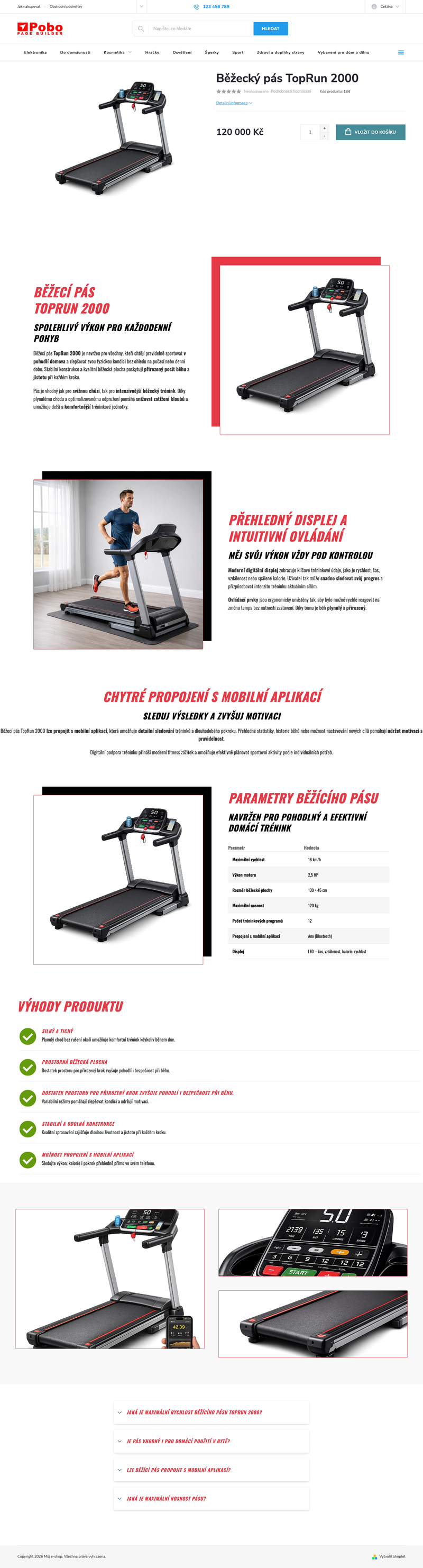
For videos, we have created three new widgets in which uploaded videos can be directly inserted in the editor, below this text you find their samples.

Sample Video

Video placed on the right with text on the left. The video plays automatically with the sound turned off to avoid disturbing the user.

Sample Video

Video placed on the left with text on the right. The video plays automatically with the sound turned off to avoid disturbing the user.

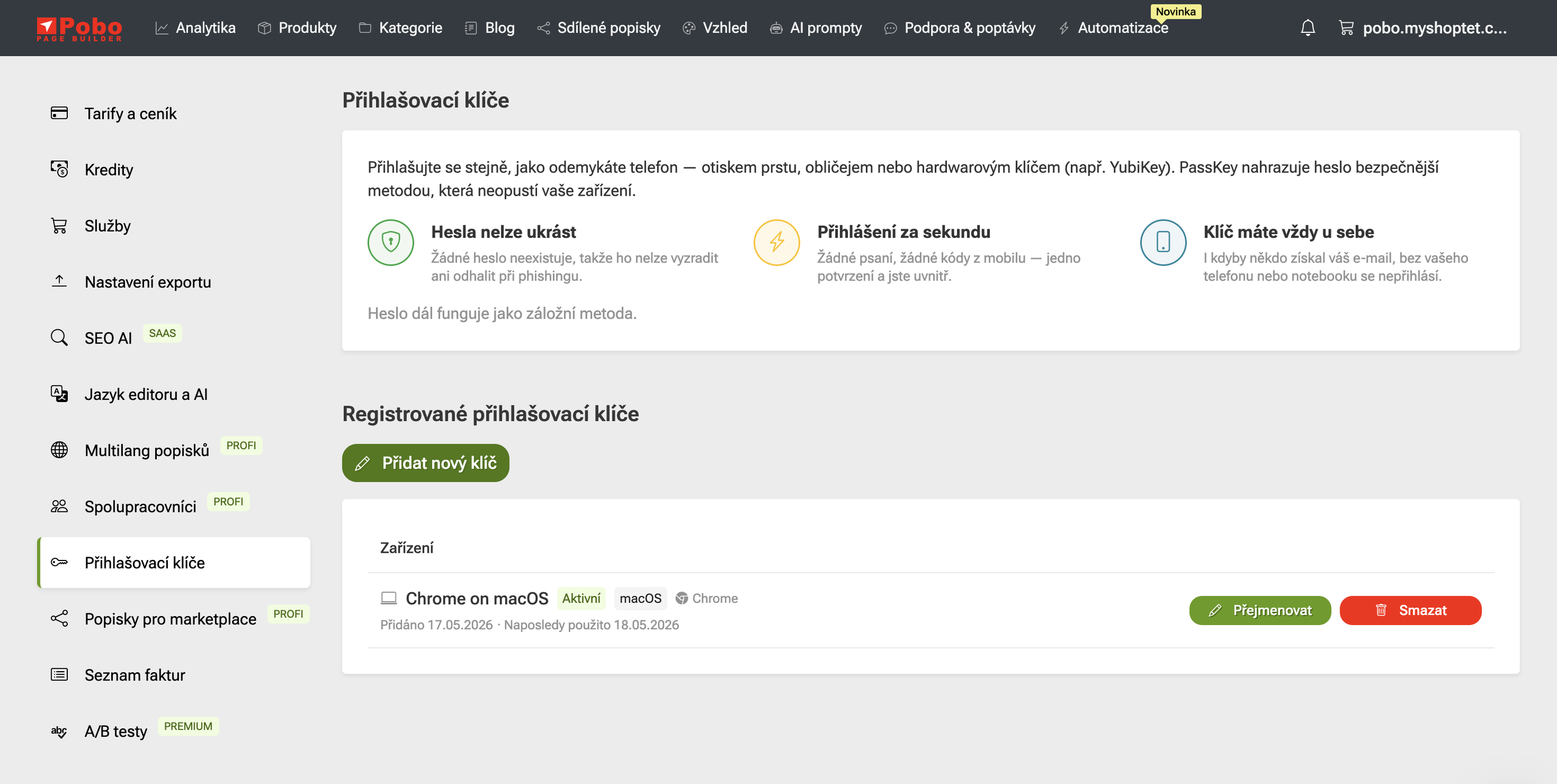
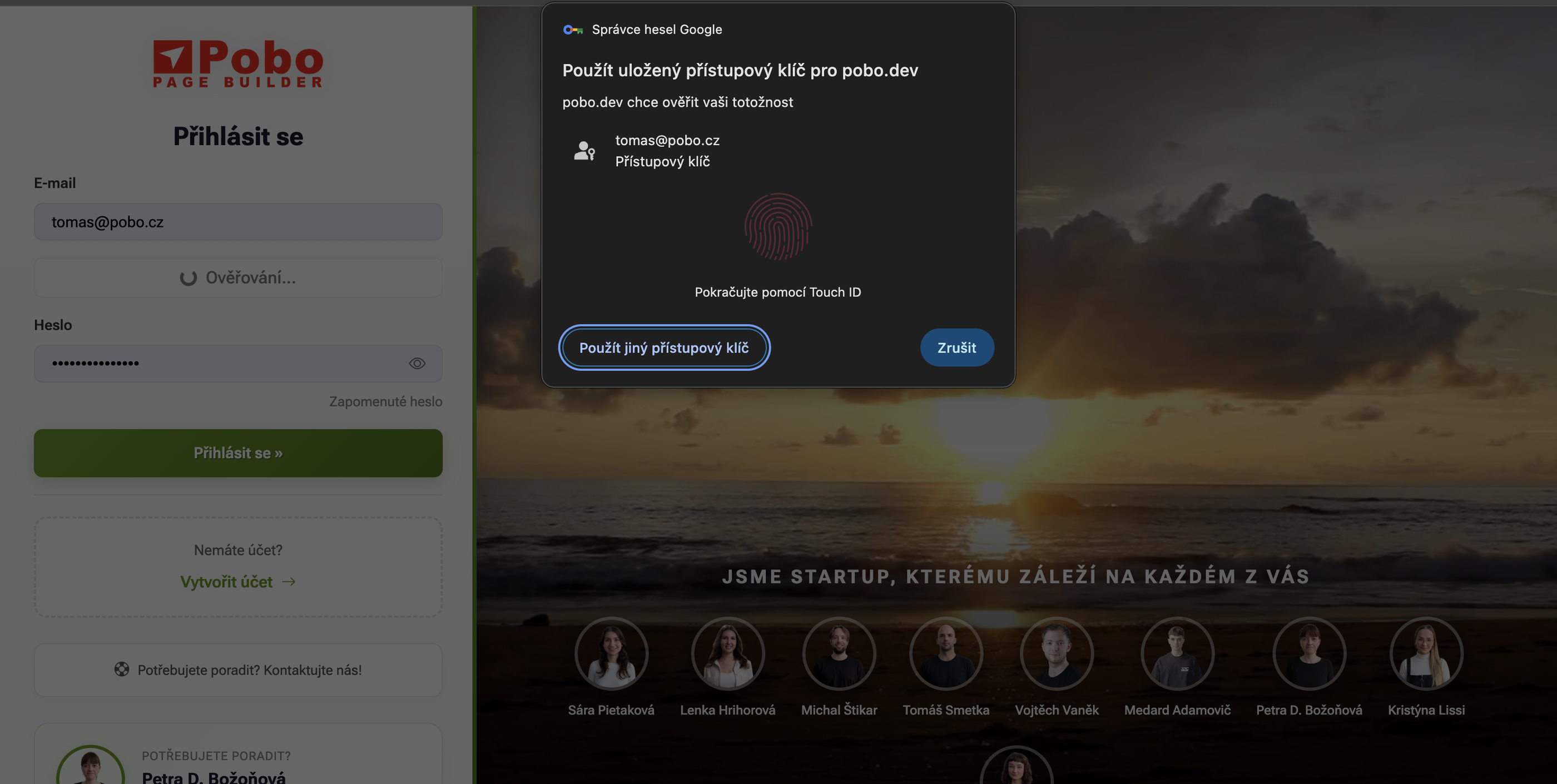
3. Secure Login with PassKey

It is now possible to log into the Pobo Page Builder using a so-called PassKey. It is a user verification system that does not require a password and is conducted by the operating system. On MacOS with an M chip, you can use a fingerprint, on Windows then Hello or a PIN.

PassKey is completely immune to password theft and allows logging in even without knowing the password.

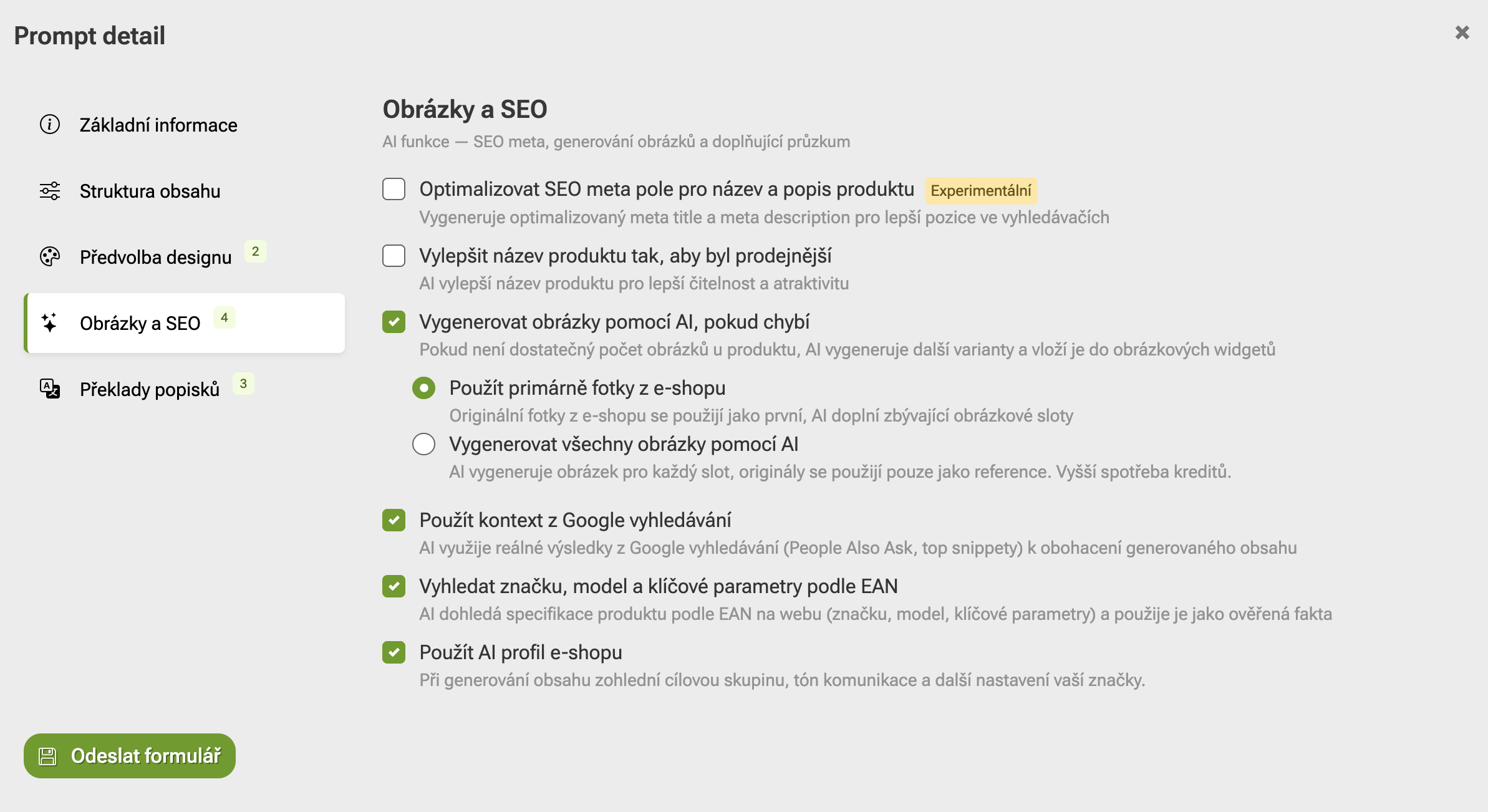
4. Searching for Information by EAN in AI

When generating descriptions using AI, it is now possible to search for information by EAN. This feature can be enabled in the prompt setting, and Pobo Page Builder then generates more relevant information if you do not have enough information on the product.

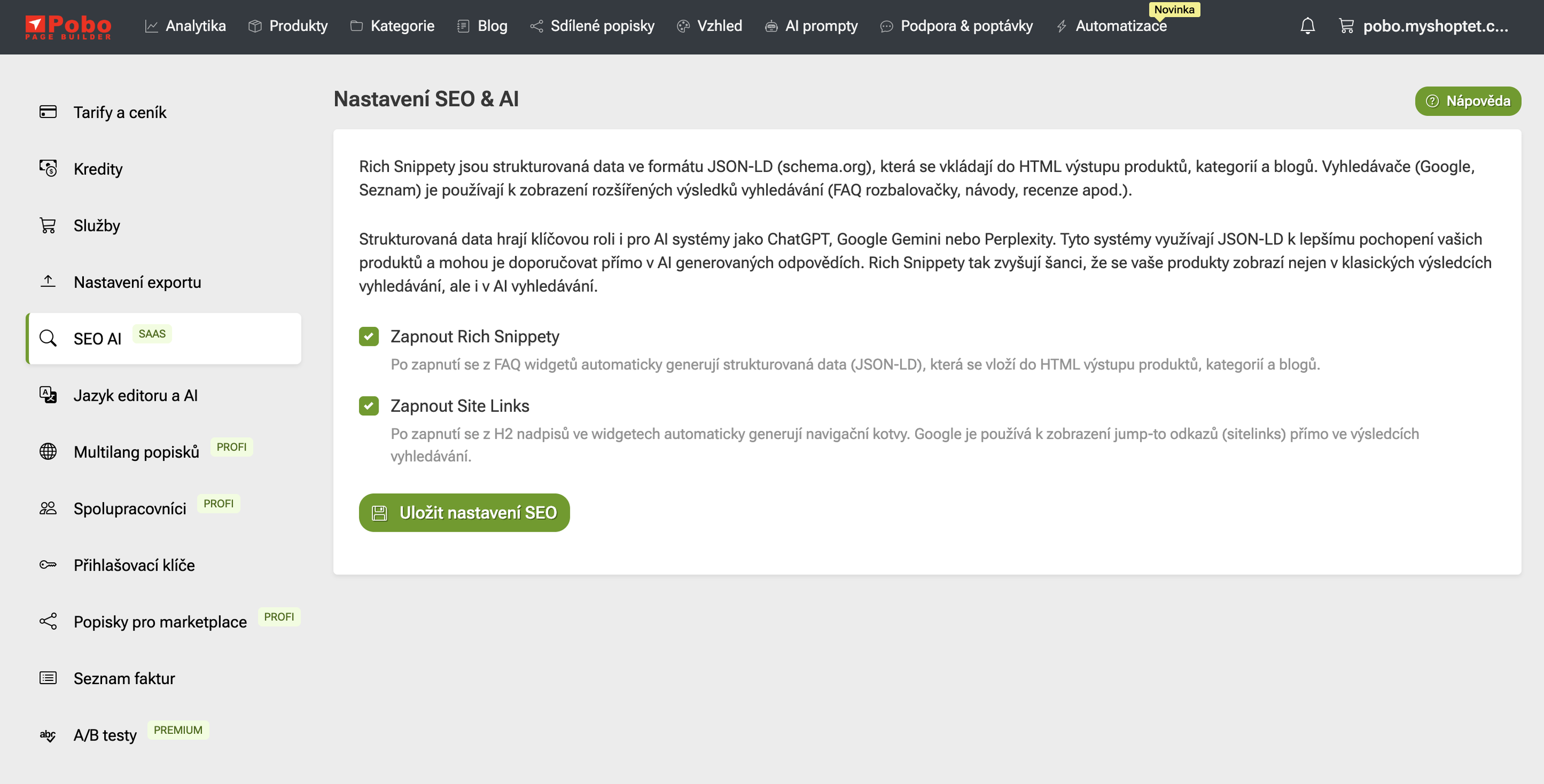
It is now possible in Pobo Page Builder to generate rich snippets and anchors on H2 headings in product descriptions. Both options can be enabled in the settings at client.pobo.space/merchant/setting/seo.

Don't forget to re-upload the descriptions to the e-shop after enabling.

6. New Templates You Can Use for Generating Descriptions

We have added new templates to Pobo that you can use as description templates or for content generation using AI.

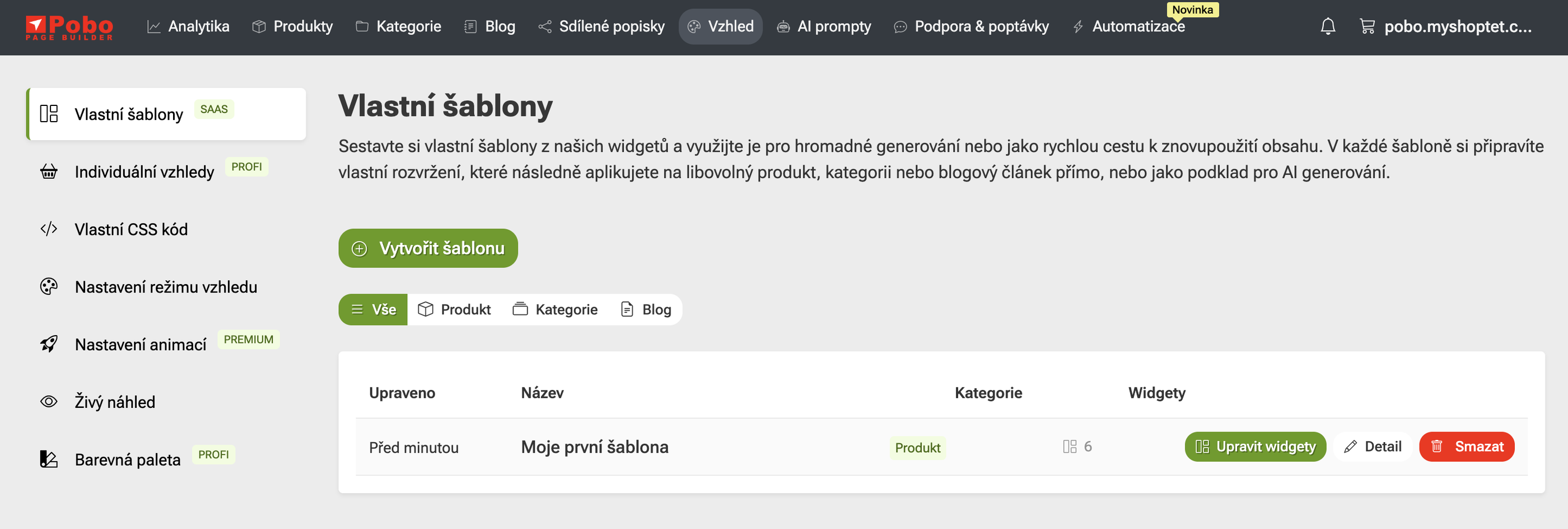
7. Creating Custom AI Templates

Until now, you were dependent on ready-made templates with a fixed structure for generating AI templates. It is now possible to create your own structure that can be used for generating descriptions using AI. You can define for yourself how the descriptions should be.

Pobo

Thinking about Pobo? Let us show it to you.

Book a short 30-minute call where we'll show you how Pobo works, what it's good for, and how it can save you a lot of time and money.

Book a call