Automatic AI Description Creation for New Products
Do you often add new products to your e-shop and don't want to deal with writing their descriptions manually every time? The new automation in Pobo Page Builder will monitor newly listed products for you and prepare AI content for them according to the rule you set.
Descriptions Prepared Overnight
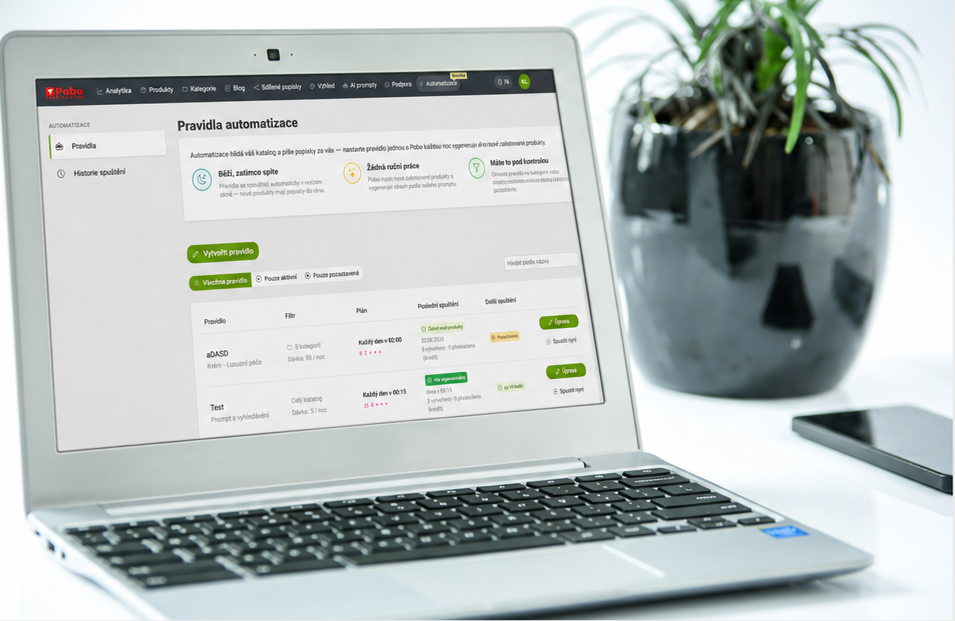
Thanks to automation rules, you can set up once how new products should be processed. You choose a prompt, define the rule conditions, and Pobo will then regularly monitor your catalog for you.
The automation runs during an overnight window, when it searches for newly listed products matching the configured conditions and prepares AI content for them according to your instructions. In the morning, you can have new descriptions ready without having to search for and process products manually, one by one.

How It Works in Practice
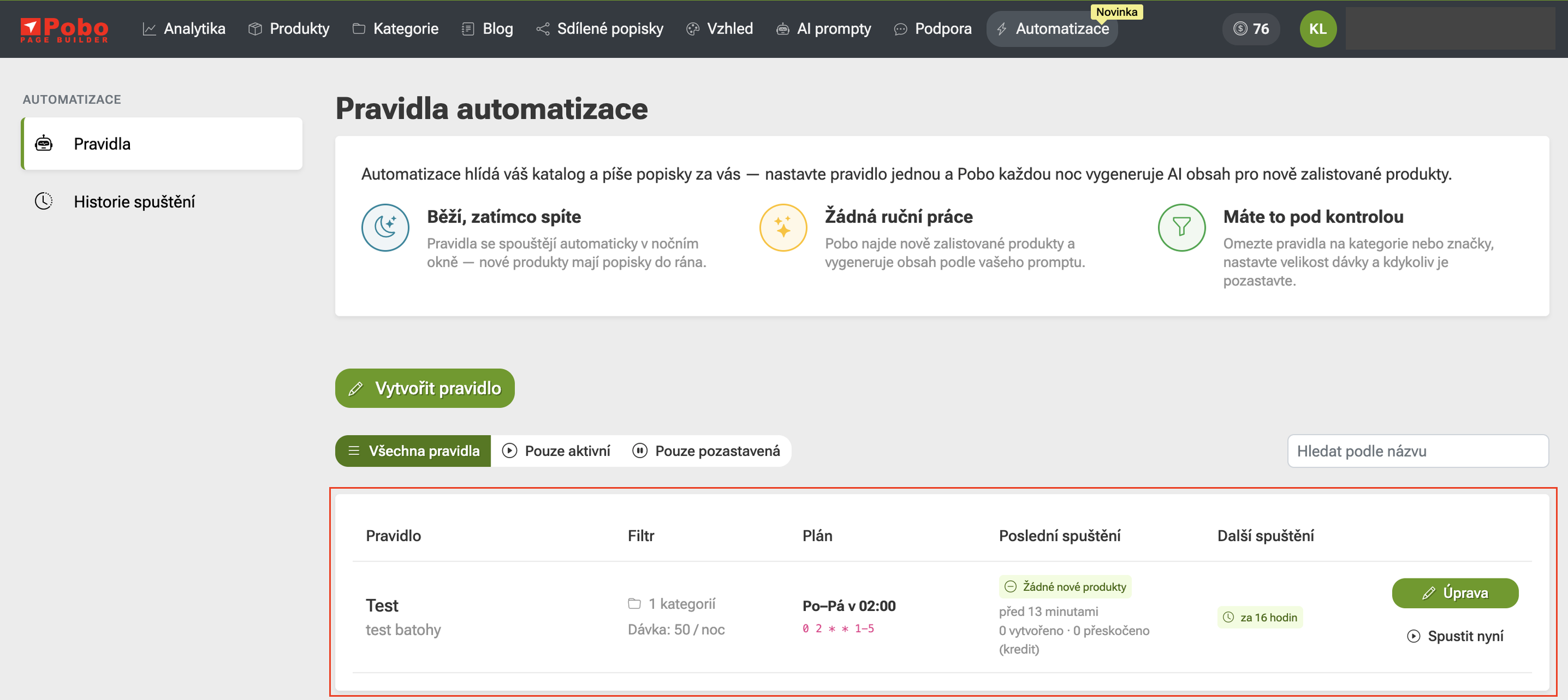
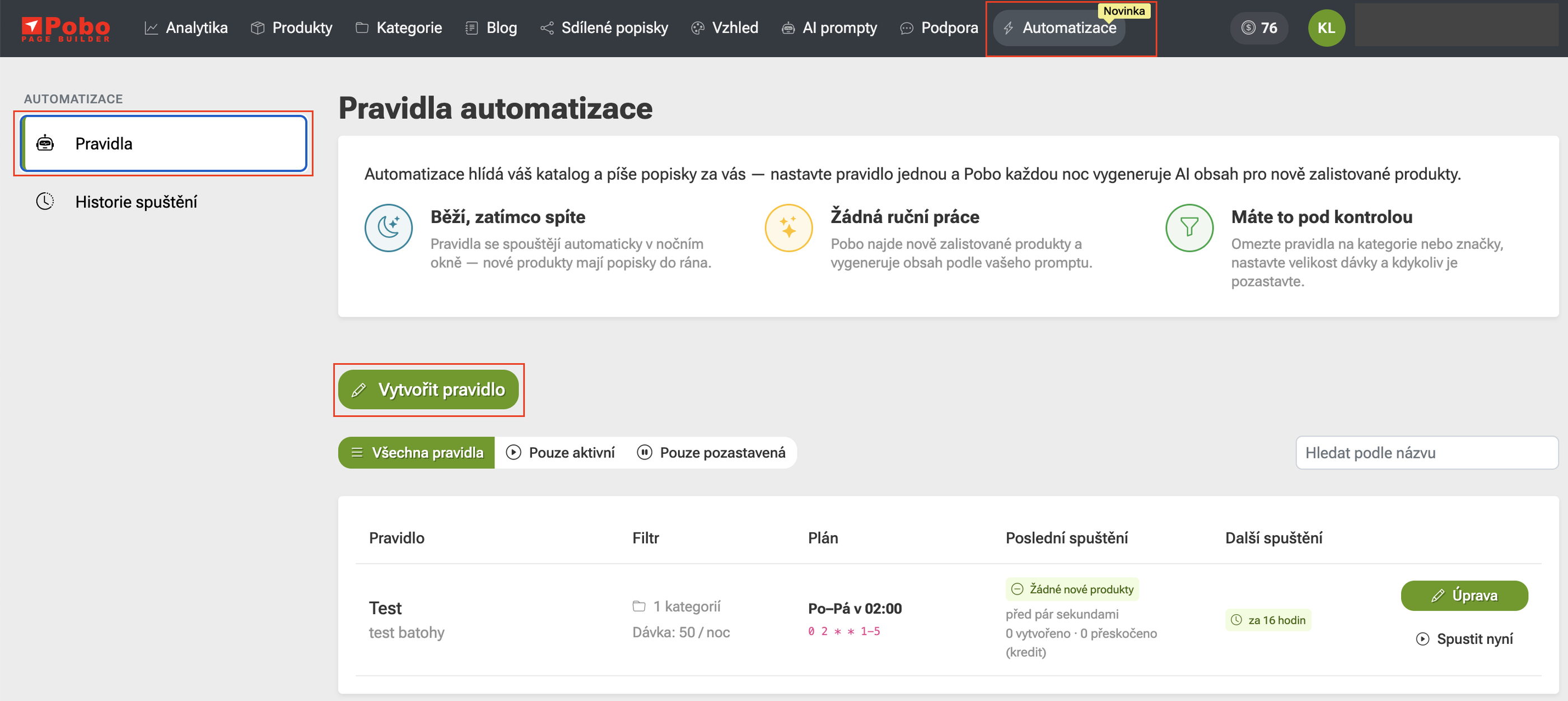
You can find the new feature directly in the top menu under the Automation tab. In the left panel, you can switch between the Rules section, where you create and edit automation rules, and the Run history section, where you can view an overview of completed runs.
You can easily create a new rule using the Create rule button.
Set Up a Rule in 4 Simple Steps
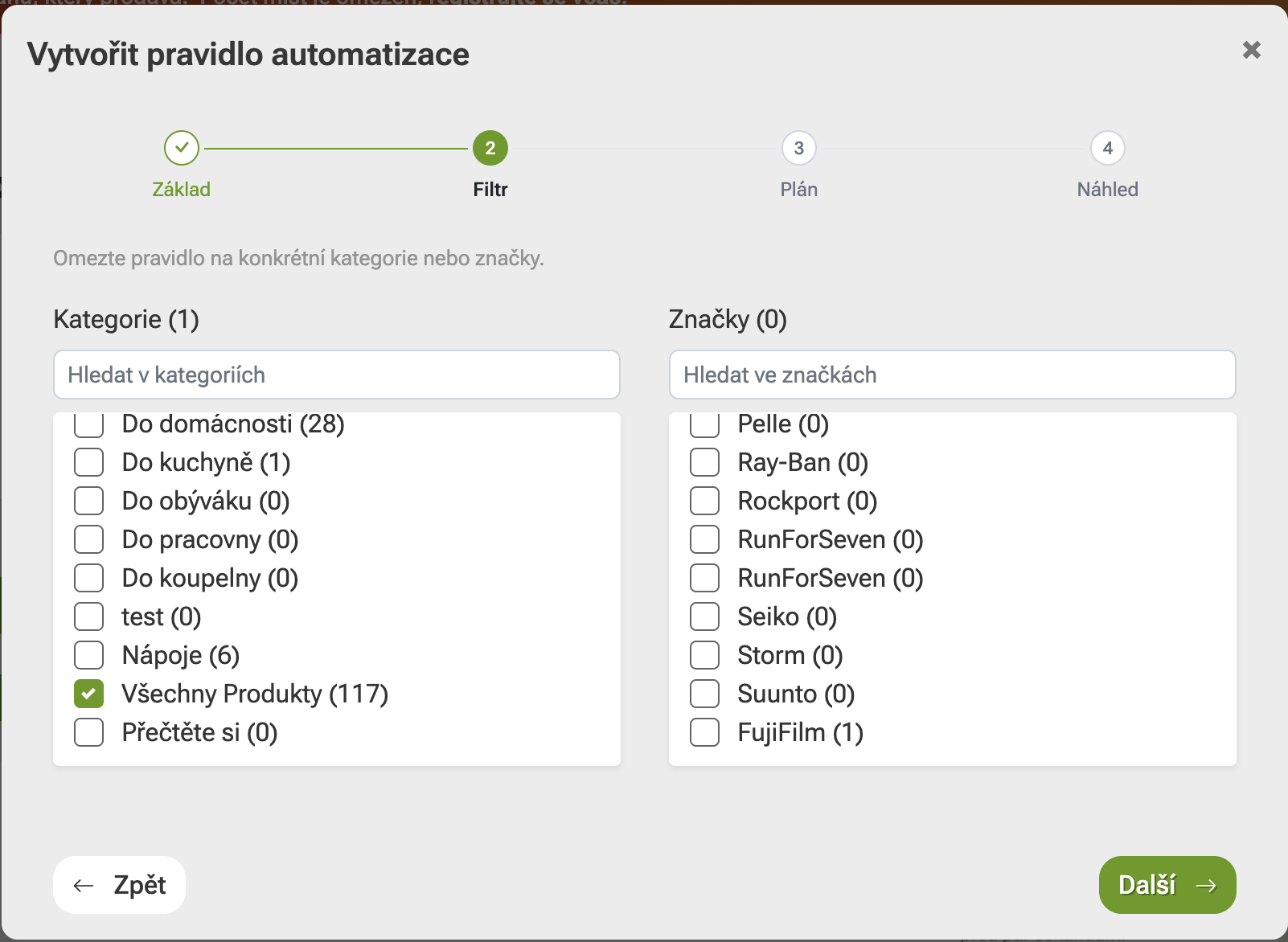
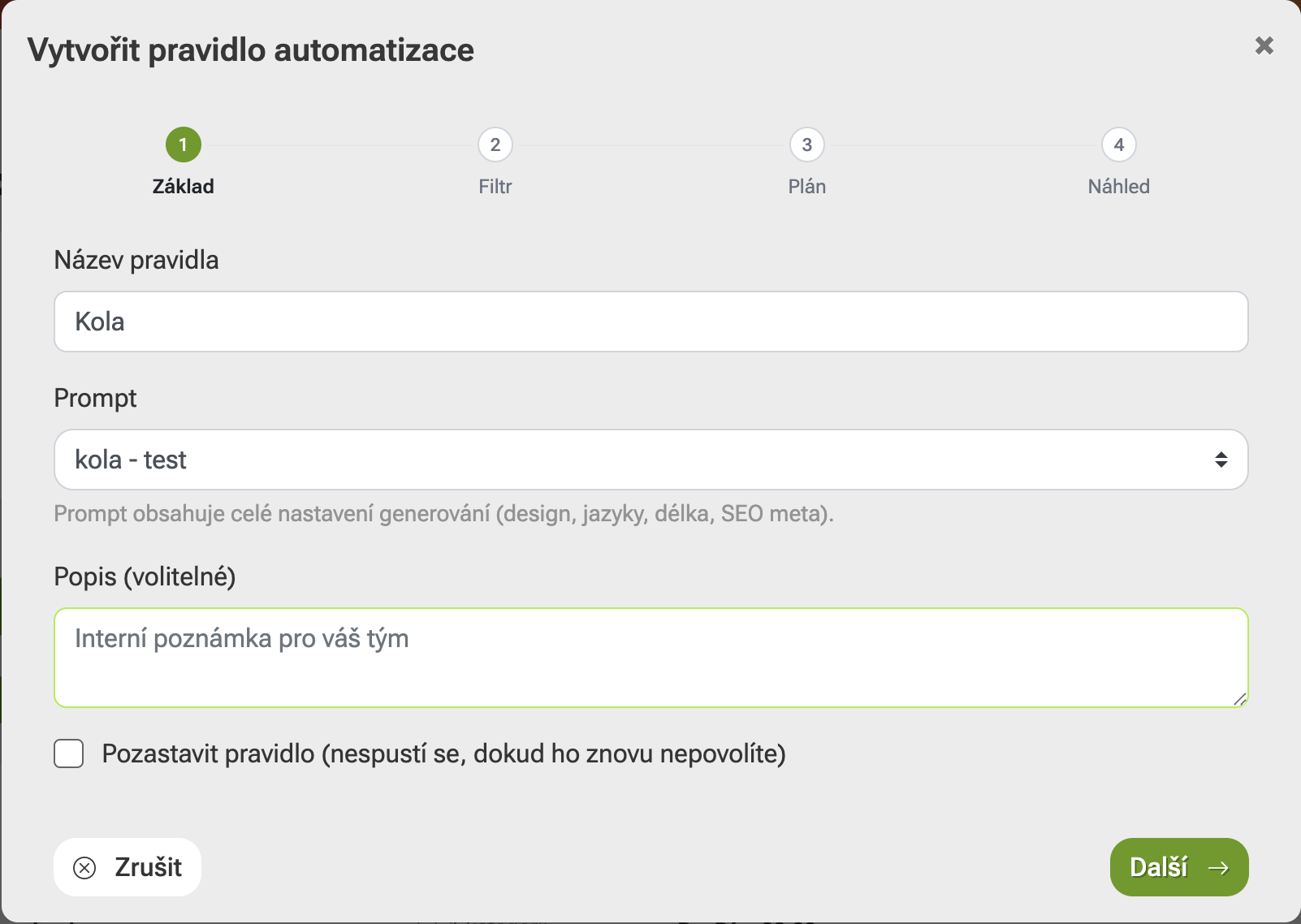
Creating an automation rule is divided into four clear steps. First, you fill in the basic information, name the rule, and select the prompt according to which the AI content will be generated. Then you specify which categories or brands the automation should apply to.
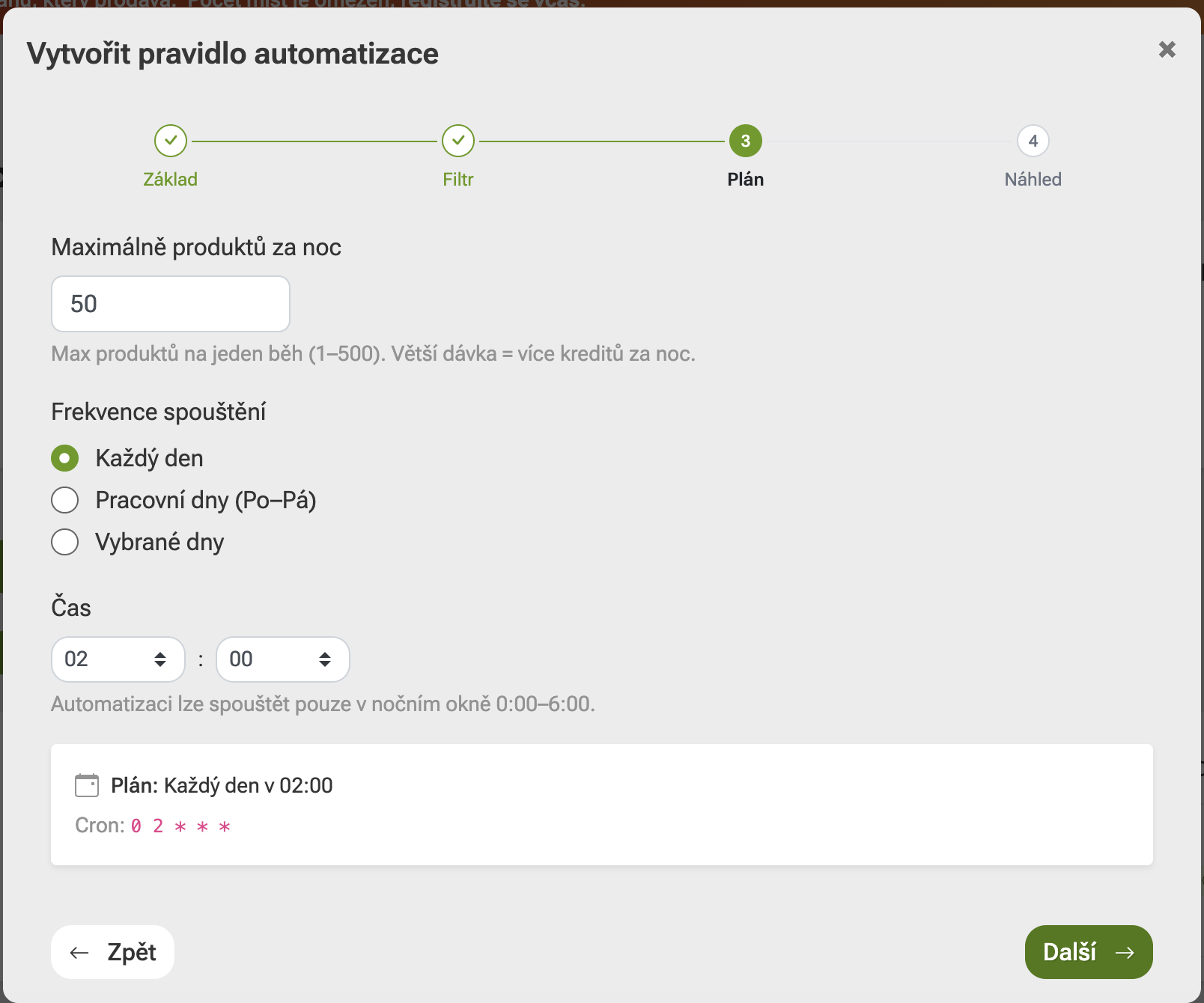
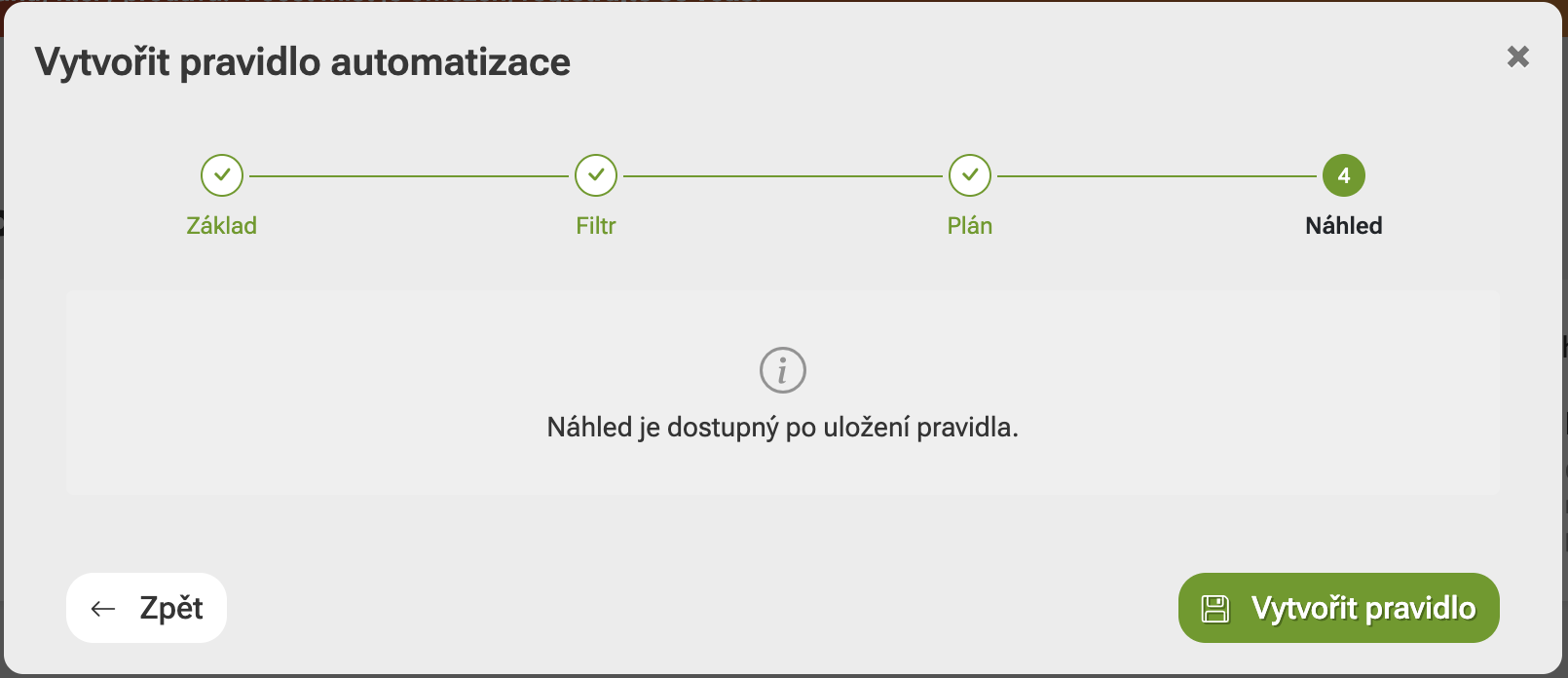
In the next step, you set the run schedule, such as the maximum number of products per night, the frequency, and the time. Finally, you review and save the rule. A preview will also be available after it has been created.
Who Is the Automation Suitable For
The automation feature will be especially valuable for e-shops that regularly expand their product range and want new products to be ready for sale faster. It is also useful for larger catalogs, where manually creating descriptions would take too much time. Automation can speed up work with new products, maintain a consistent content style, and reduce the amount of routine administration.
At the same time, you always retain full control over what is processed in your e-shop. You can configure the rules according to your own needs. If necessary, you can edit, pause, or restart a rule at any time.

An Overview of Every Run
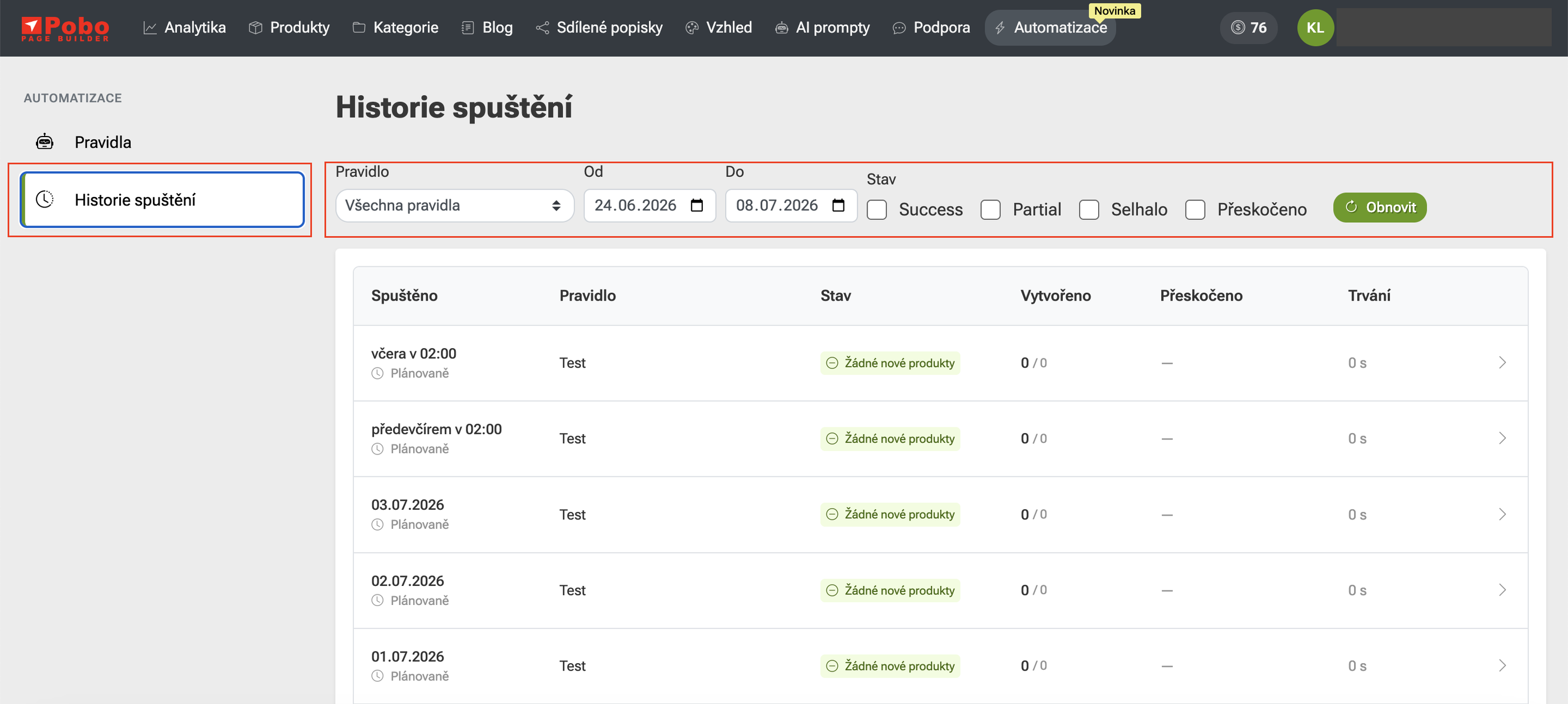
The automation also includes a run history. It allows you to easily see when a rule ran, what the result was, and how many products were processed.
For example, you can see whether a run completed successfully, whether no new products were found, or whether some items were skipped. You therefore have an overview of what the automation did and can quickly respond if the rule needs to be adjusted.


Michal Štikar: Why We Created the Automation
The aim of this feature is to make it as easy as possible for e-shops to create relevant texts and content templates. The principle is simple. In the morning, you will receive an email informing you how many products were updated overnight. You go to Pobo, review the content, and then simply send it to the e-shop. We are not only focused on generating texts quickly. It is important that the content is clear, responsive, and prepared in a way that makes sense to customers. Pobo works with the available product data and helps turn it into content that is usable, structured, and better prepared for real-world sales. Automation is ideal especially for e-shops with a large number of products, where manually creating descriptions would take dozens of hours of work. With Pobo, the entire process can be faster, clearer, and easier to control.Product Content That Keeps Pace with Your E-Shop
As your product range grows, creating product content only manually and sporadically is no longer enough. The new automation in Pobo Page Builder helps you set up a process so that descriptions are created continuously, consistently, and when they are actually needed.

Thinking about Pobo? Let us show it to you.
Book a short 30-minute call where we'll show you how Pobo works, what it's good for, and how it can save you a lot of time and money.
Book a call


Book a call