


 Book a call
August news in Pobo: A/B testing and easier content management
You can now launch A/B tests of product descriptions yourself and easily duplicate already created widgets and saved prompts.

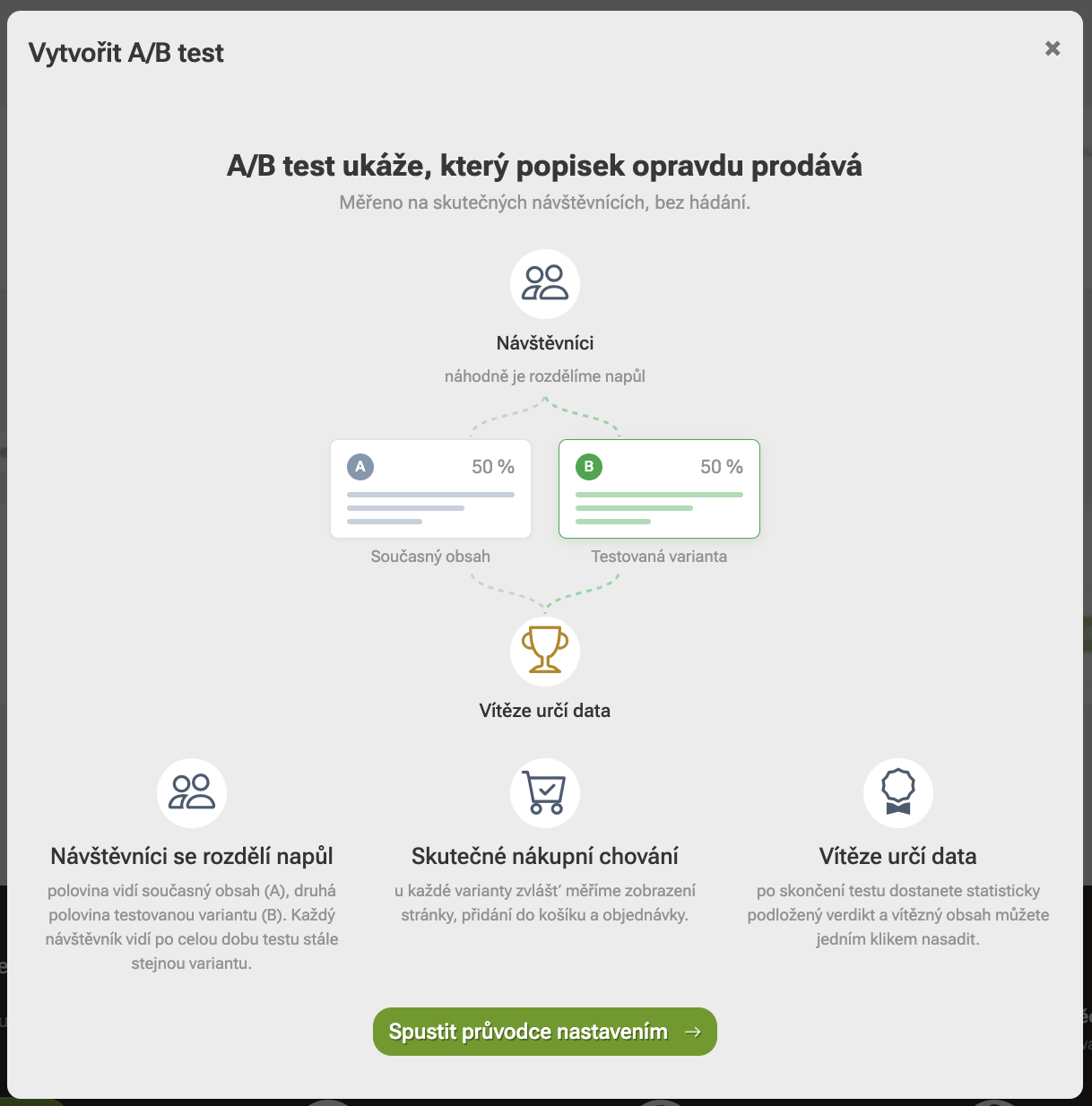
Find out which product description works best
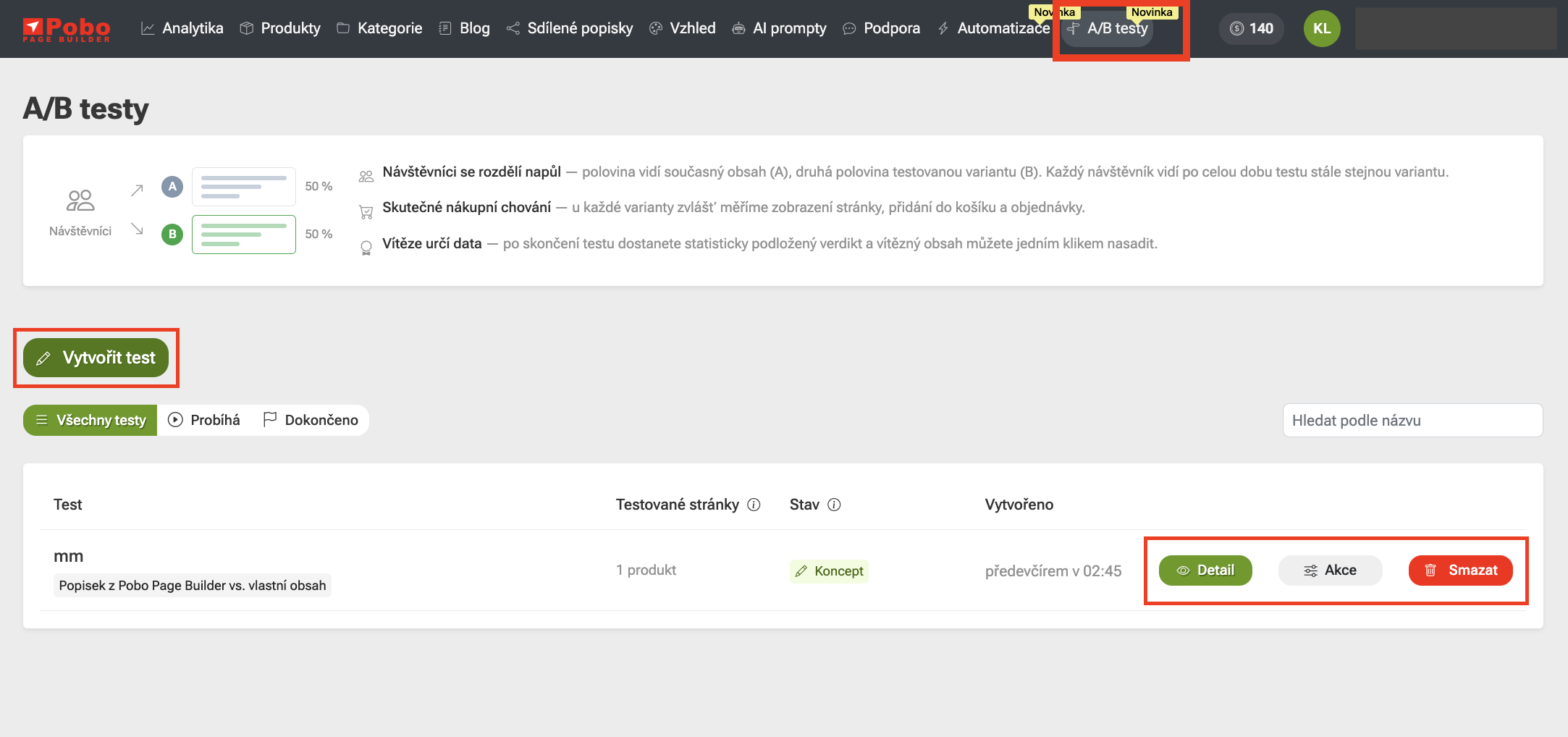
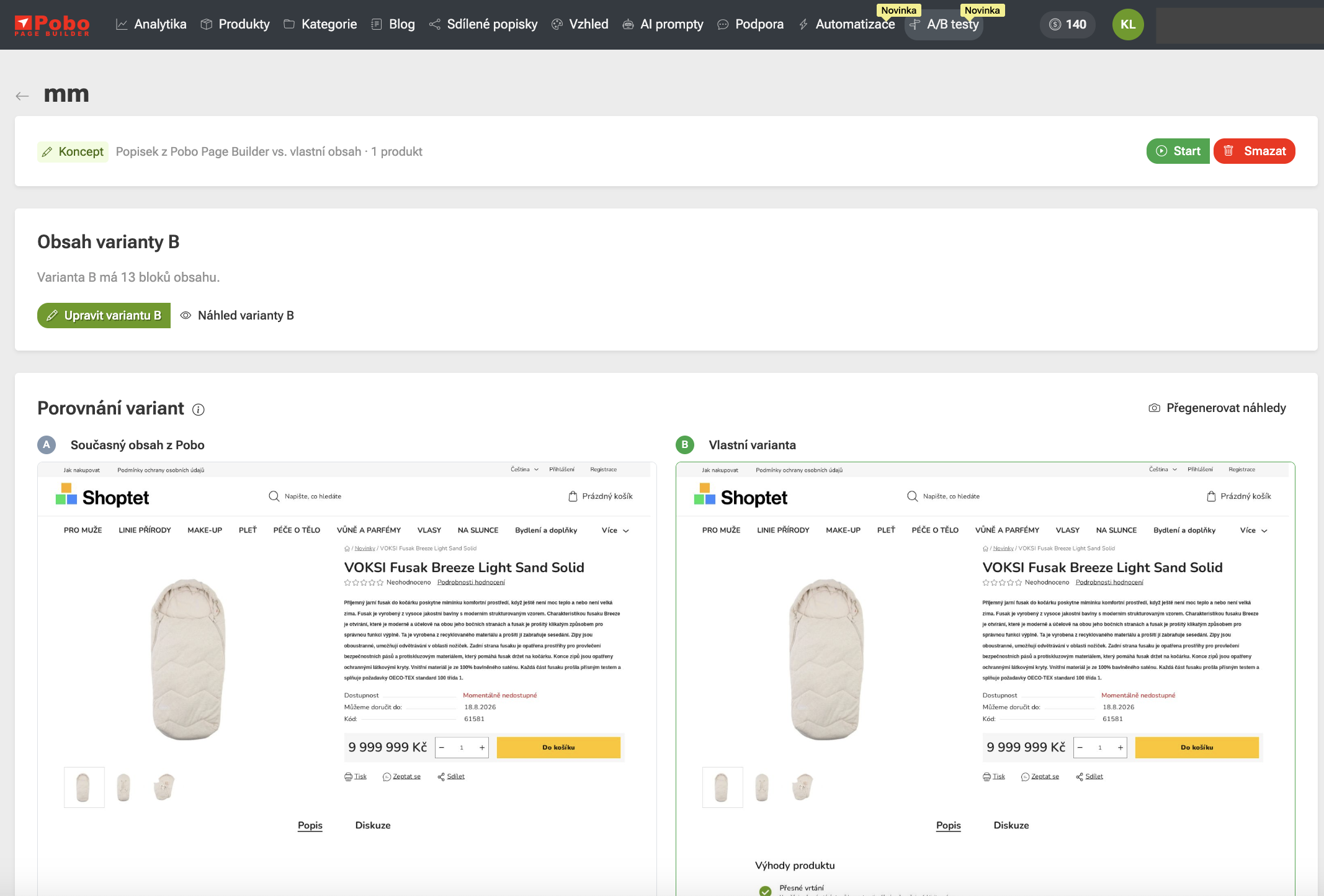
You can now launch an A/B test yourself of product descriptions in Pobo Page Builder and find out which variant actually performs better.
Visitors are automatically split between the two versions, and Pobo tracks page views, add-to-cart actions, and orders for each one. Once the test is complete, you will get a statistically supported result and can deploy the winning variant straight away.
Creating descriptions is now even easier
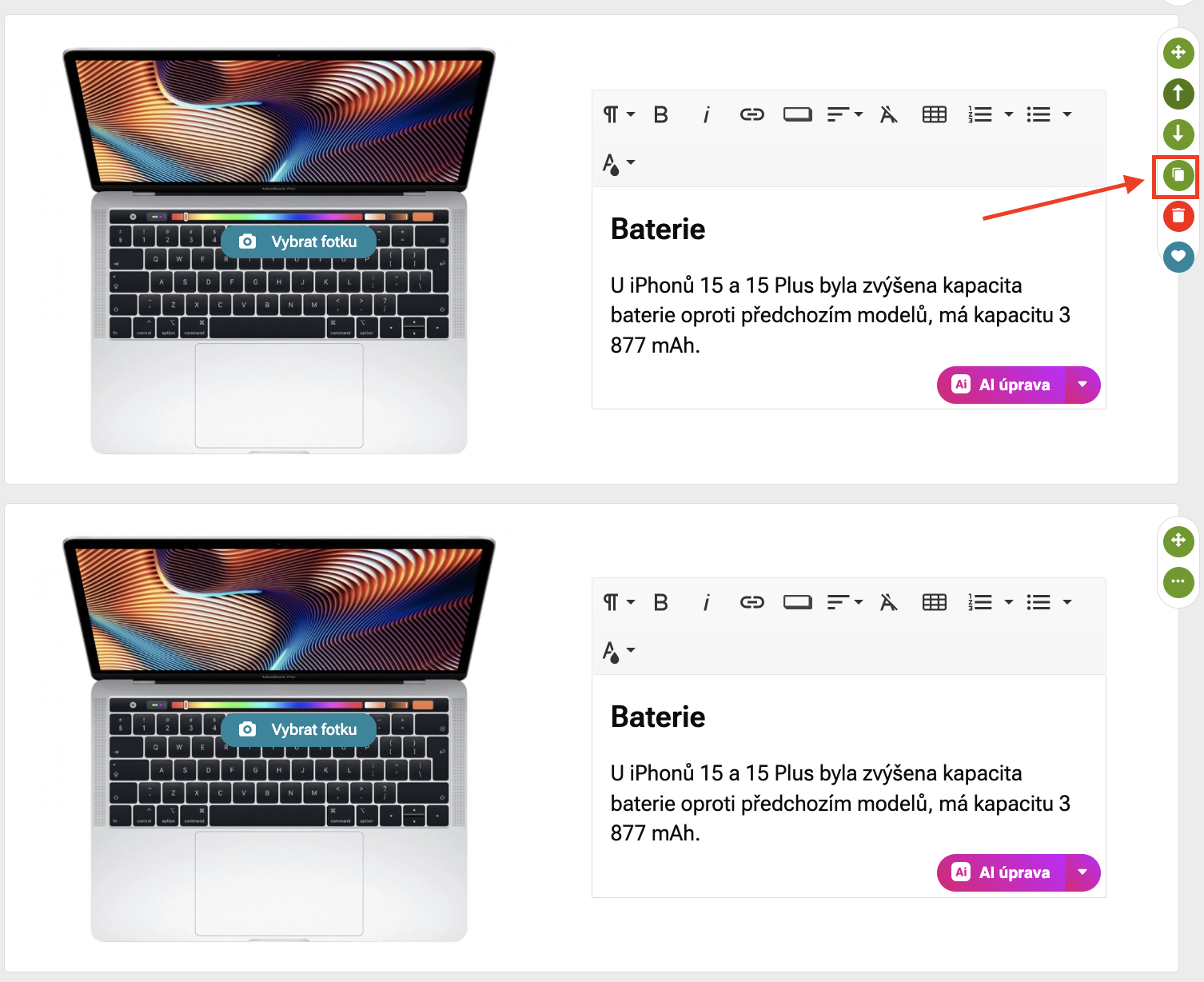
You can now easily copy an already created widget in the editor. Just click the duplicate icon, and its copy will be automatically inserted into the description.
This is useful, for example, when you want to maintain the same layout or style and only edit the text or image. You do not have to create similar content from scratch.
Create a new prompt from an existing one
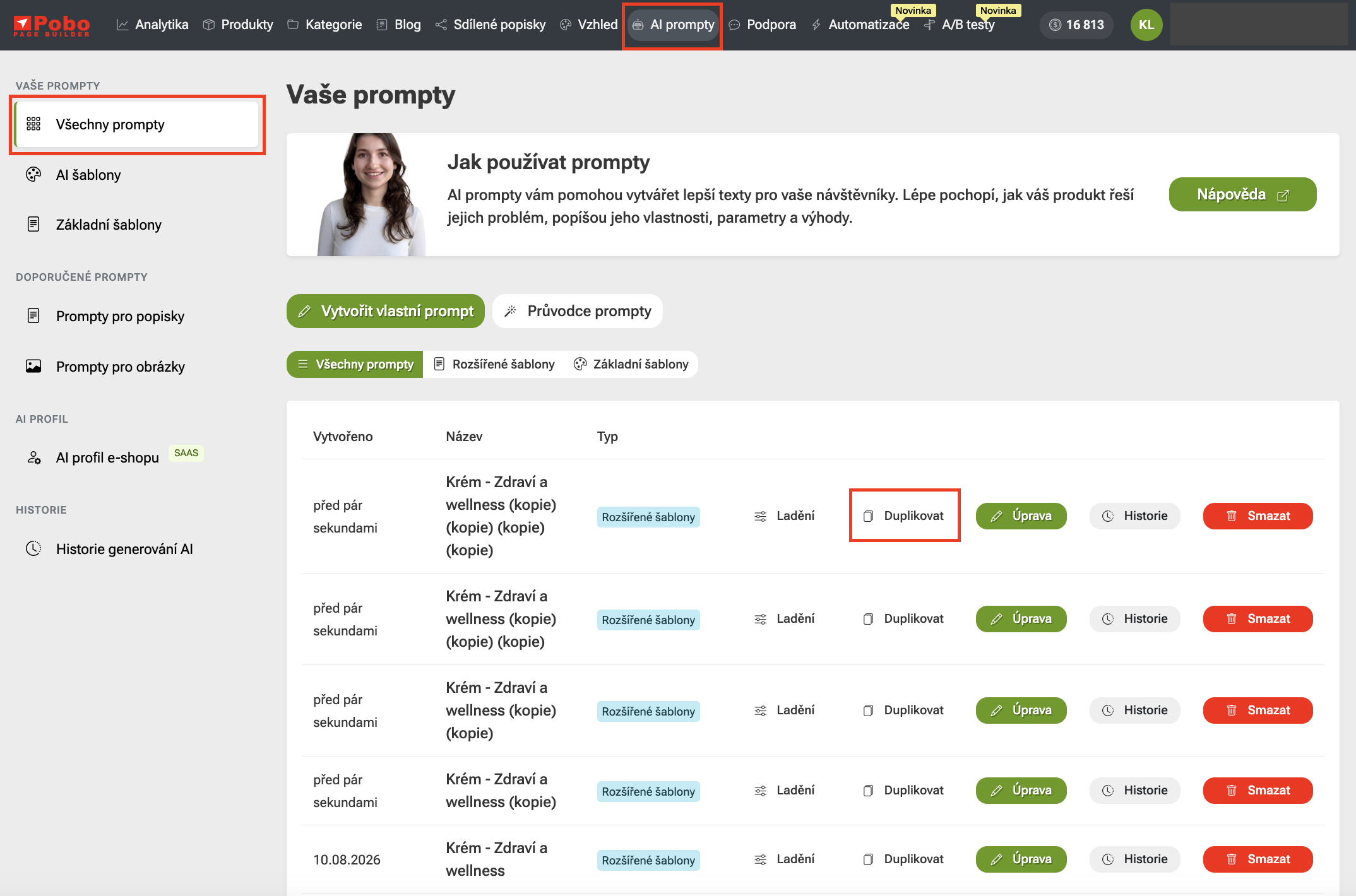
You can now easily duplicate your saved prompts. If you want to create a similar prompt, you do not have to start completely from scratch.
With one click, you create a copy that you can then edit as needed. The original prompt remains unchanged.

Thinking about Pobo? Let us show it to you.
Book a 30-minute call with Lenka. She will show you how Pobo works, what it is good for and how much writing it takes off your hands.
Book a call