How to Proceed When Changing Your E-Shop URL?
How to change the domain of your e-shop

Did you start working in our add-on on the original numeric domain from Shoptet? Or are you changing the domain for some reason? Don't forget to sync our Pobo Page Builder.

1. Logging out and logging back into Pobo administration

After moving to a new domain, you first need to log out and log back in to the Pobo Page Builder administration.

2. Translating custom CSS styles

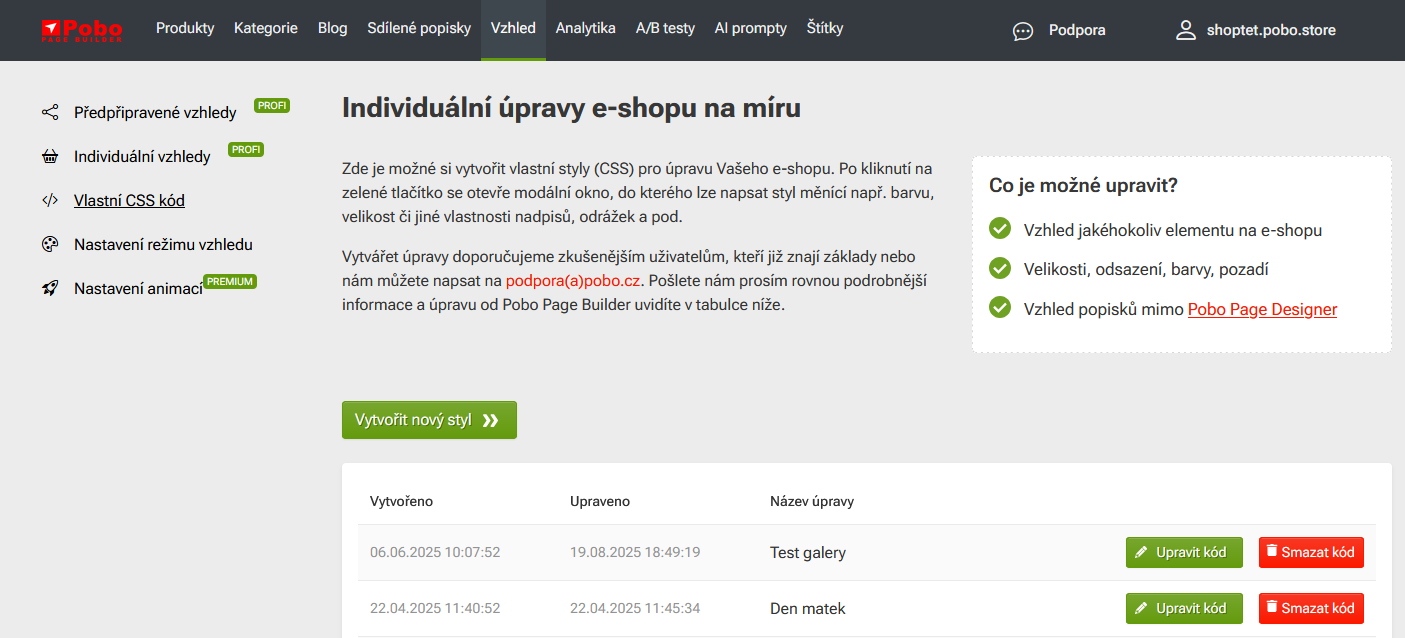
Do you have CSS code saved by us in the add-on administration? Or have you developed your own CSS code? When changing the domain, you need to "recompile" the code.

  • Check the Pobo Page Builder administration under Appearance (top main menu) - Custom CSS code to see if there are any codes.
  • If so, open each code using the Edit Code button, click Save at the top right and close the code again.

iPhone 15

iPhone 15 a iPhone 15 Plus jsou chytré mobilní telefony, vyvinuté a vyrobené americkou společností Apple. Jedná se o 17. generaci mobilních telefonů iPhone, společně s variantami iPhone 15 Pro a iPhone 15 Pro Max.

iPhone 15

iPhone 15 a iPhone 15 Plus jsou chytré mobilní telefony, vyvinuté a vyrobené americkou společností Apple. Jedná se o 17. generaci mobilních telefonů iPhone, společně s variantami iPhone 15 Pro a iPhone 15 Pro Max.

3. Start the update

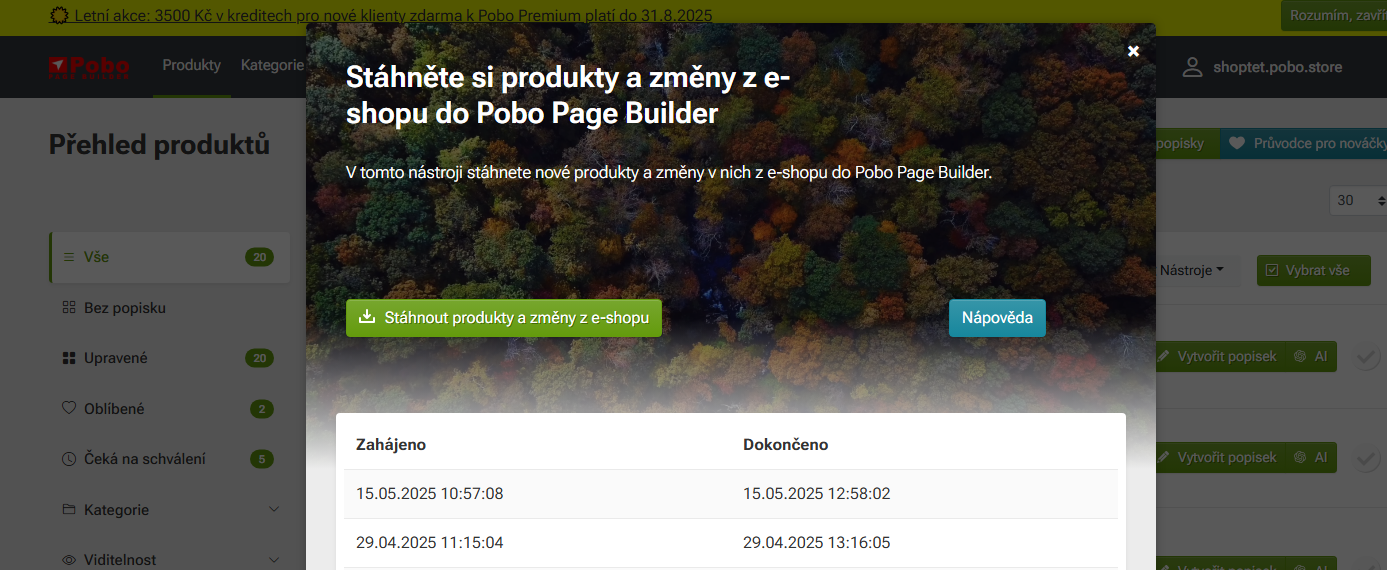
In the top main menu, click on Products and then select the green Update Products button. Confirm the Download products and changes from the e-shop option.

This will start the synchronization with Shoptet on the new domain.

How to Proceed When Changing Your E-Shop URL?

I am very satisfied with Pobo Page Builder. We use it mainly for editing product pages and our blog.

Pobo

Thinking about Pobo? Let us show it to you.

Book a short 30-minute call where we'll show you how Pobo works, what it's good for, and how it can save you a lot of time and money.

Book a call