











 Book a call
How Our Clients Create Product Pages and Articles in Pobo Page Builder
Check out the examples of product pages, articles, and landing pages in Pobo Page Builder and get inspired by working with content and structure.


What Often Works on Product Pages
A well-crafted product page helps the customer quickly find important information and better navigate the offer. What is especially important is a clear structure, comprehensible text, and elements that facilitate decision-making.
Examples of what works well include:
- SEO headings H2 and H3,
- product benefits,
- FAQ and answers to frequently asked questions,
- reviews and other trustworthy elements,
- images, icons, and content divided into clear blocks.
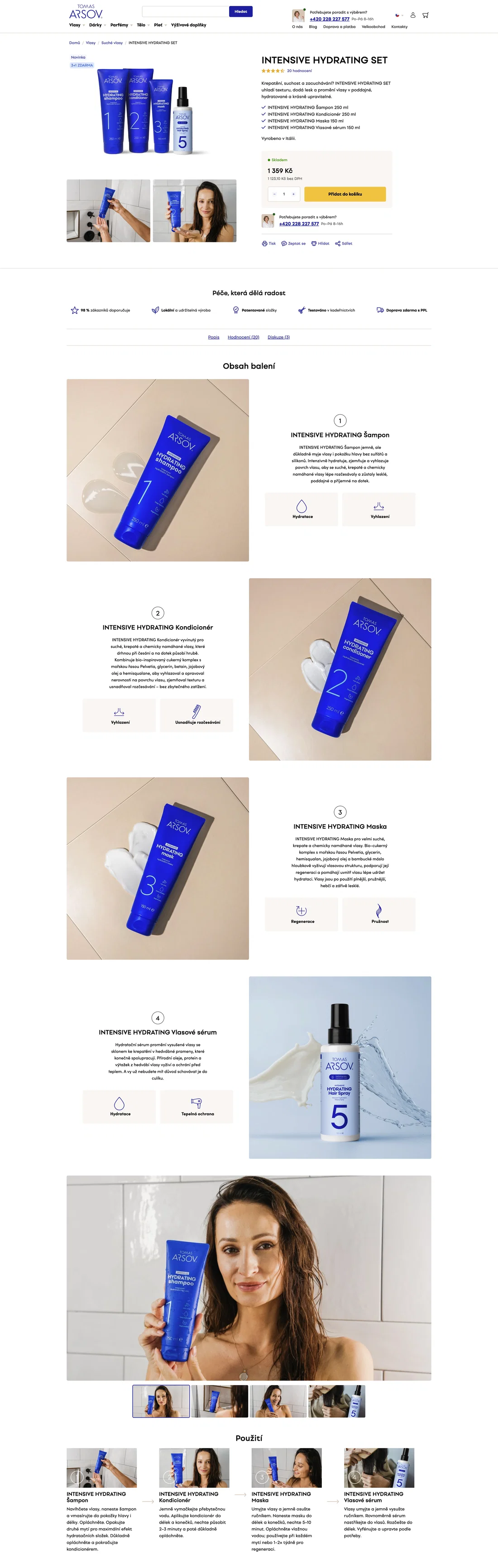 Tomáš Arsov
 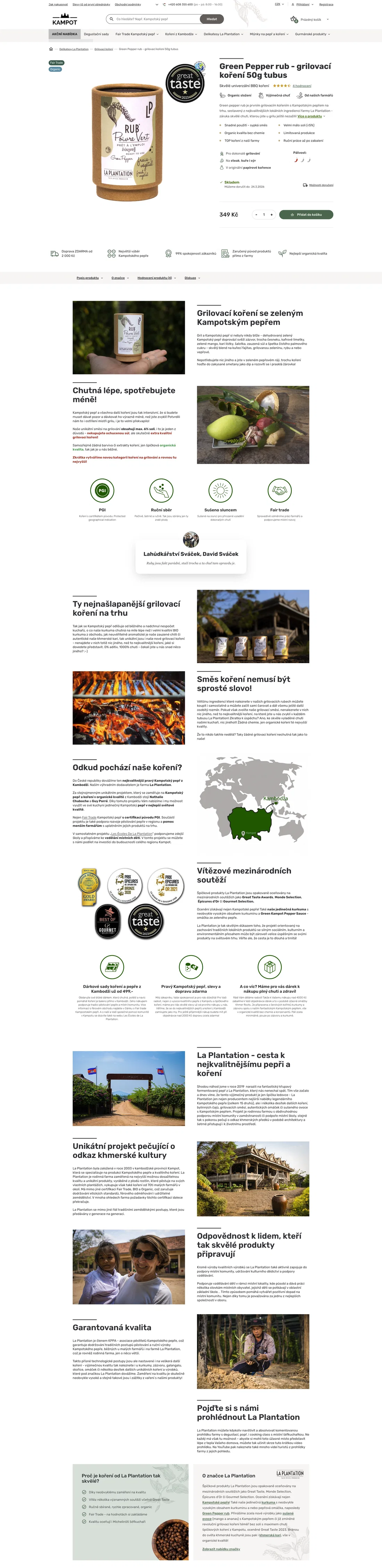 Kampot
 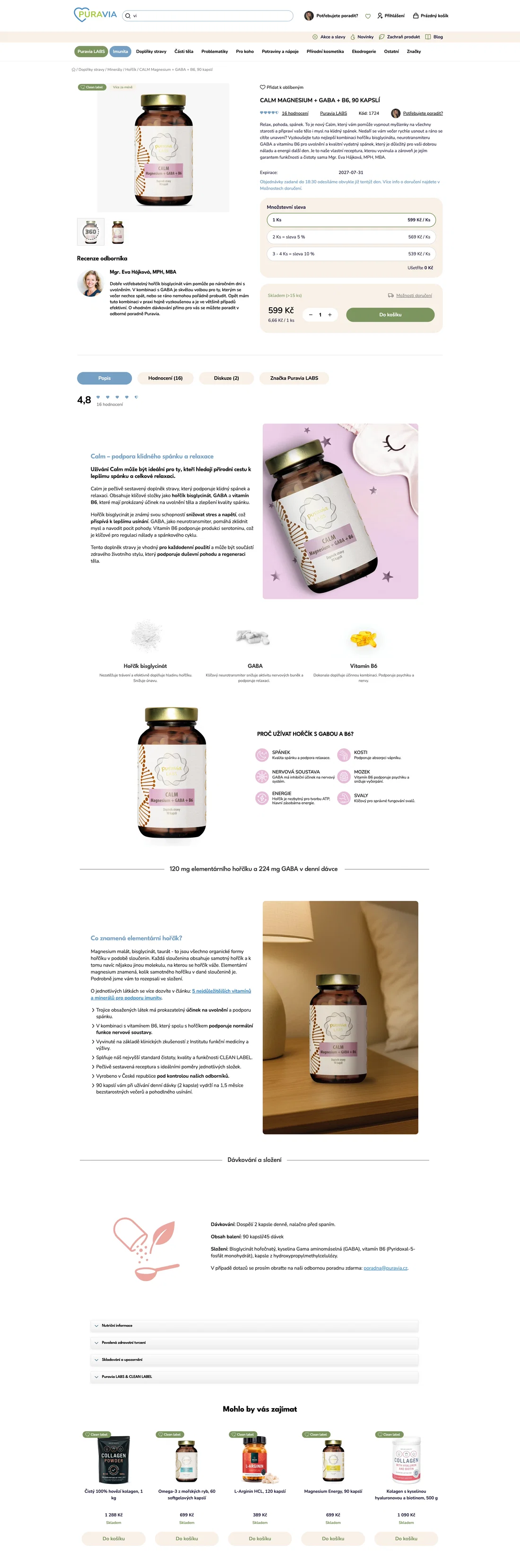 Puravia
 How to Work with Content on a Page
When creating articles, landing pages, and other content pages, it is worth focusing on clarity, readability, and easy navigation.
This is aided, for example, by:
- clear structure and shorter text blocks,
- SEO headings H2 and H3 for better orientation,
- links to products, categories, or additional content,
- visuals that enhance and clarify the page.

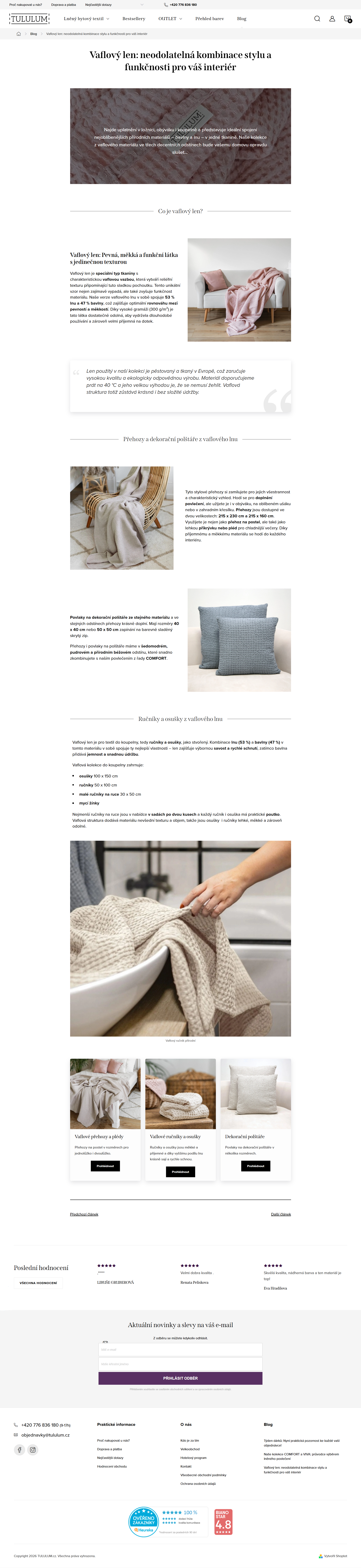 Tululum
 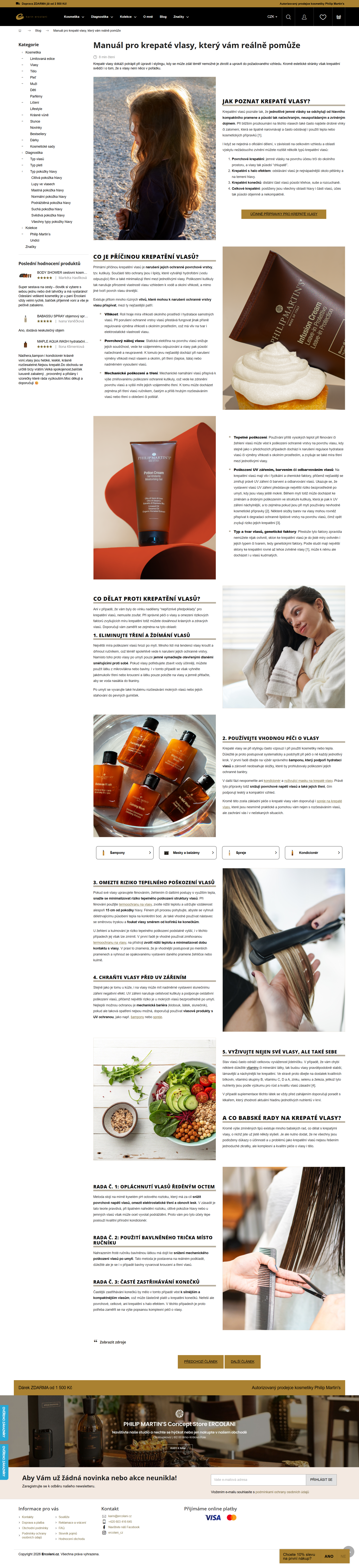 Ercolani
 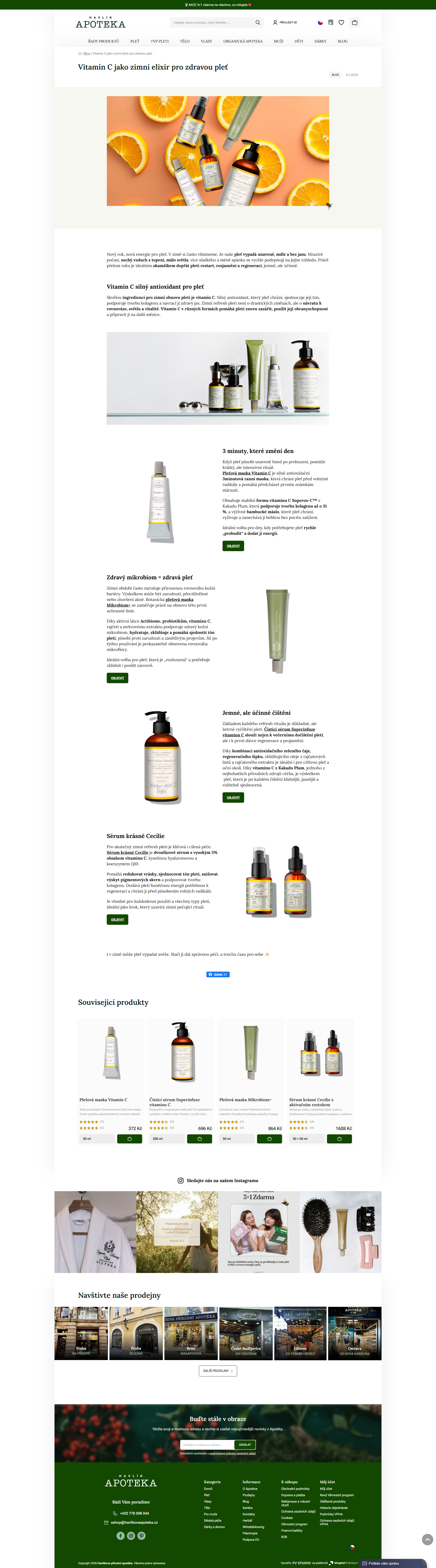 Havlíkova apotéka
Thinking about Pobo? Let us show it to you.
Book a short 30-minute call where we'll show you how Pobo works, what it's good for, and how it can save you a lot of time and money.
Book a call