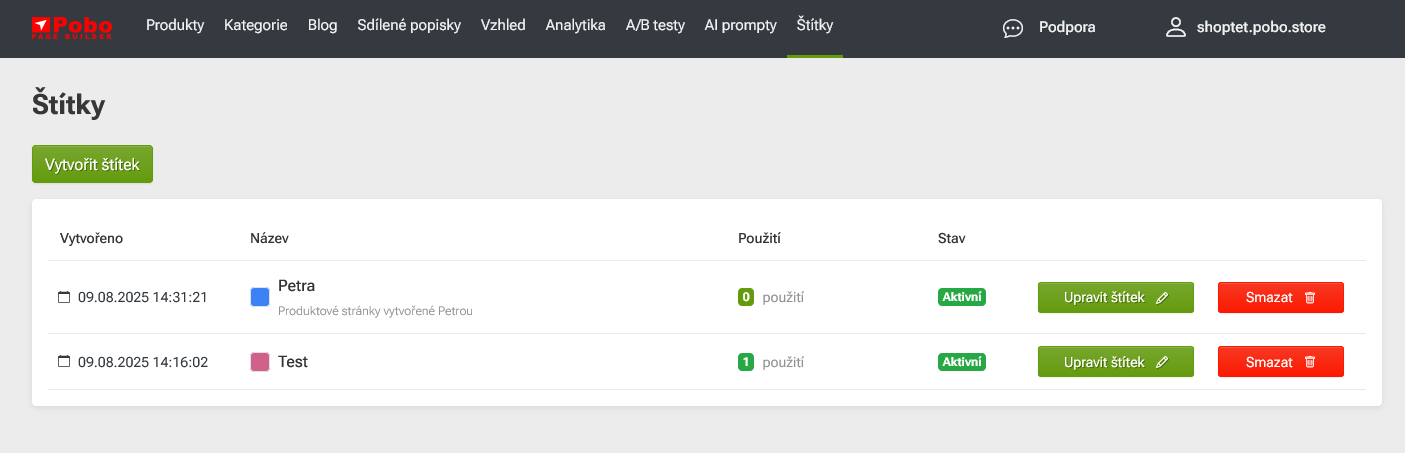
You create and manage labels directly in the main top menu - Labels menu.
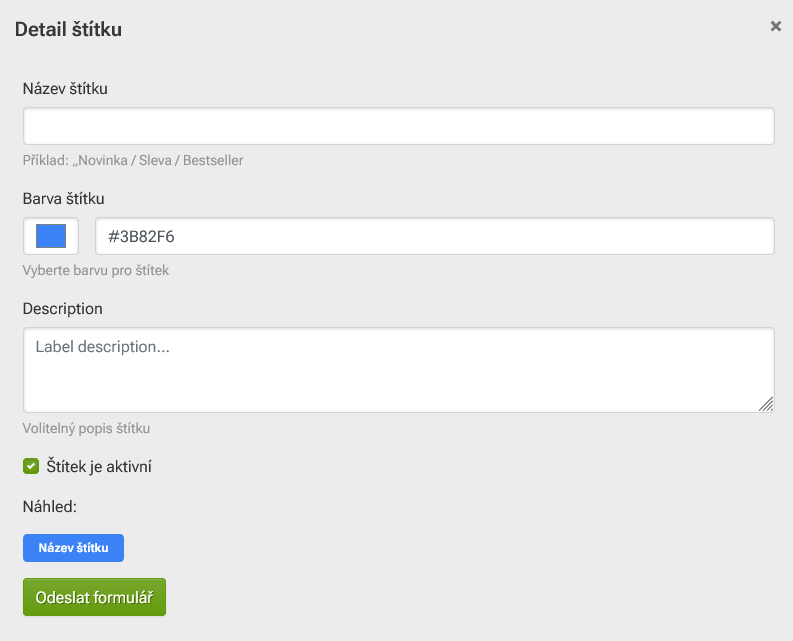
Use the green Create Label button to open the menu where you define the name, color and description of the label.
You can also delete or edit labels in the same place.
You can also see how many products the label is currently used for.
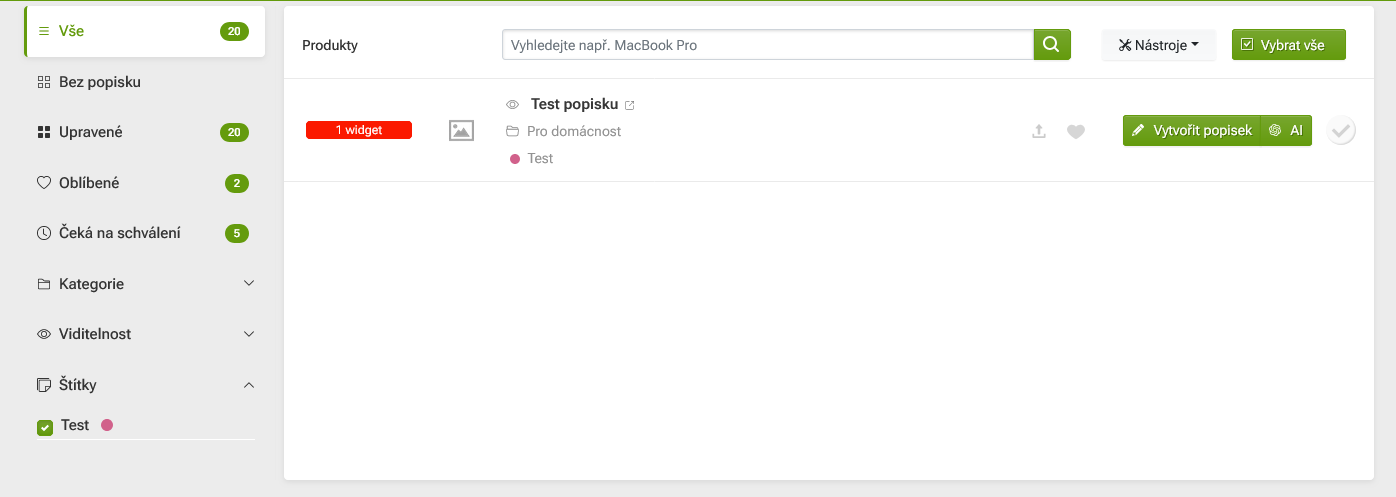
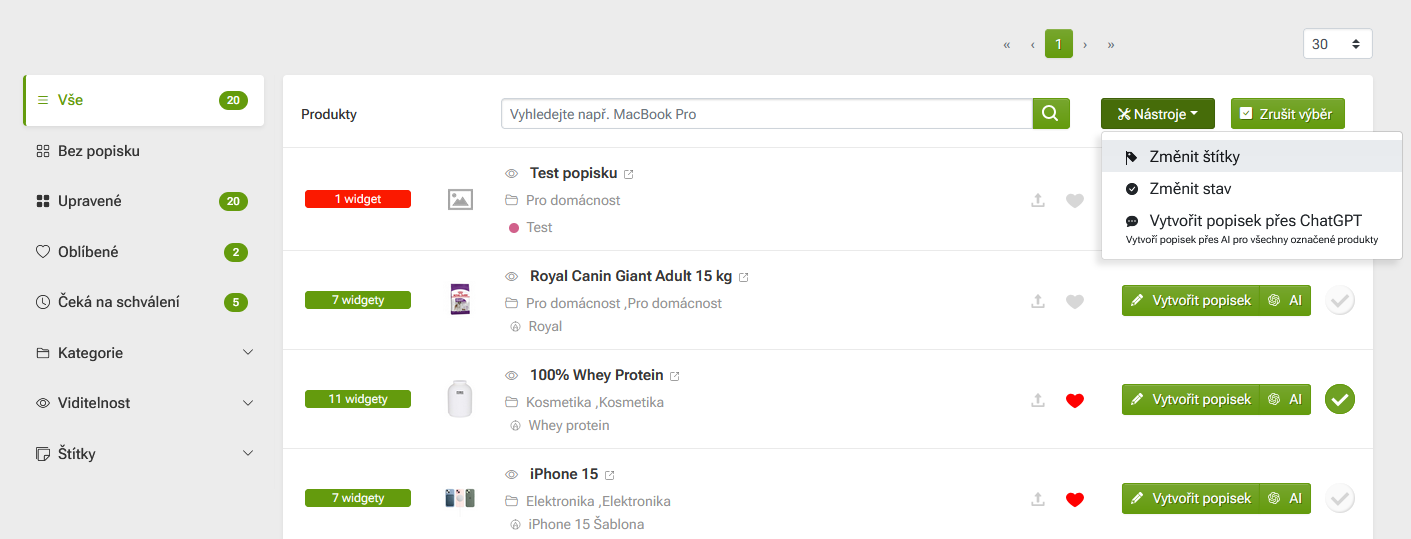
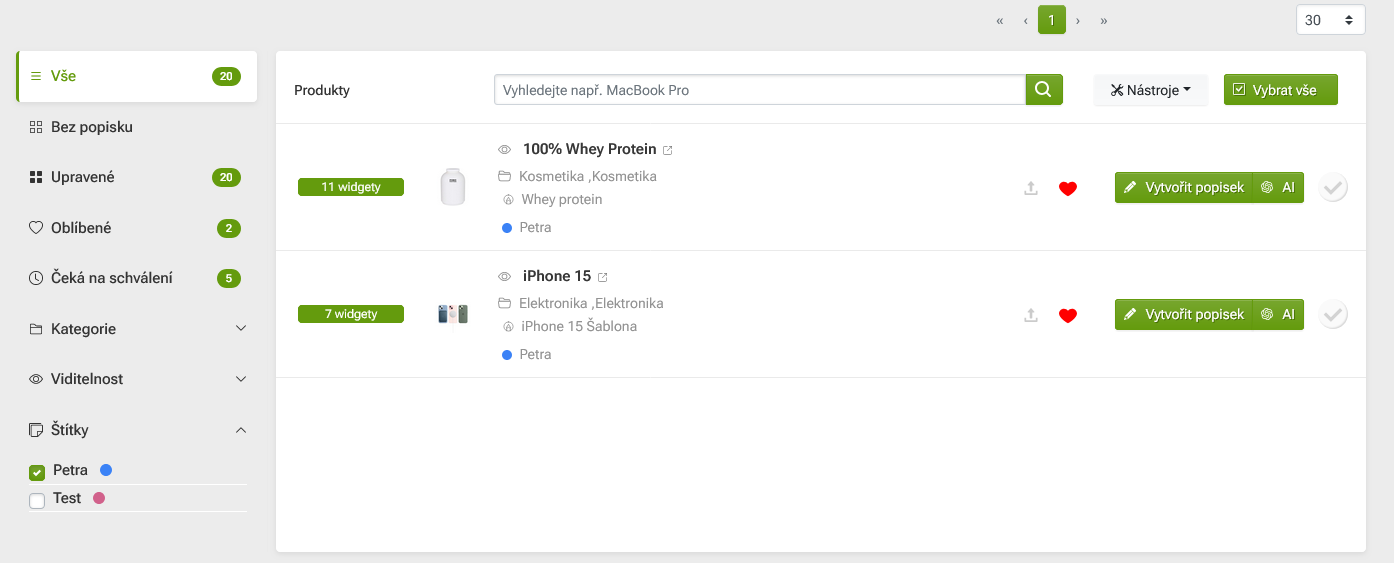
You can assign labels to products directly in the Products section - in their list.
You can mark a product with a "check mark" on the right side of its listing.
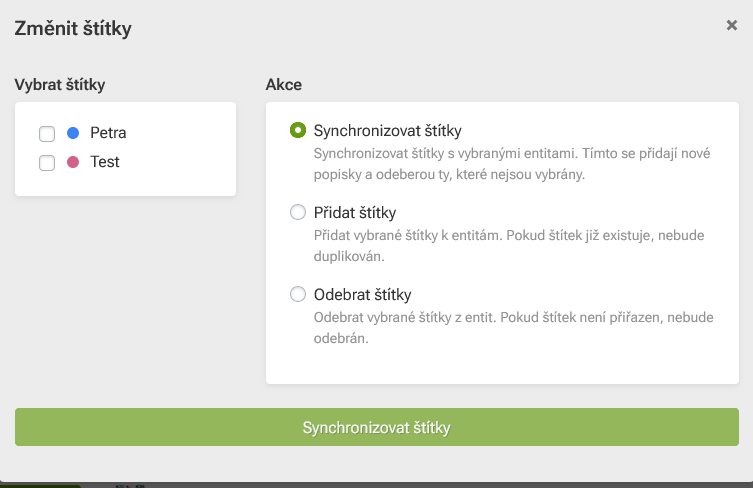
Via the Tools option (at the top of the product list) select Change labels.
Need some advice?
My name is Petra and I would be happy to help you with our supplement.
Feel free to email me at: podpora@pobo.cz















.png)