


How to install Pobo Page Builder on Upgates

« Back to integrations
How to install Pobo Page Builder on Upgates

Simple instructions on how to install the Pobo Page Builder editor for the Upgates platform.

Create an account

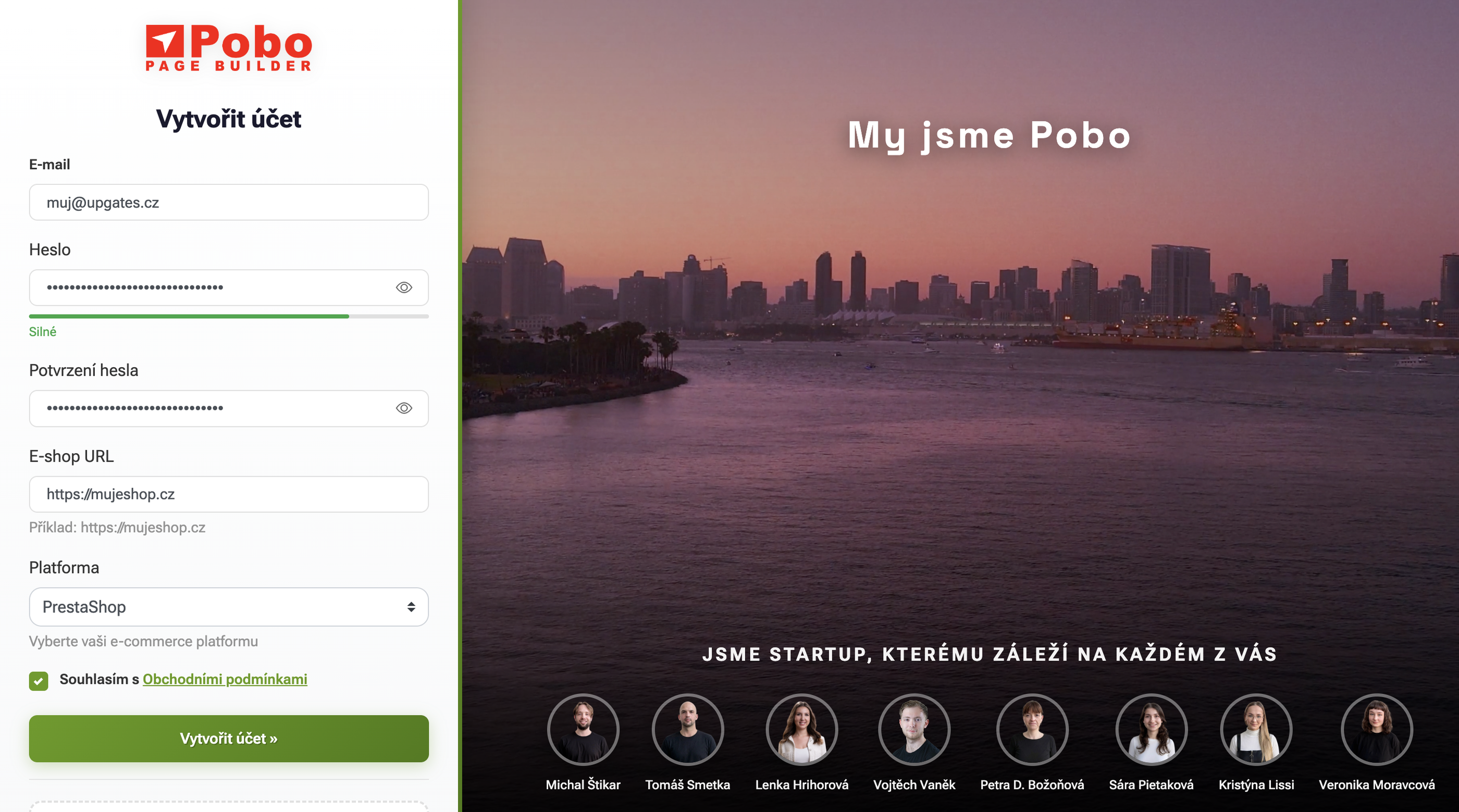
To install Pobo Page Builder on Upgates, the first path will lead you to create an account. Open the client.pobo.space page and click on the "Create an account" tab.

Create an account for Upgates

Fill in the registration form

Fill in the form with:

  1. Your e-mail
  2. Password
  3. Confirm password
  4. URL of your e-shop (e.g.: https://www.mujeshop.cz/)
  5. Select the platform "Upgates"

Then submit the form and the system will automatically log you in.

Creating API keys in Upgates

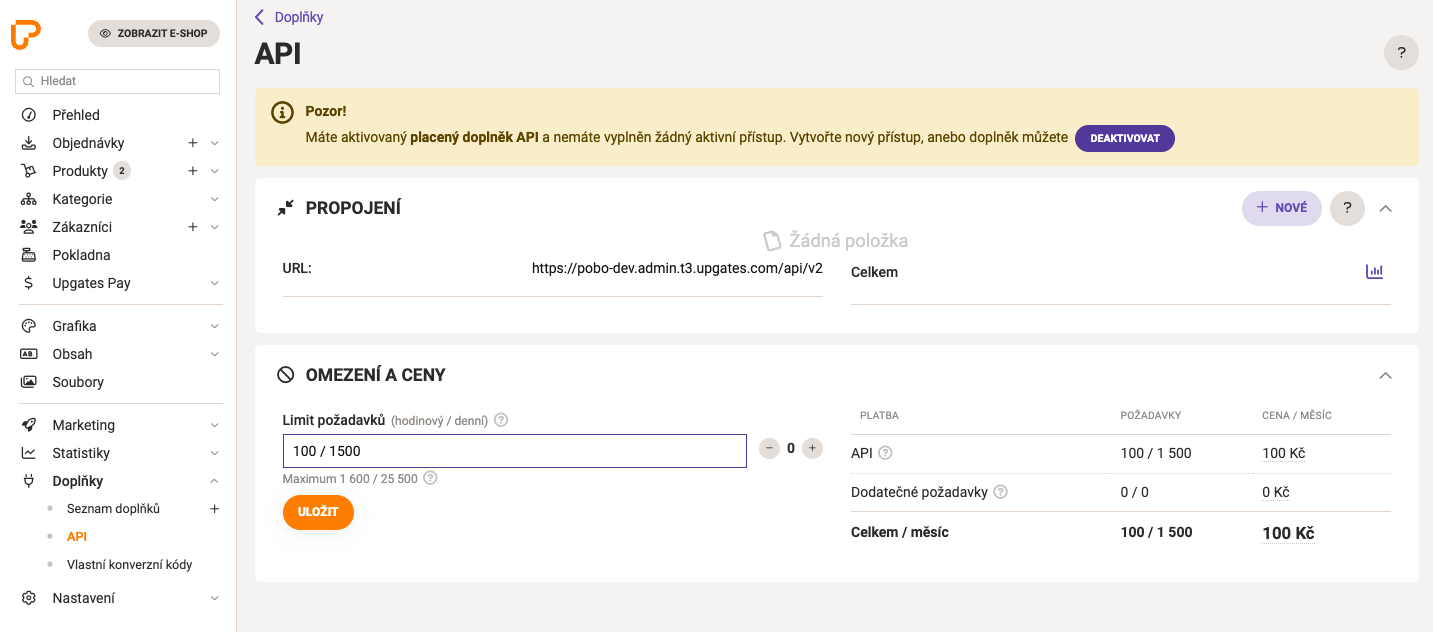
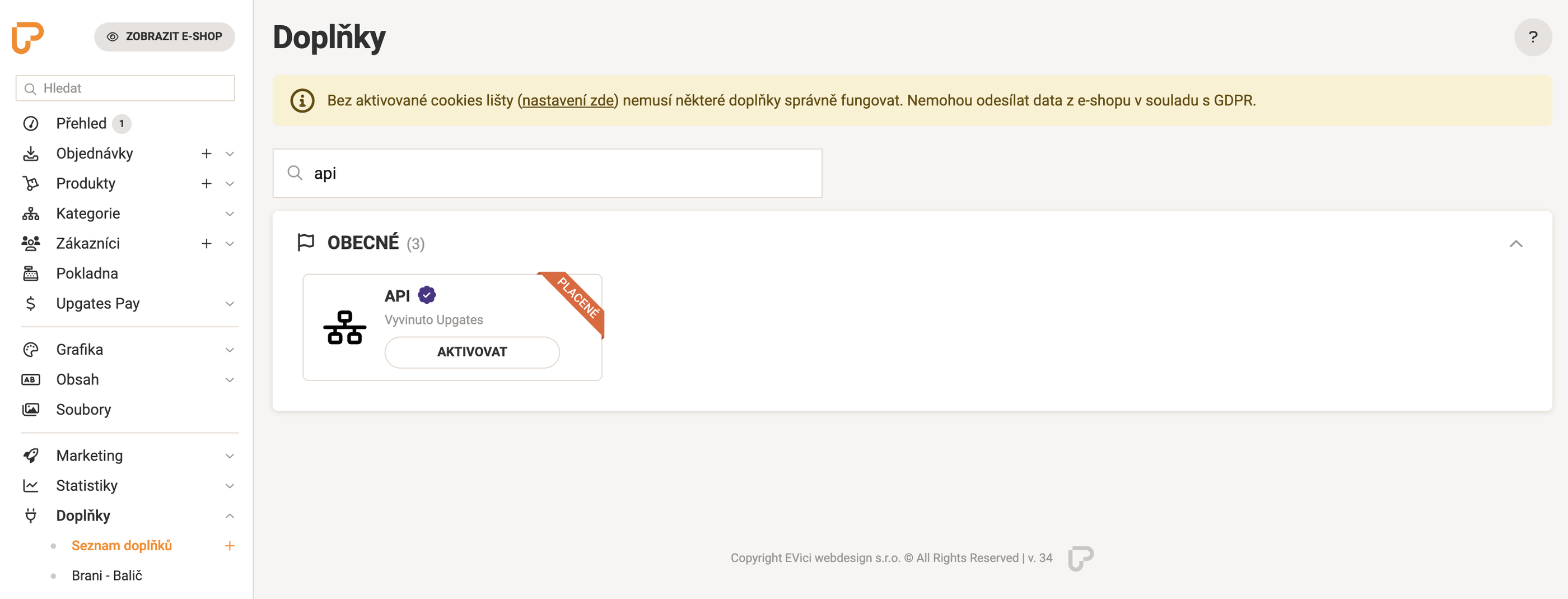
After creating an e-shop in Upgates, go to your e-shop administration and find the "Add-ons" tab in the left menu and search for "API" and install the add-on.

Creating a connection

Click on "API" in the left menu and then "+ NEW" in the top right.

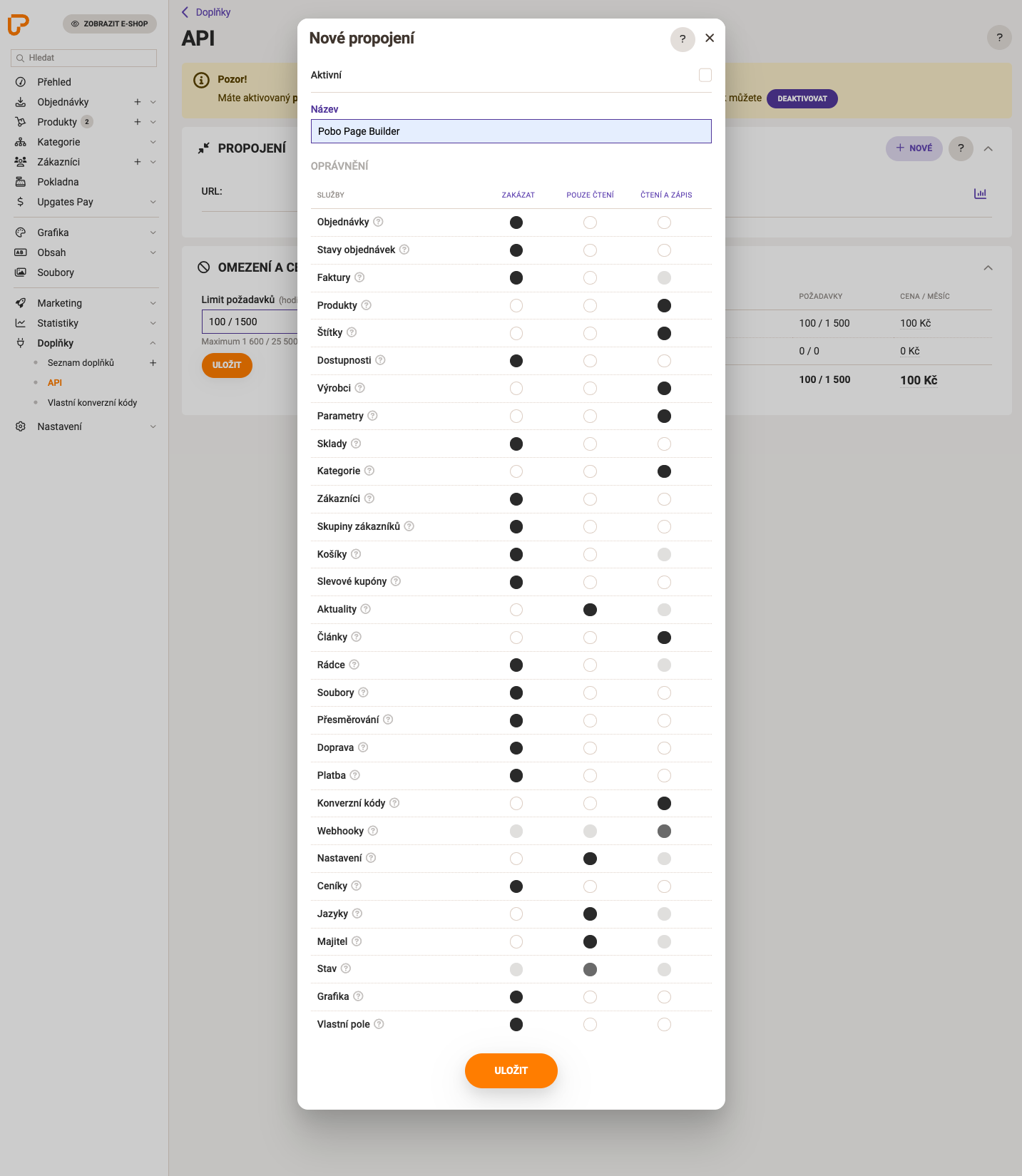
Then a new modal window will open in which you need to fill the table as follows:

  • Check "Active"
  • The connection name will be "Pobo Page Builder"

In the permissions table, tick for "Read and write":

  • Products
  • Tags
  • Manufacturers
  • Parameters
  • Category
  • Articles
  • Conversion codes

For "Read Only" check:

  • News
  • Settings
  • Languages
  • Owner
  • Status

Connection settings in Pobo Page Builder

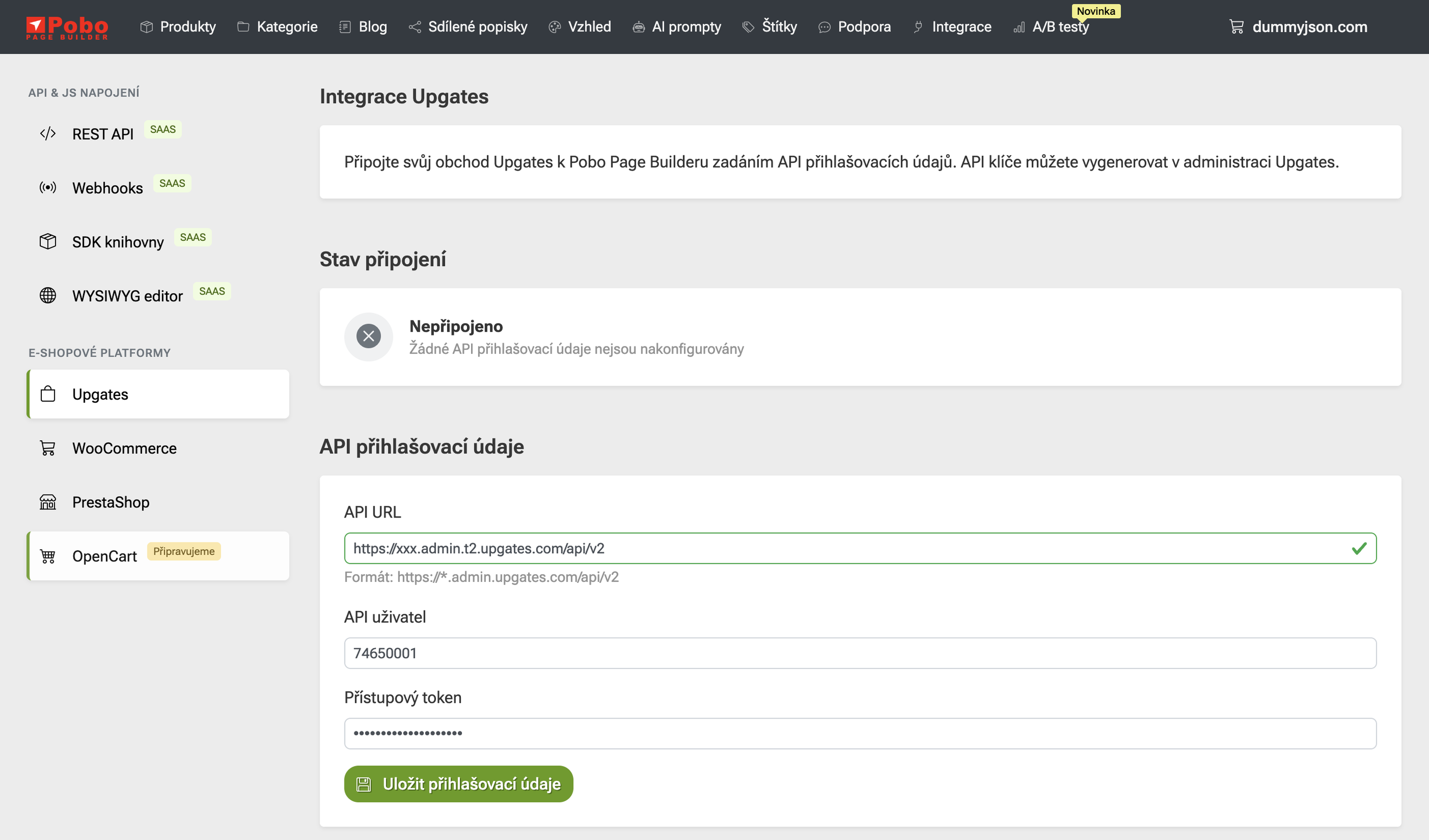
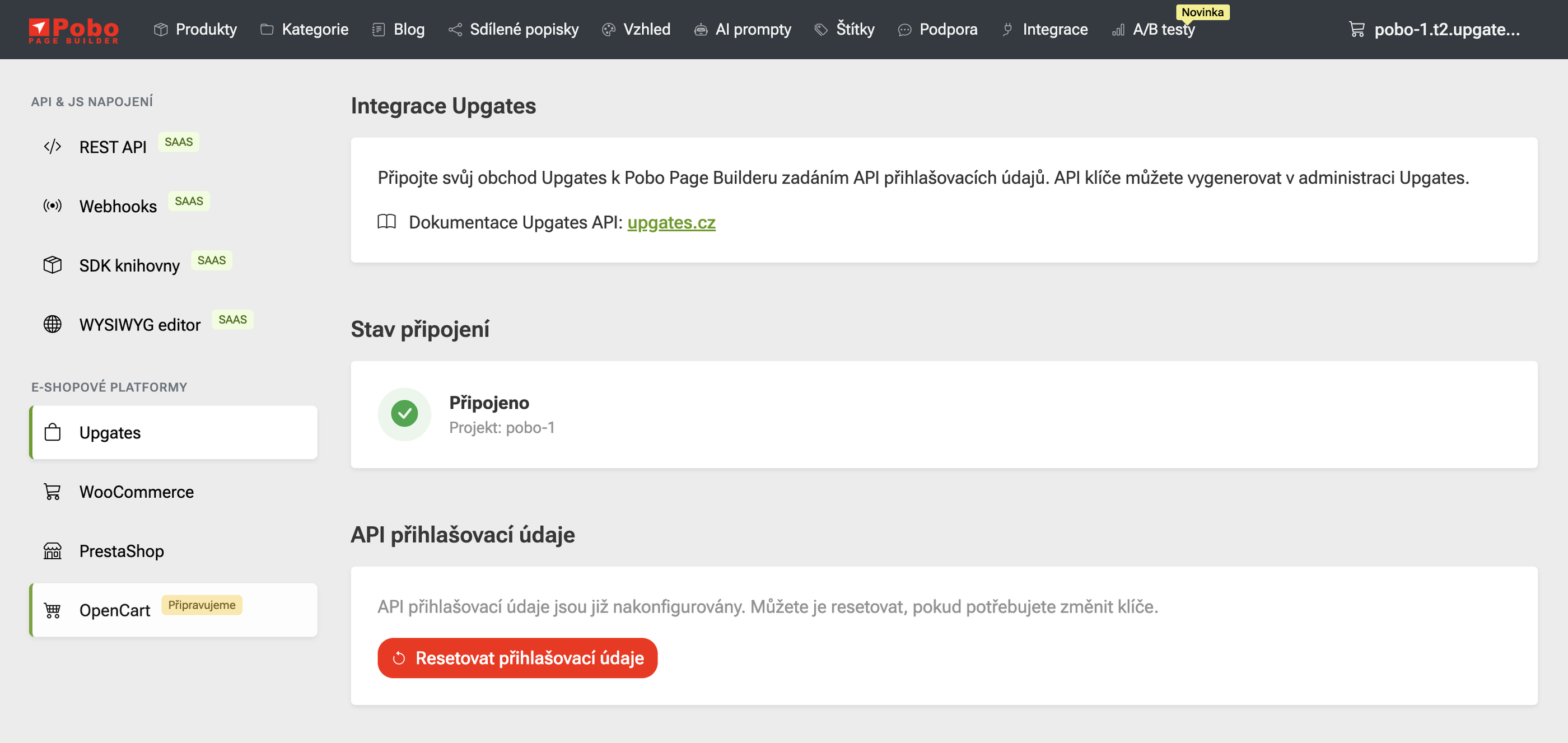
In Upgates we have everything ready. Leave the settings tab open and go to the "Integration" tab in Pobo Page Builder.

Fill in the following information in the form

  • Fill in the "API URL" with the URL that is in Upgates (e.g. https://xxx.admin.t2.upgates.com/api/v2)
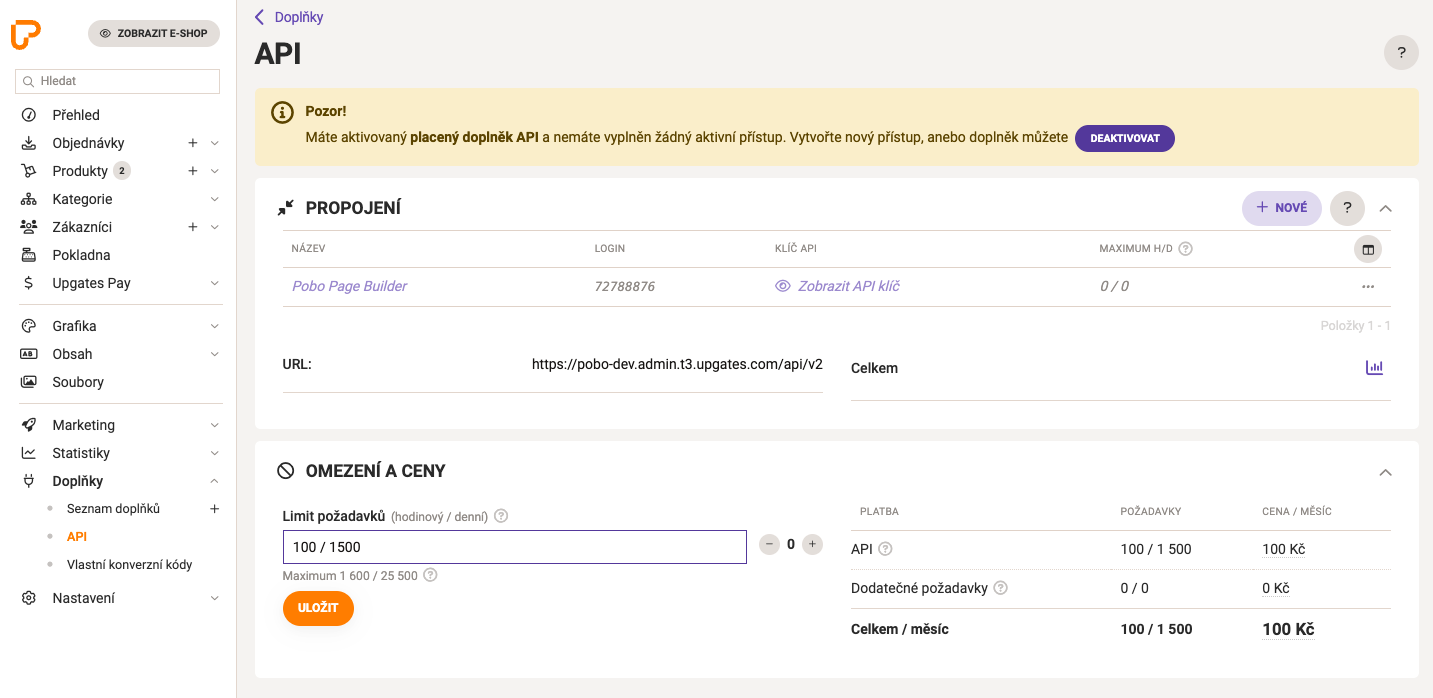
  • In the "API User" fill in the number that is located in the table in the "Login" column for the "Pobo Page Builder" connection (e.g. 74650001)
  • In "API User" fill in the API key that will be displayed after clicking on "Show API Key"

Then click on "Save login details" and Pobo will show you if the connection was successful.

Pobo

Thinking about Pobo? Let us show it to you.

Book a short 30-minute call where we'll show you how Pobo works, what it's good for, and how it can save you a lot of time and money.

Book a call