


How to Generate Photos with AI in Pobo (and Why It’s a Game-Changer)

12.12.2025
« Zpět na výpis článků

How to generate photos in Pobo using AI

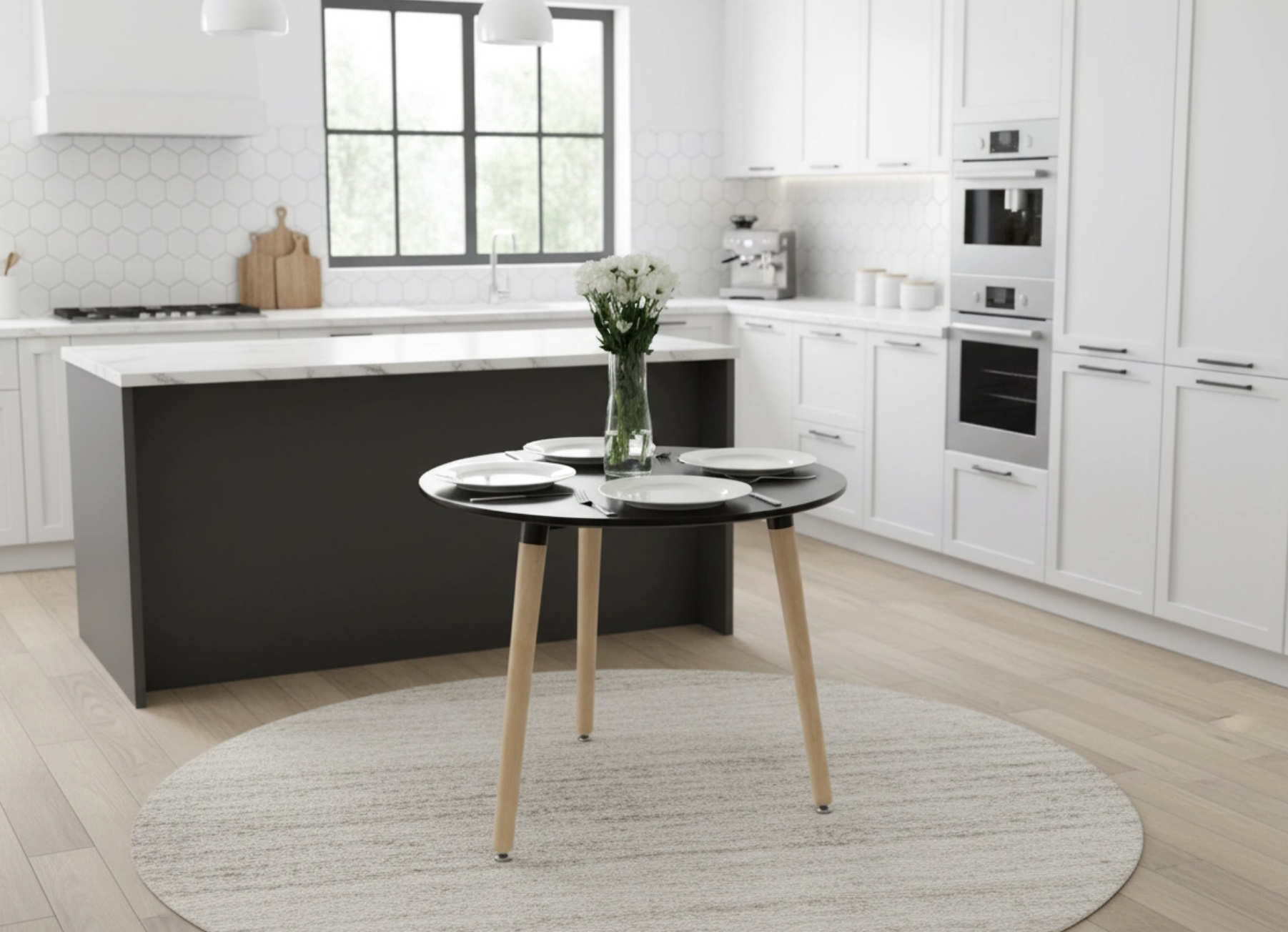
We have added a feature to Pobo that is a complete game changer for our e-shoppers. AI photo generation that allows you to, for example, even place your products in new environments. So you don't have to wait for a professional photo shoot or have dozens of products to hand, just Pobo :)

How to Generate Photos with AI in Pobo (and Why It’s a Game-Changer)

What does it do?

  • change the background,
  • generate a creative scene with the product,
  • remove the background,
  • set a colored background or adjust the position of the image

Where can you find the function?

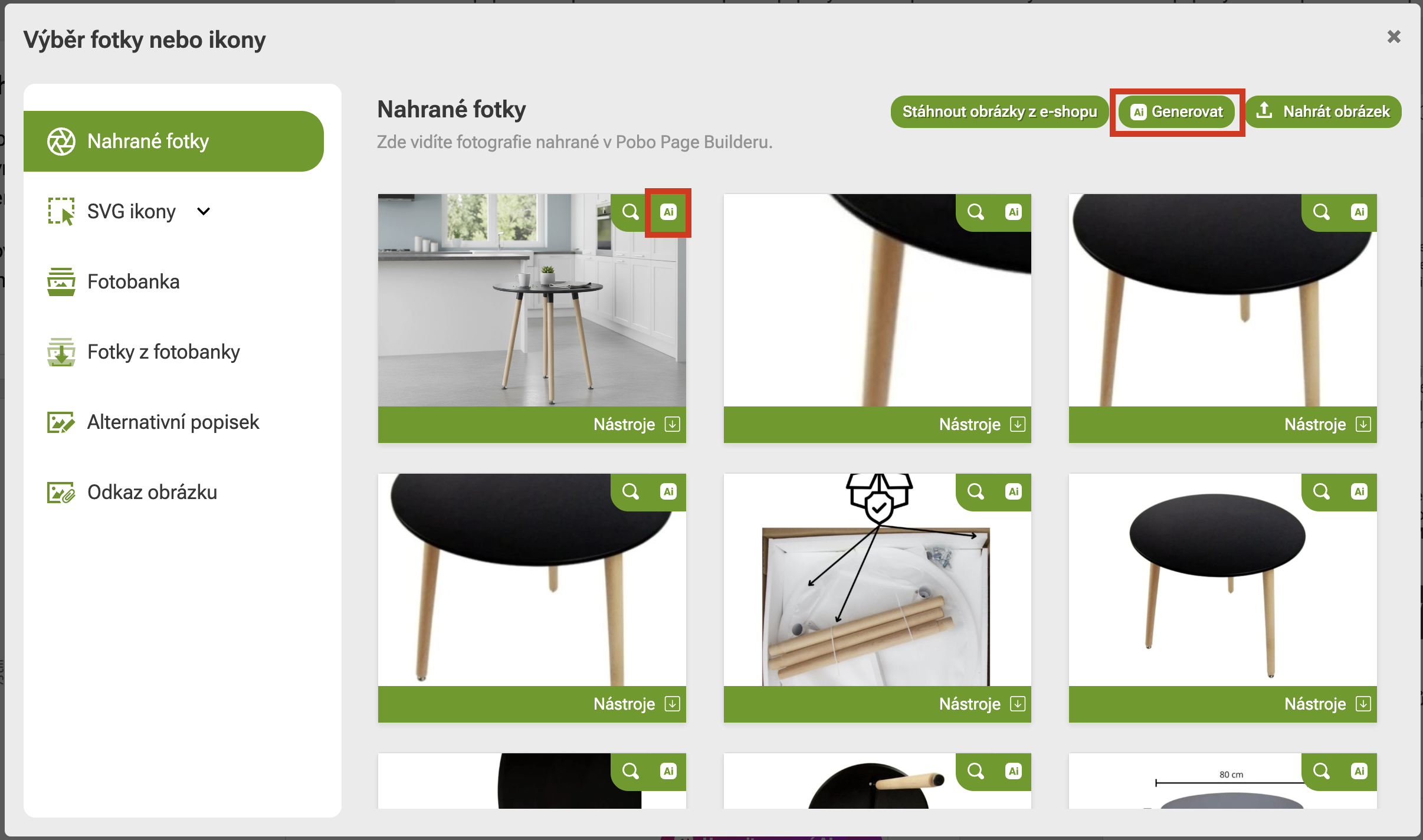
AI generation can be found in the product photo gallery. You can generate both a new image (click on the top button to generate. Or edit an existing one (by clicking on the AI button next to the photo.)

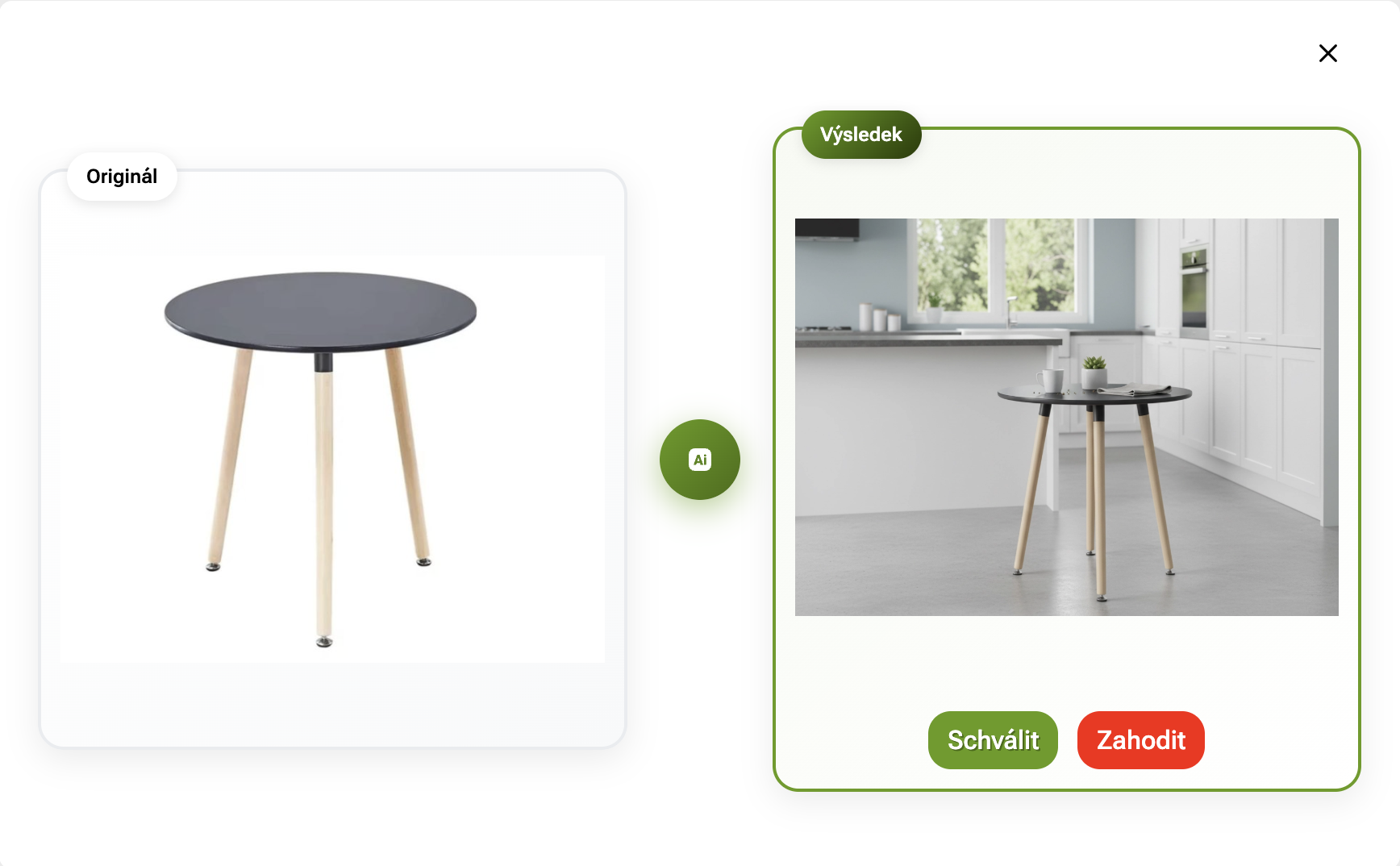
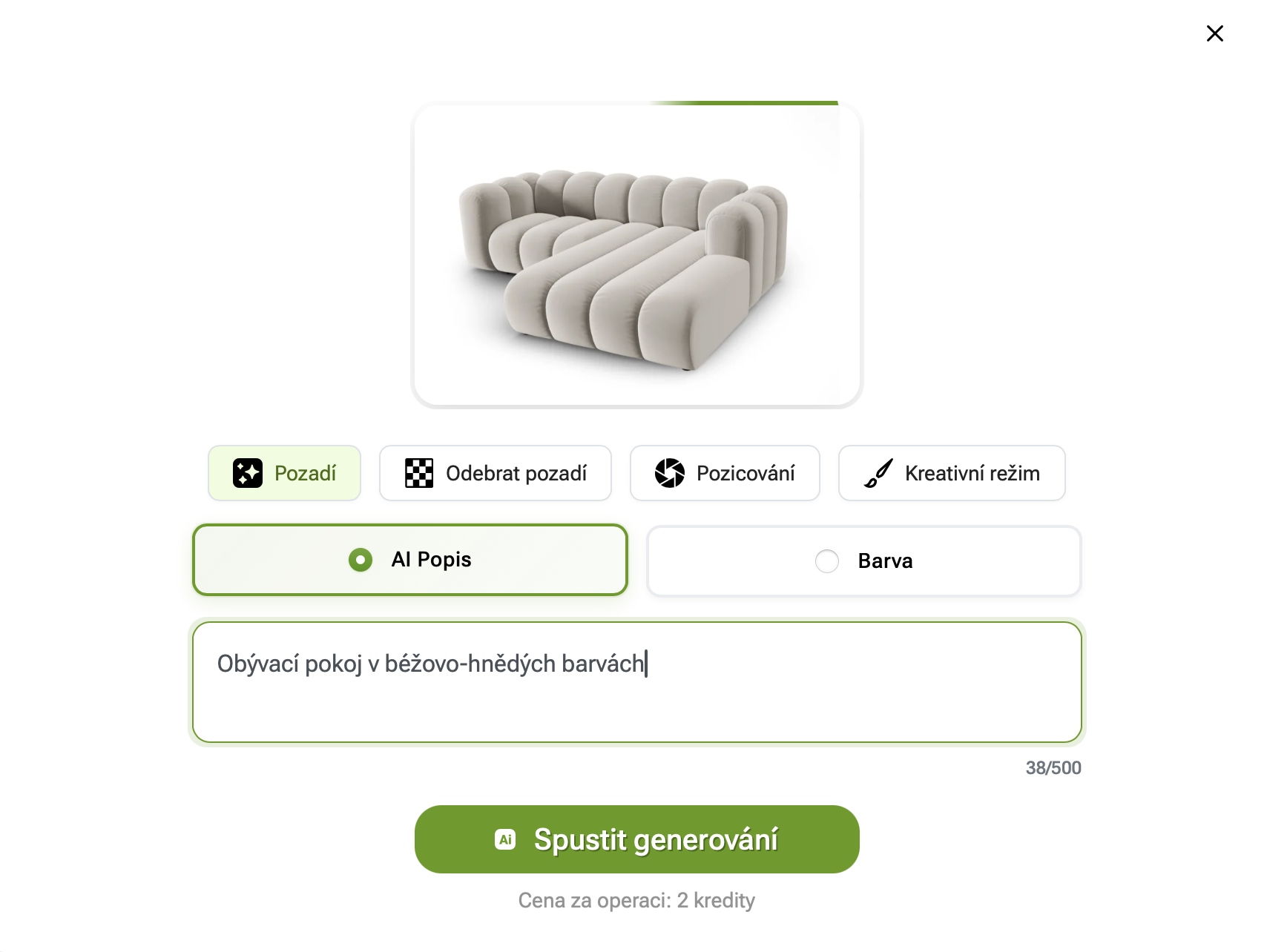
Generating a photo background

Simply describe what you want the background of the photo to look like. Once generated, you will get a preview that you can approve or generate another :)

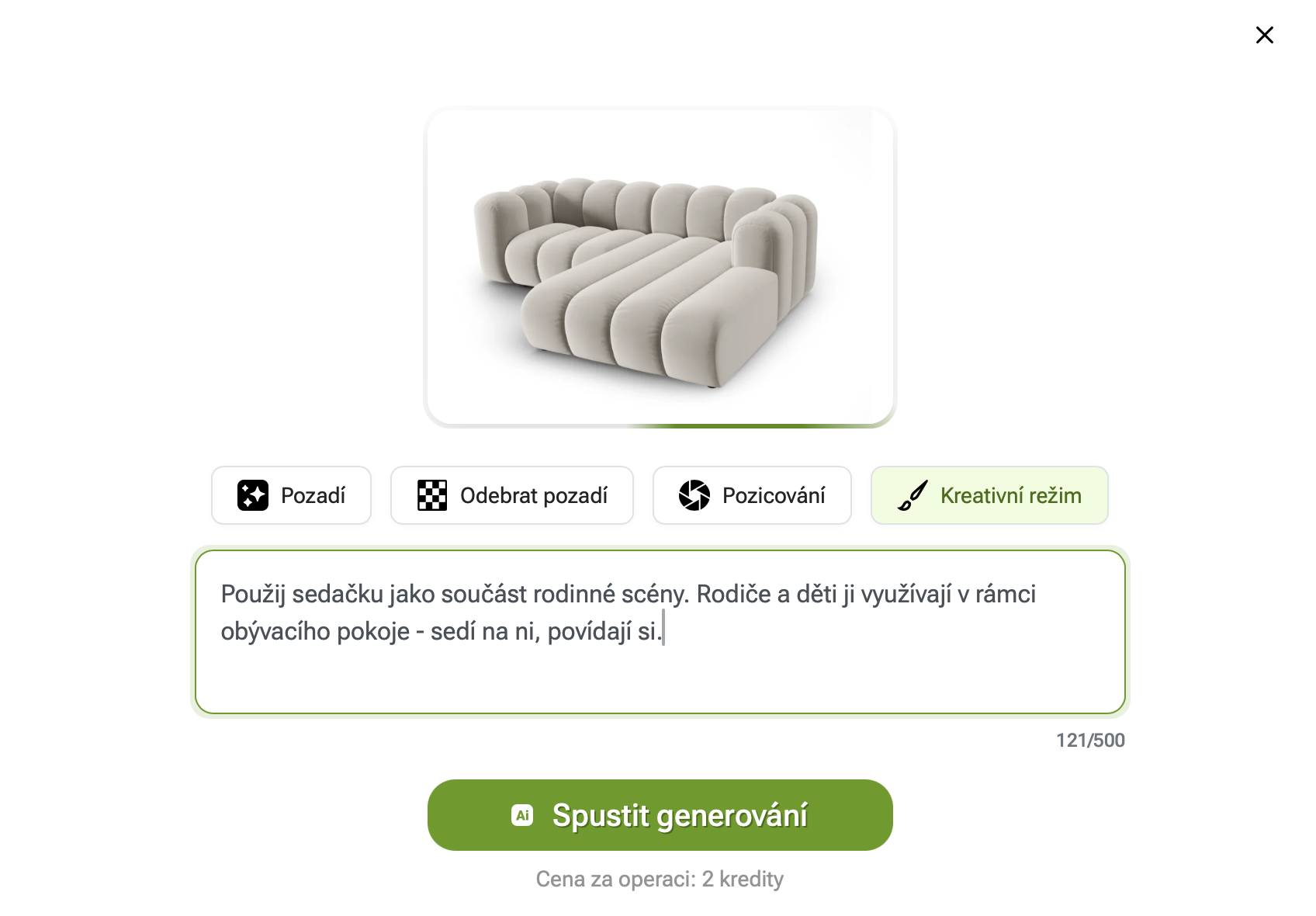
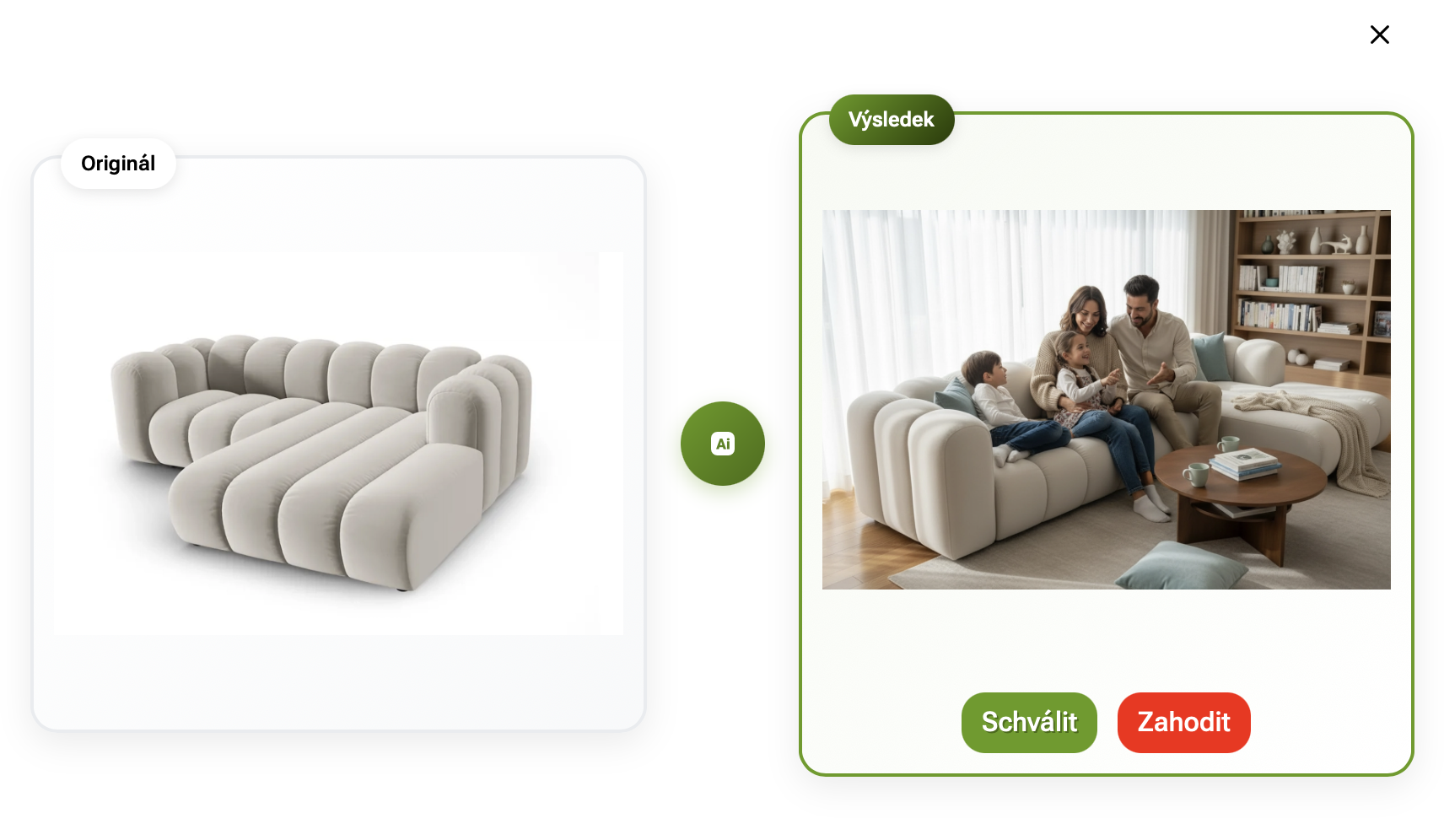
Creative mode

Creative mode works similarly to background generation, but uses the product more comprehensively. Just describe what should be done with the product - use it in interaction with people and the environment.

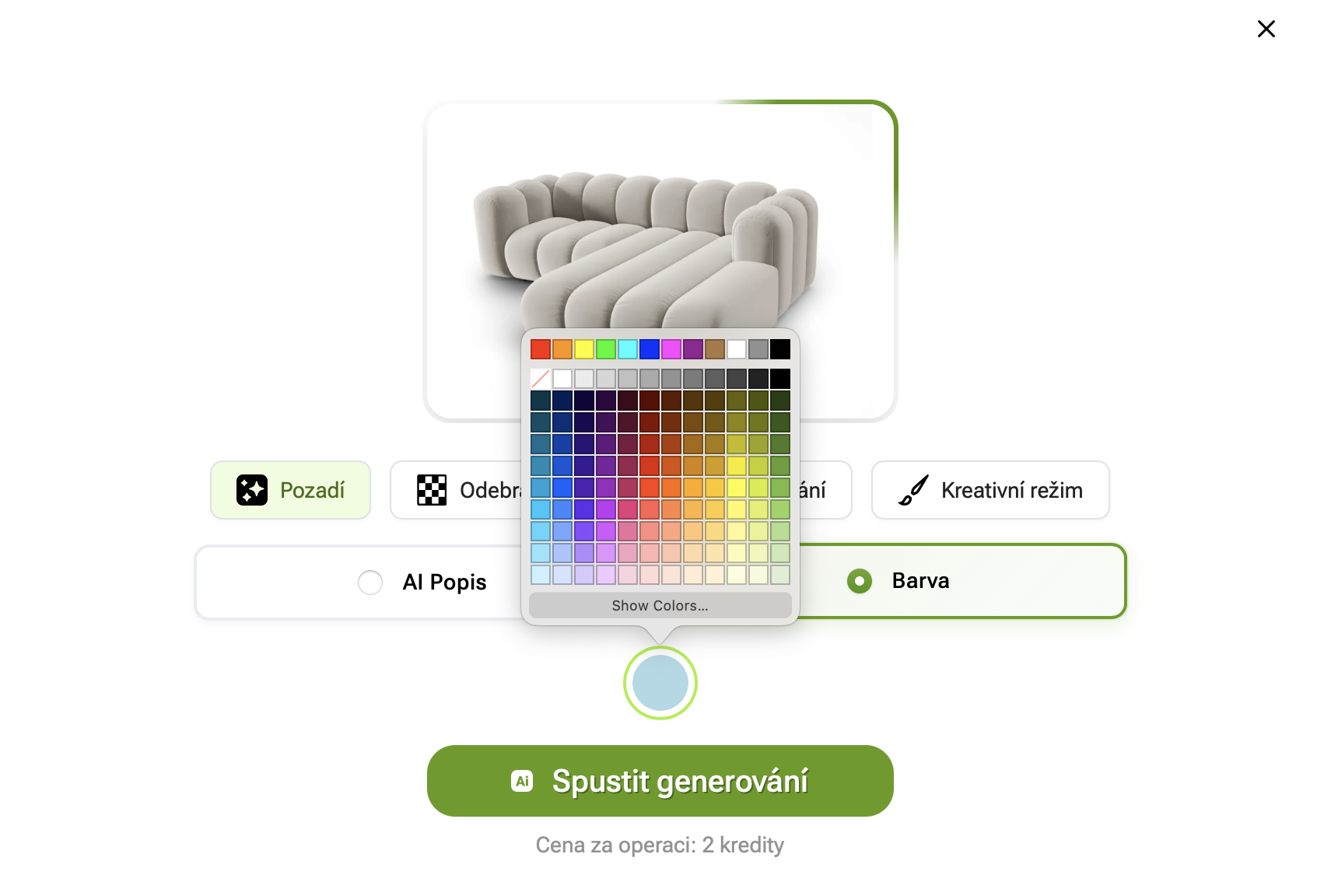
Generating a coloured background

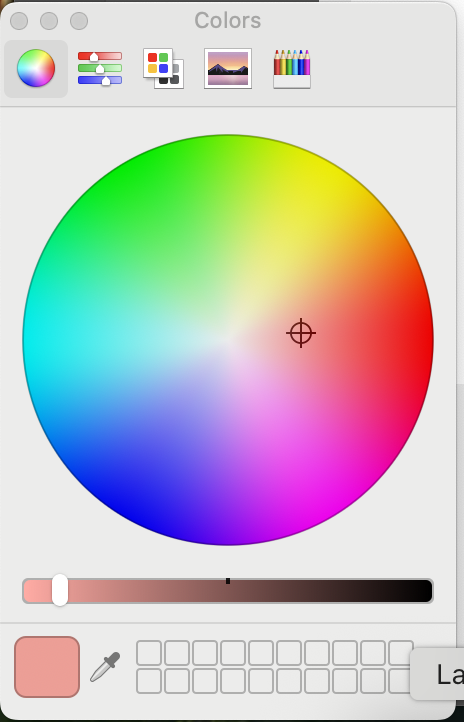
You can select a specific colour shade from the palette via Background - > Colour. Under the Show Colors button you have options to specify the colour in more detail. After selecting the color, start the generation.

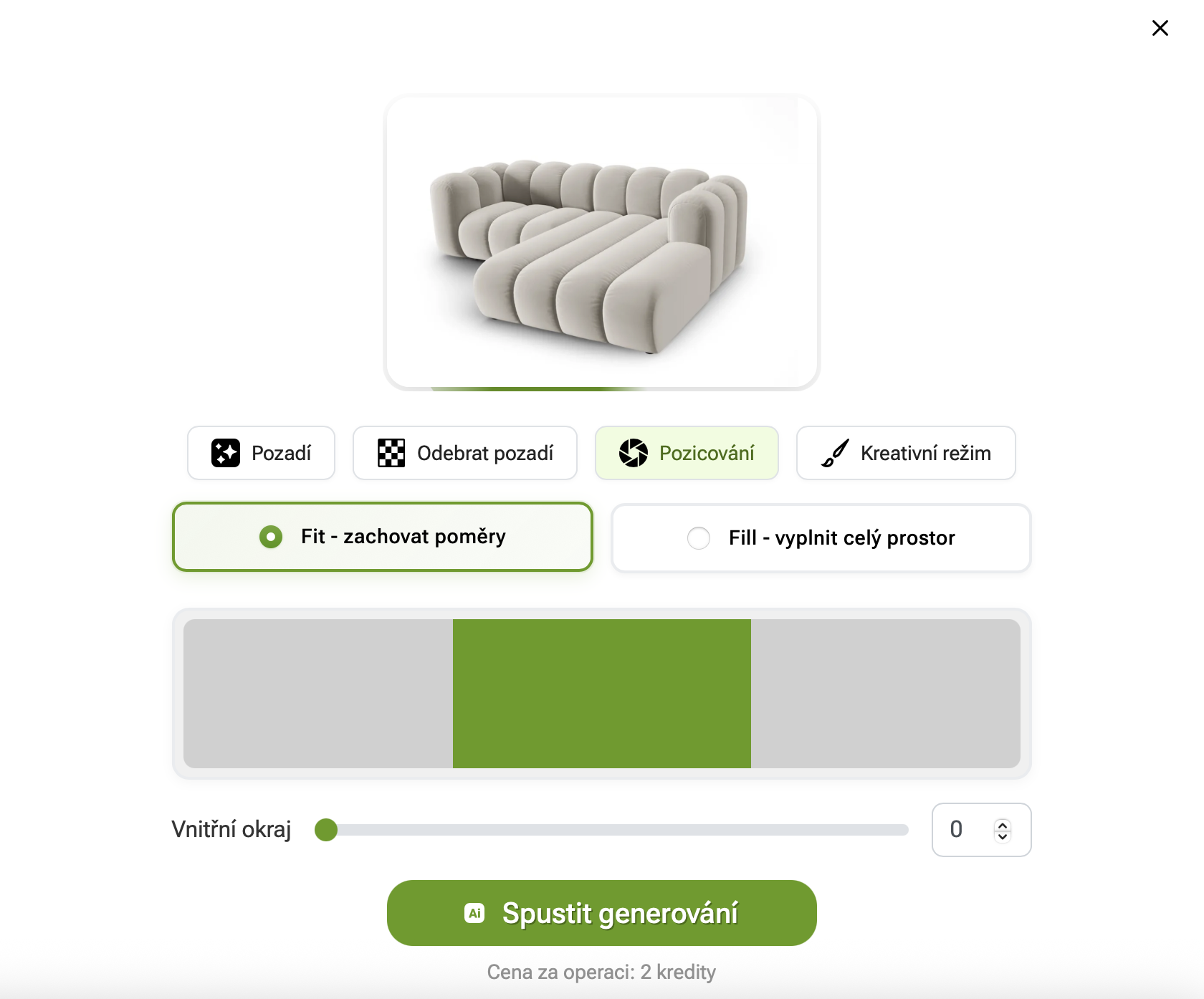
Positioning

Positioning helps solve situations where you have non-standard photo dimensions. Pobo Page Builder works with photos in 4:3 format. With positioning, you can either stretch your photos to fill the entire allotted space. Or choose to keep the dimensions and center them.

You can also adjust the offset from the edge - creating a white border around the photo.

Video instructions

How to use this feature effectively on your e-shop?

Whether you're using Pobo or just considering it, we'd love to show you how to make the most of this feature. Together, we'll go over deployment options, practical examples, and how AI photo generation can help your e-commerce store specifically.

Book a short 30-minute call we'll show you how Pobo works, what AI visuals it can create and how it can save you time, money and product photo work.

Book a call

How to Generate Photos with AI in Pobo (and Why It’s a Game-Changer)